Personal finance

Your money in order, without typing anything.

Linkly reads the receipts, invoices and payslips in your email and puts them next to the payments from your bank. You see where your money goes, what your recurring costs are and when a contract ends.

Not open to the public yet. First up: households, freelancers and people who keep their own finances in order.

One overview of your money

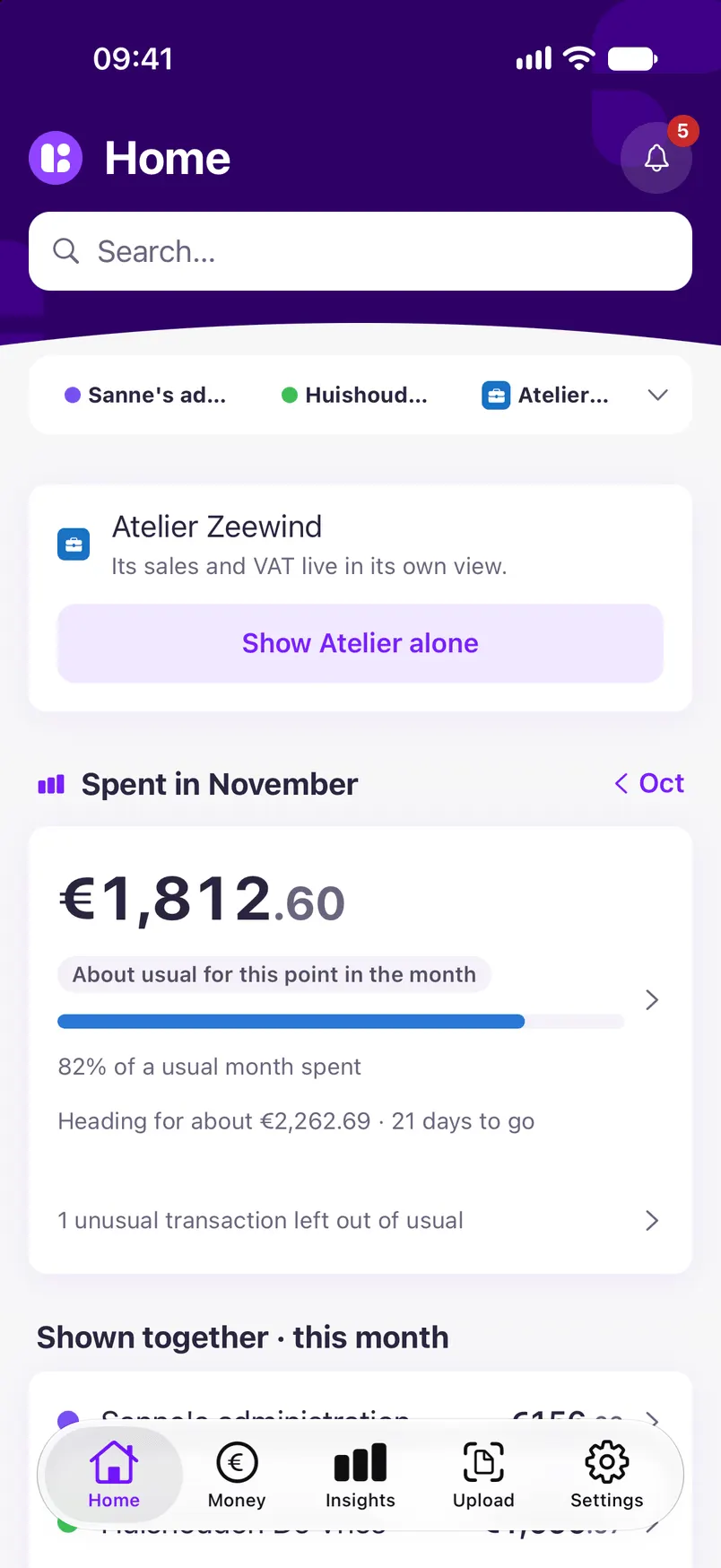
What went out this month, what came in and what needs your attention, for everything you show together. Linkly fills it in for you, from your email and your bank.
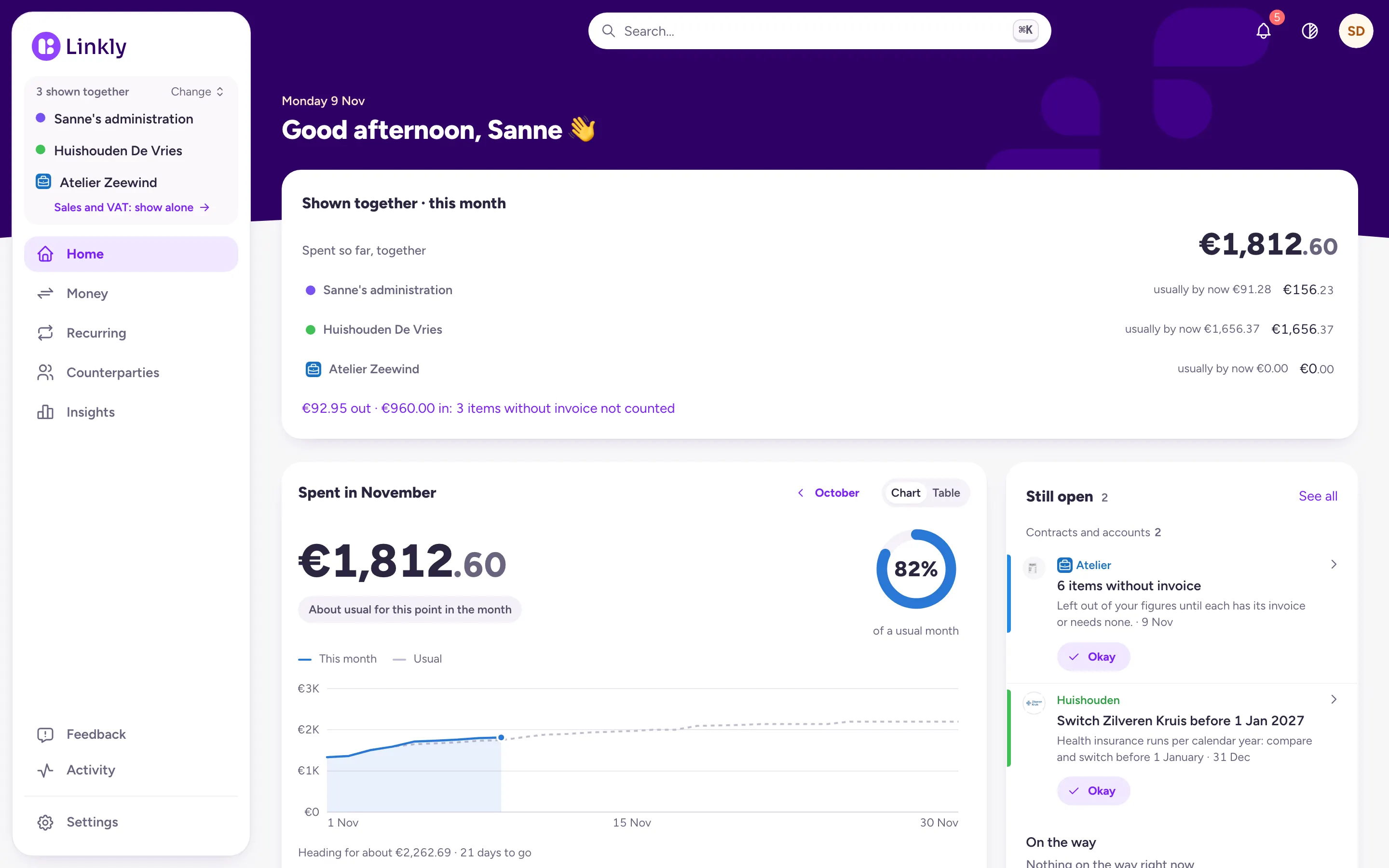
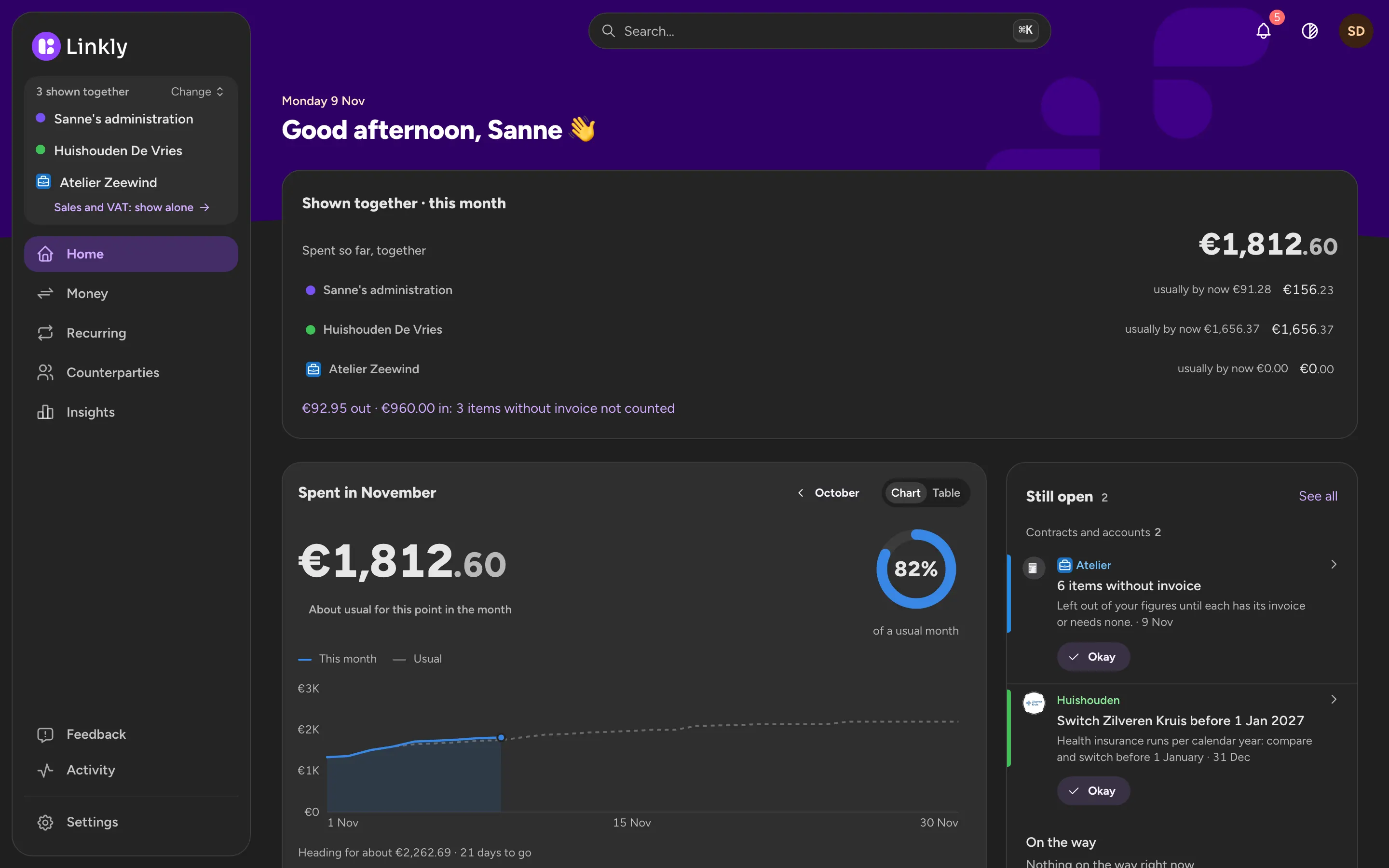
Linkly's home page with three administrations shown together: this month's spending for each, the month against a usual month and what is still open.Linkly's home page with three administrations shown together: this month's spending for each, the month against a usual month and what is still open.
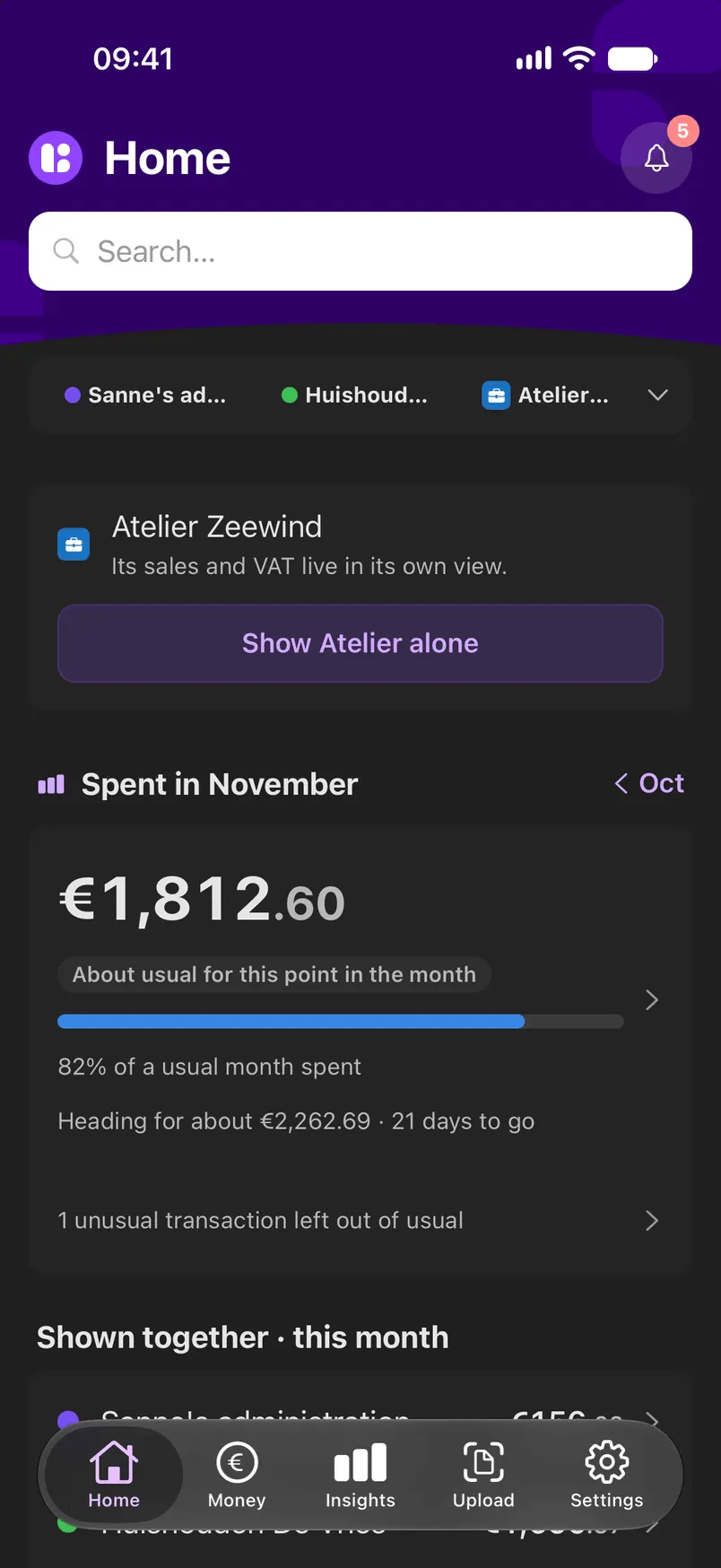
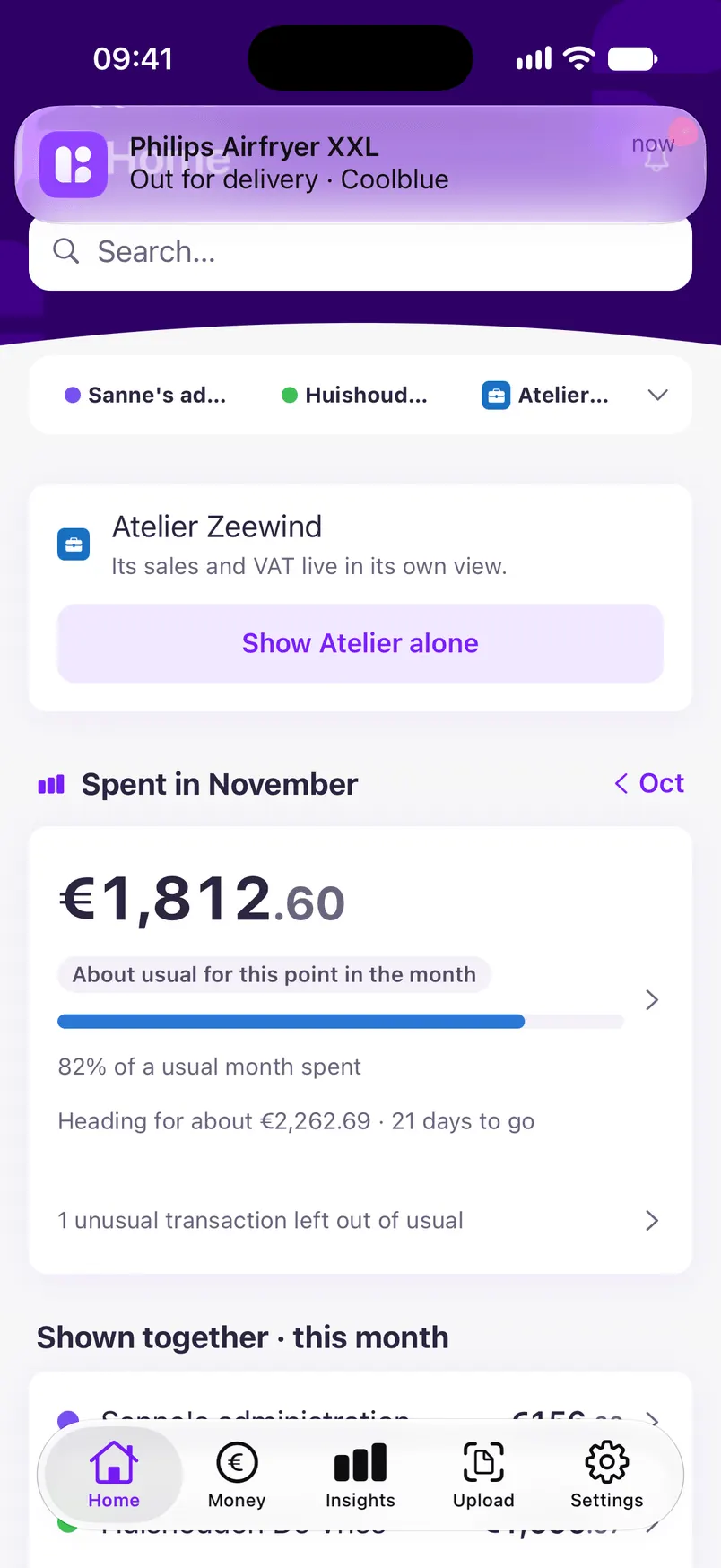
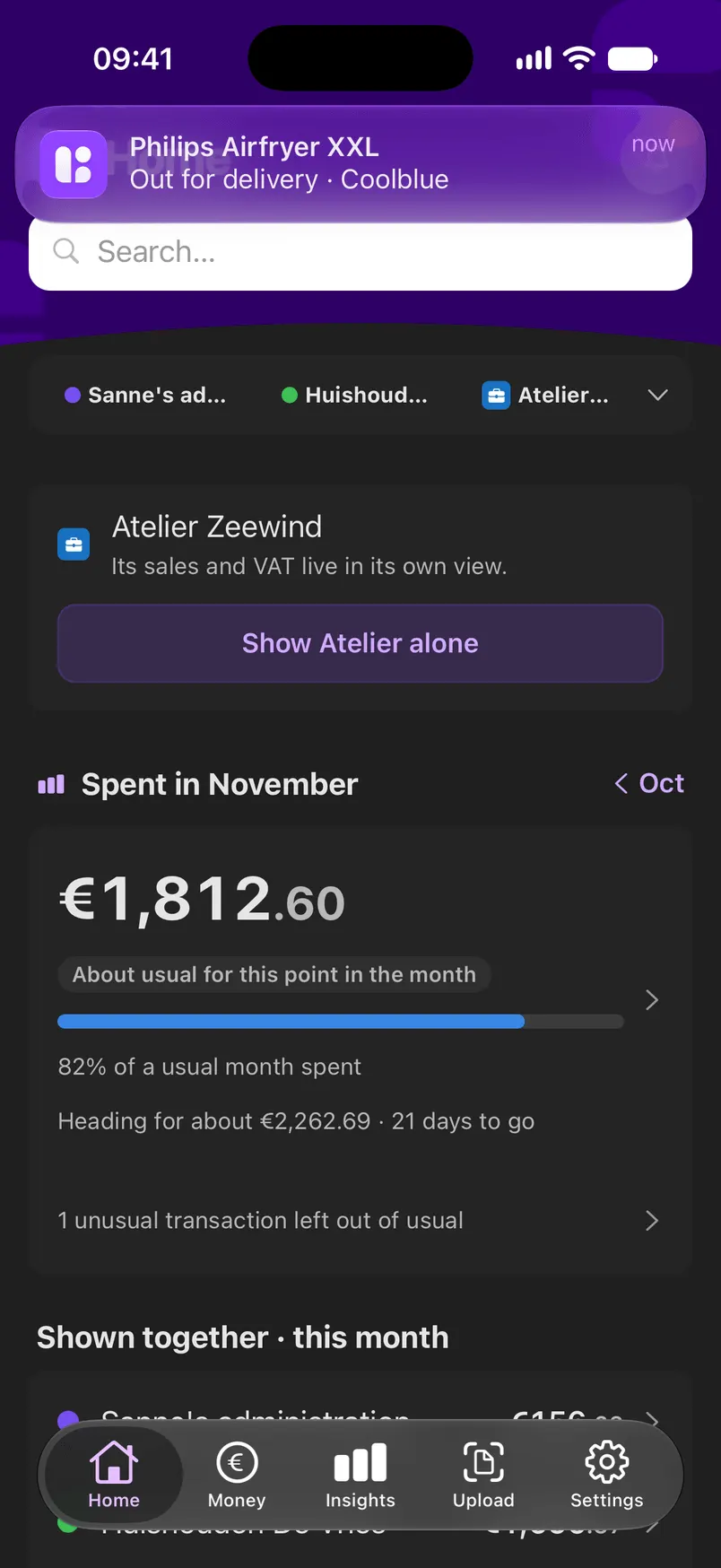
Home in the Linkly app on an iPhone: this month's spending against a usual month, and the three administrations shown together.Home in the Linkly app on an iPhone: this month's spending against a usual month, and the three administrations shown together.
Screenshot with sample data.

What Linkly does for you

  • Reads your email

    Receipts, invoices, payslips, order confirmations and contract emails are found and read automatically.

  • Reads your payments

    From a file you download at your bank. Every payment gets a name and a category.

  • Connects the dots

    The receipt belongs to the payment, the payment to the contract. Linkly links them and shows why.

Your own money and shared money

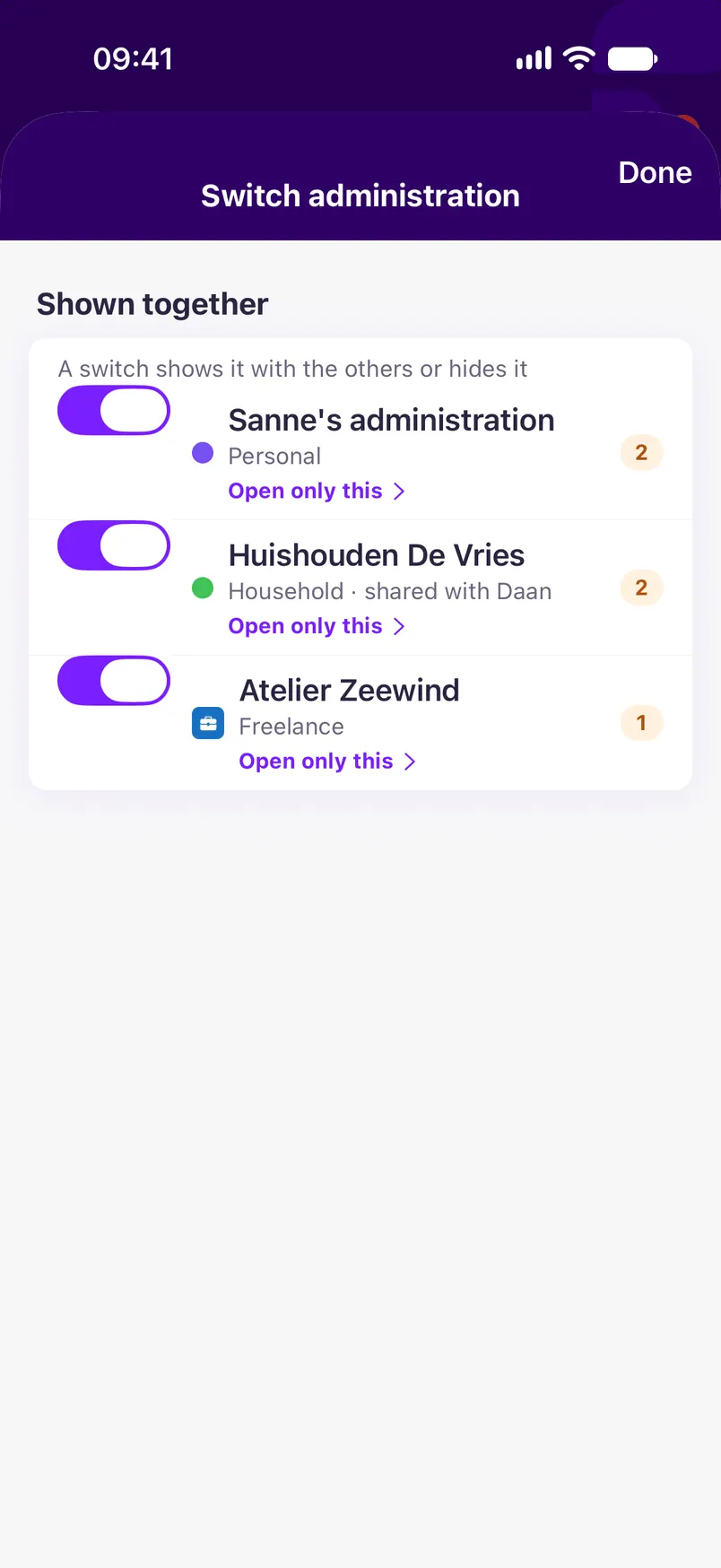
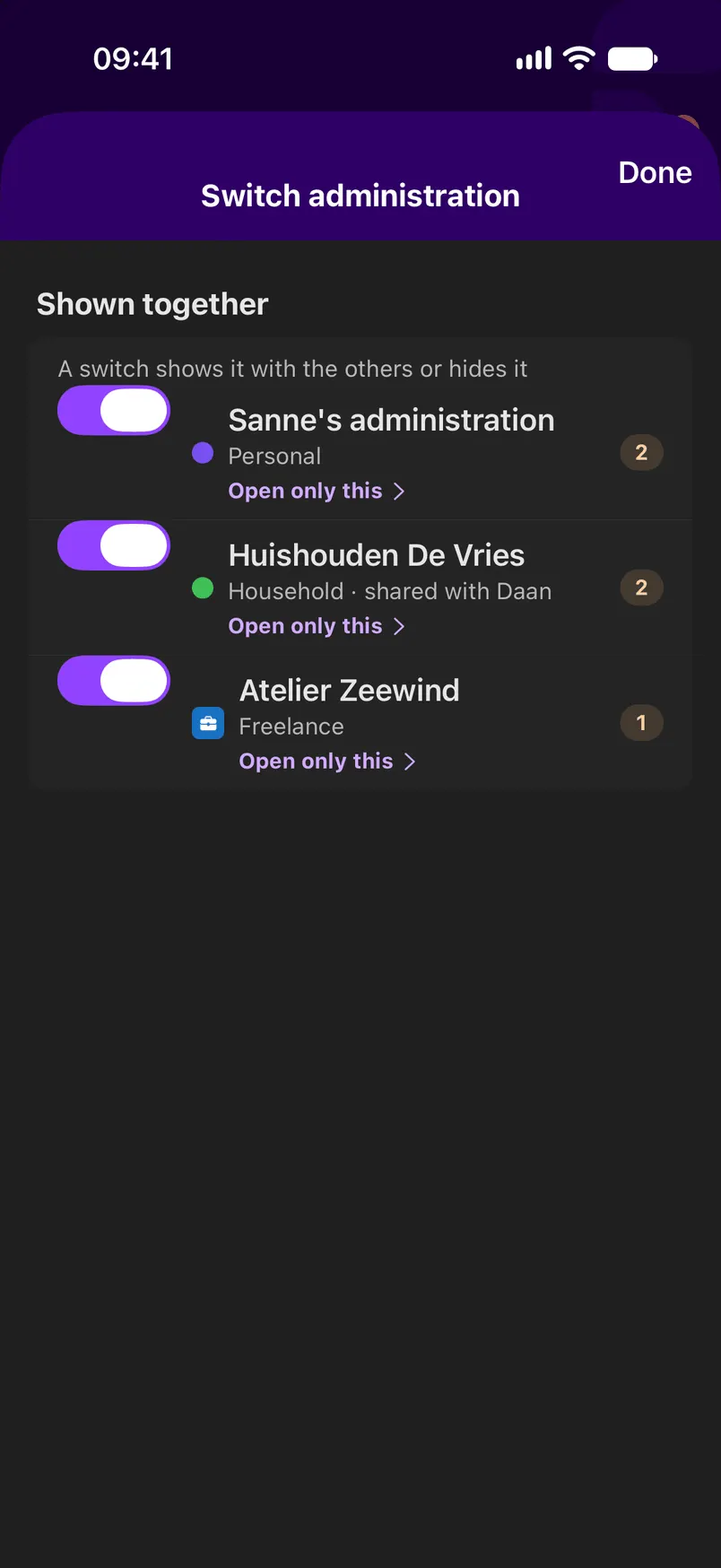
Your own money stays in your Personal administration. What you share at home goes in a Household, with your partner. Work for yourself? That gets its own Freelance administration. Look at them together or one at a time, and search goes through all of them.

  • Personal

    Your own money, just you. Nobody else sees it, unless you let someone look along: they can only read it.

  • Household

    What you share at home: the joint account, the rent, the groceries. You each keep your own Personal next to it.

  • Freelance

    Your work, kept apart from your own money, even with one email address and one bank account for everything.
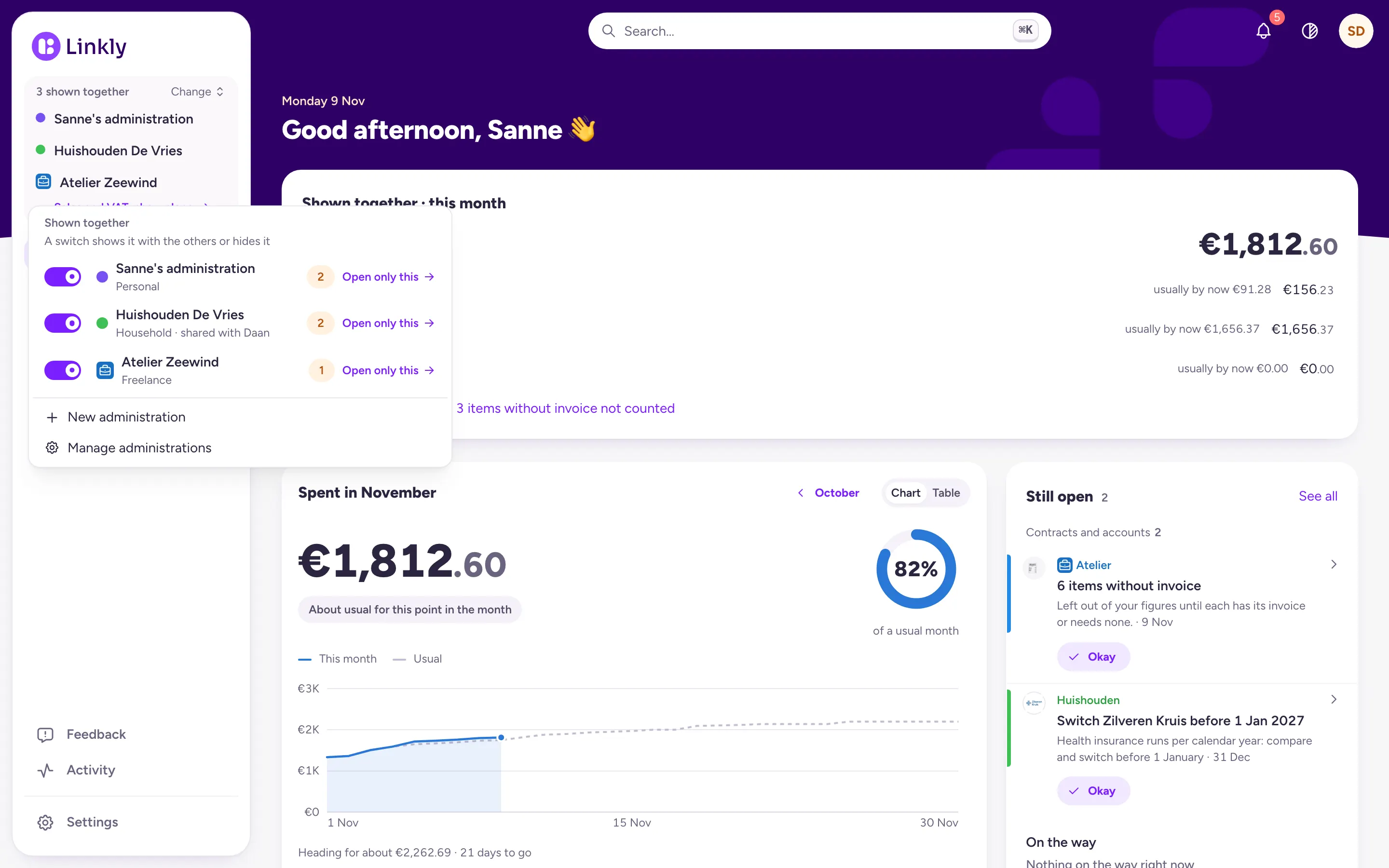
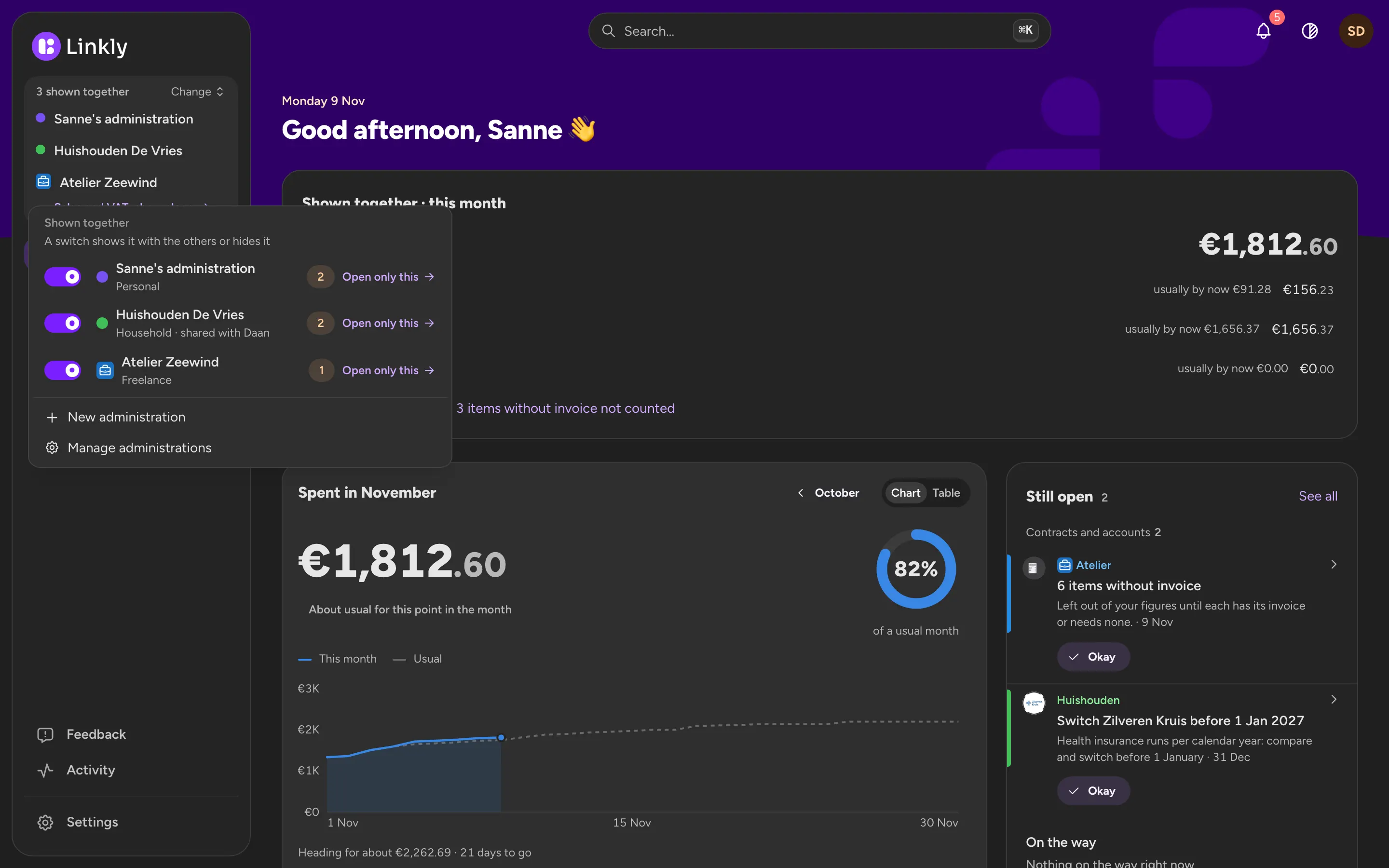
The switcher in Linkly: Sanne's administration, Huishouden De Vries shared with Daan, and Atelier Zeewind, each with a tick and its kind, under Shown together.The switcher in Linkly: Sanne's administration, Huishouden De Vries shared with Daan, and Atelier Zeewind, each with a tick and its kind, under Shown together.
Switching administrations in the app: Sanne's, the Household shared with Daan and Atelier Zeewind, all three shown together.Switching administrations in the app: Sanne's, the Household shared with Daan and Atelier Zeewind, all three shown together.

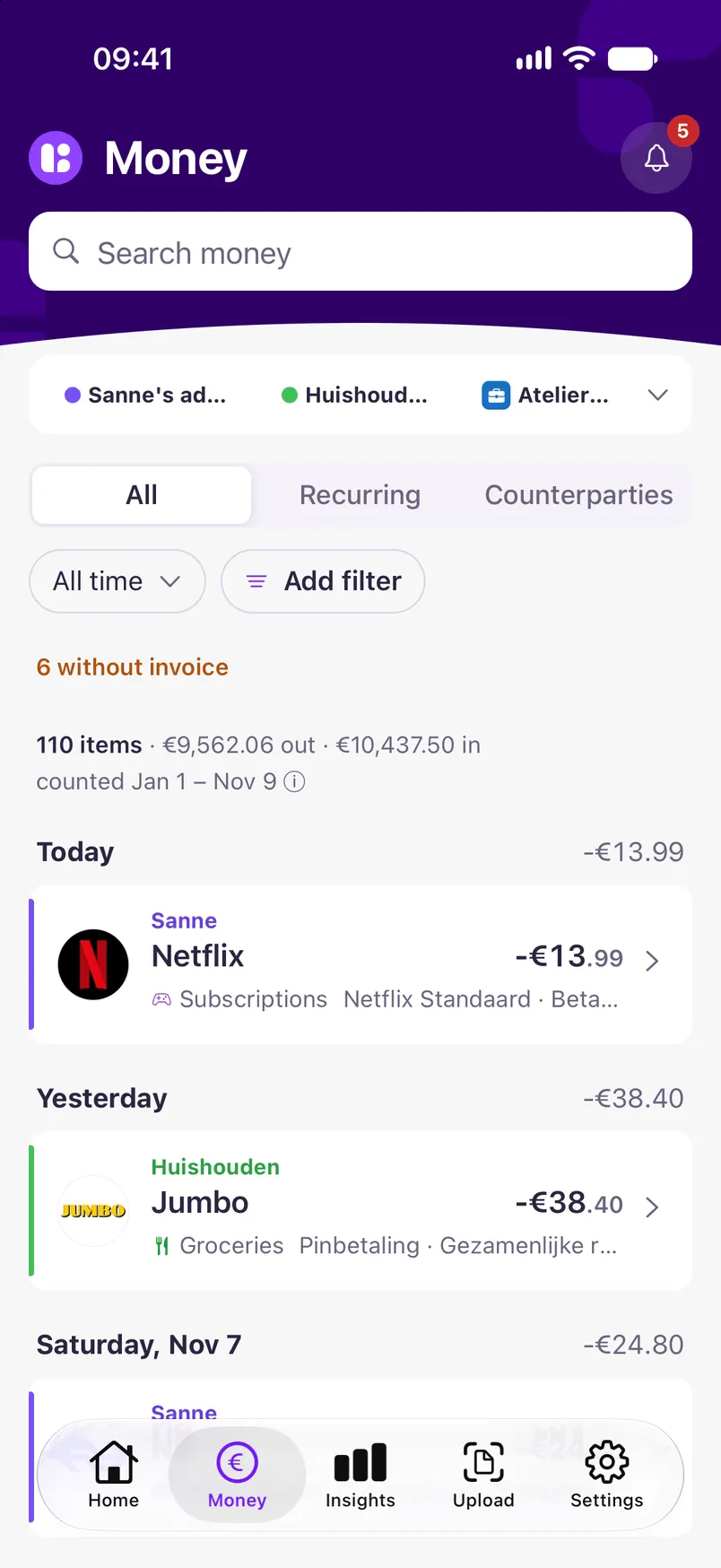
Every payment with a name and a category

Your bank says 'BEA NR 4821 AH 1057'. Linkly turns it into Albert Heijn, with its logo and the category Groceries, and knows which receipt belongs to it.
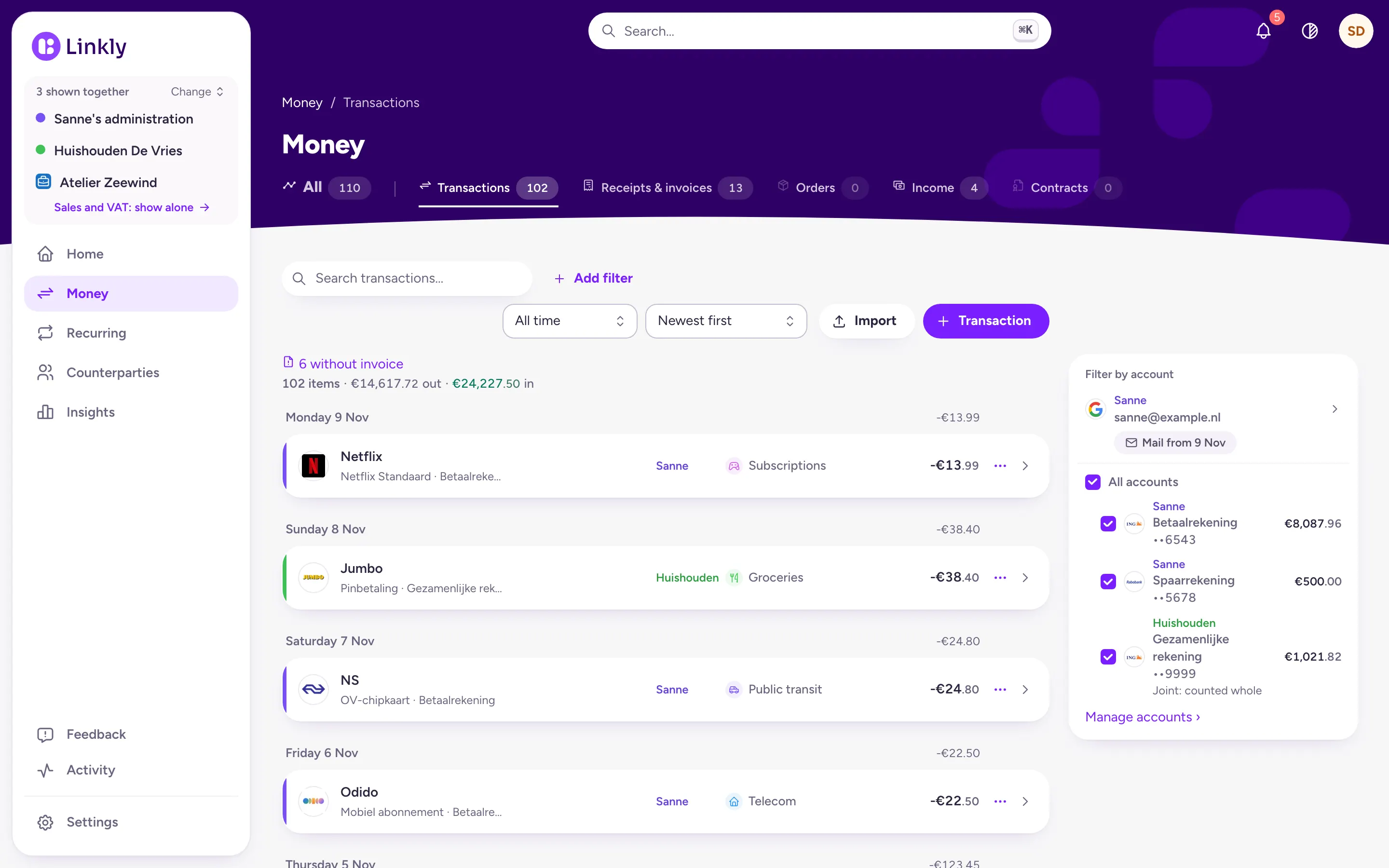
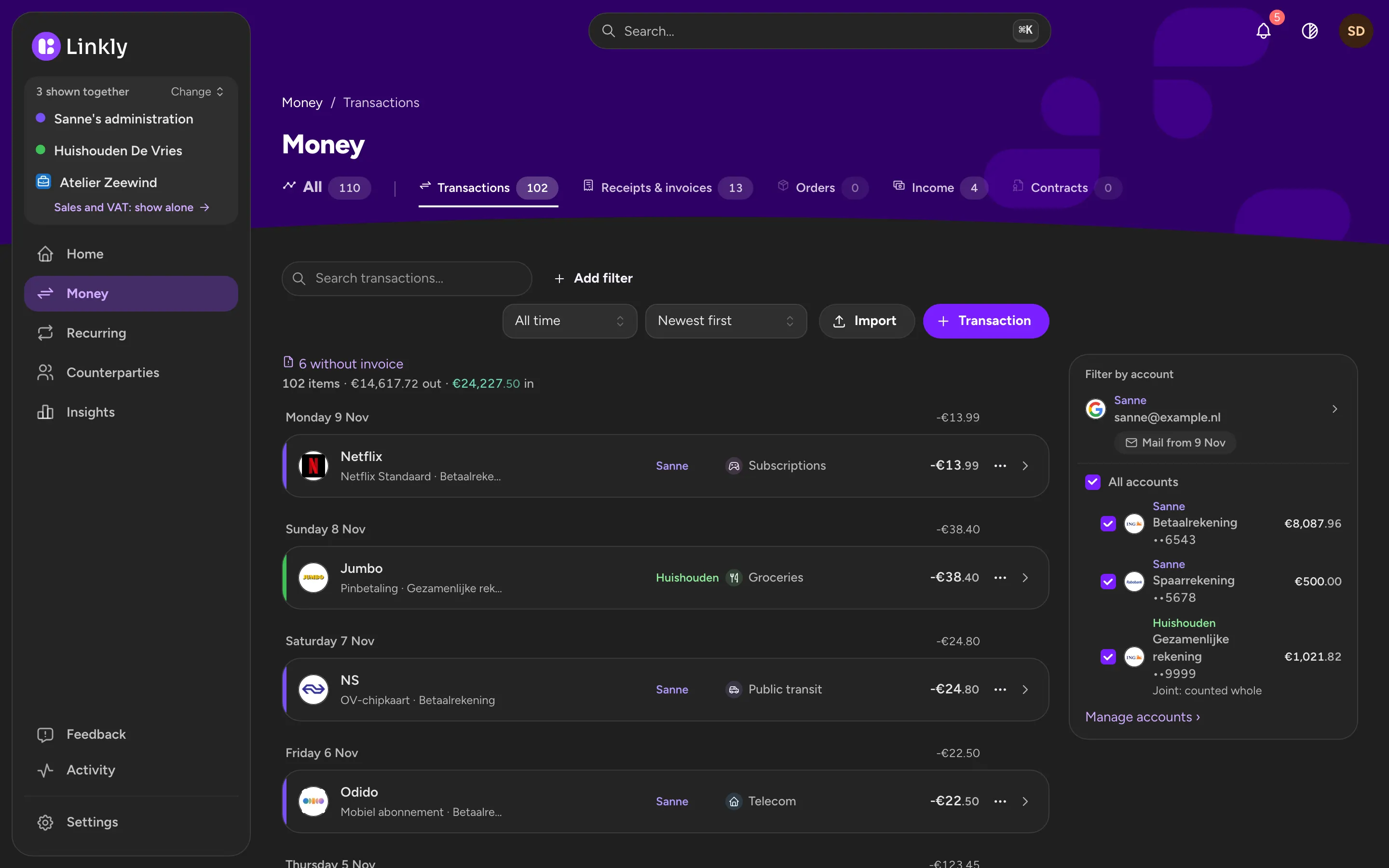
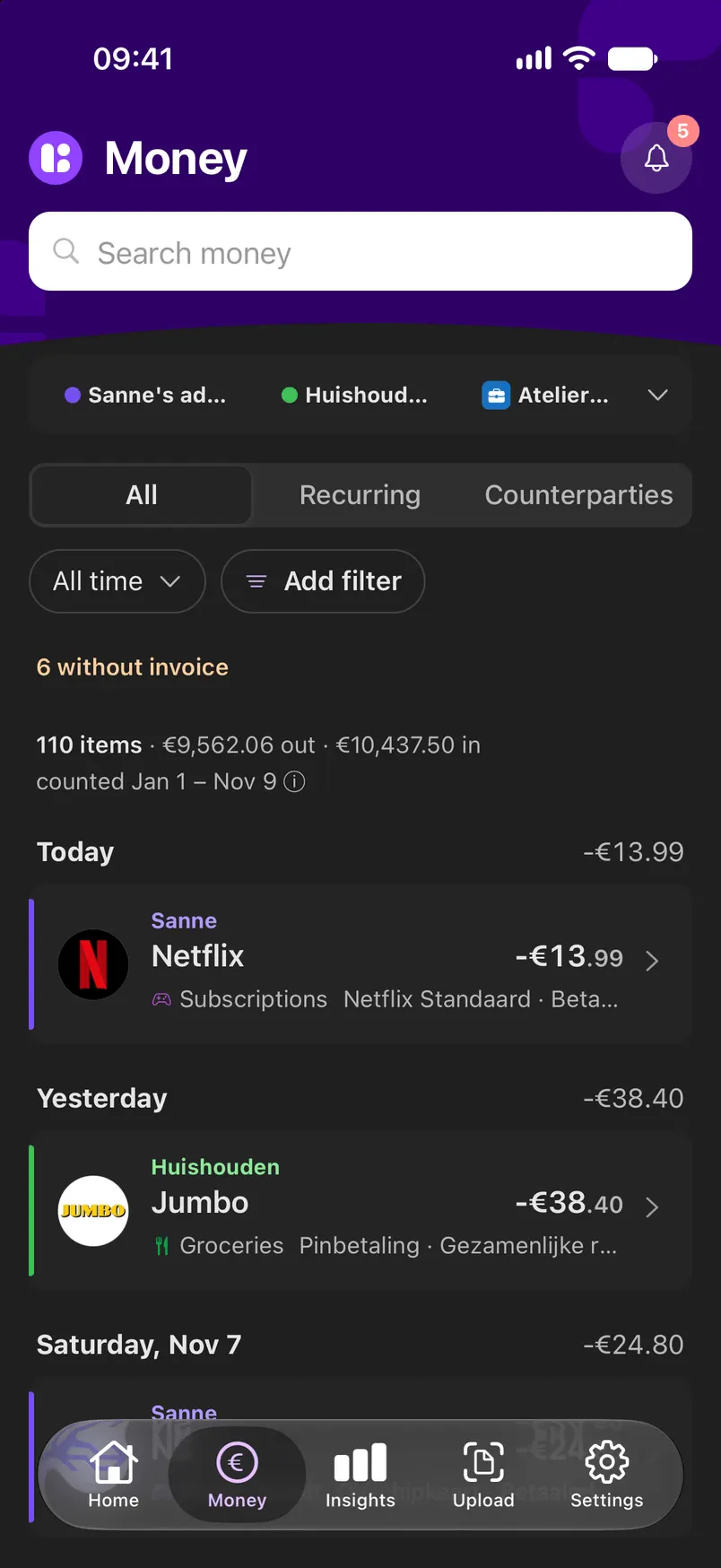
A list of transactions by day, with shop logos, categories, amounts and a mark for the administration each one is in.A list of transactions by day, with shop logos, categories, amounts and a mark for the administration each one is in.
Money in the app: payments by day, with logos, categories and the administration each one is in.Money in the app: payments by day, with logos, categories and the administration each one is in.

The receipt sits next to the payment

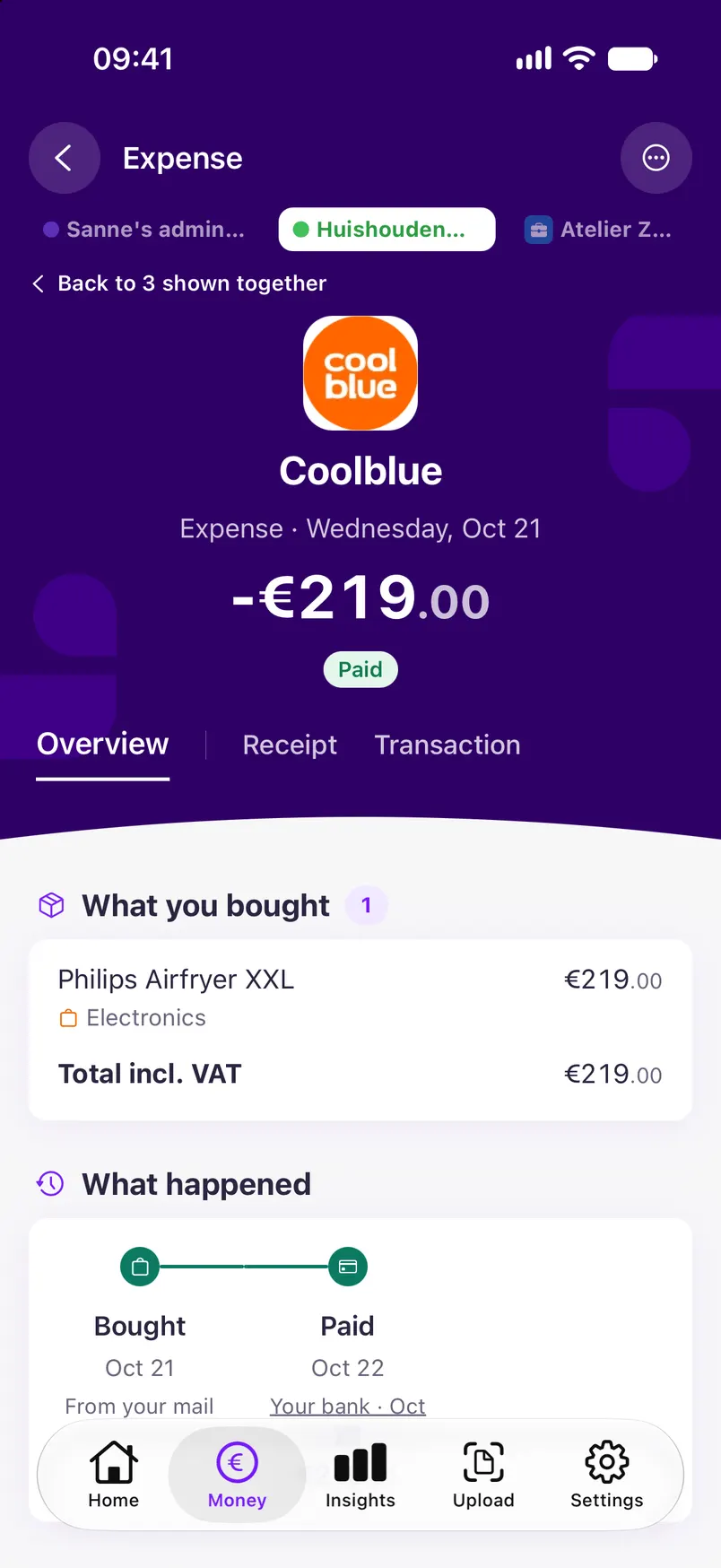
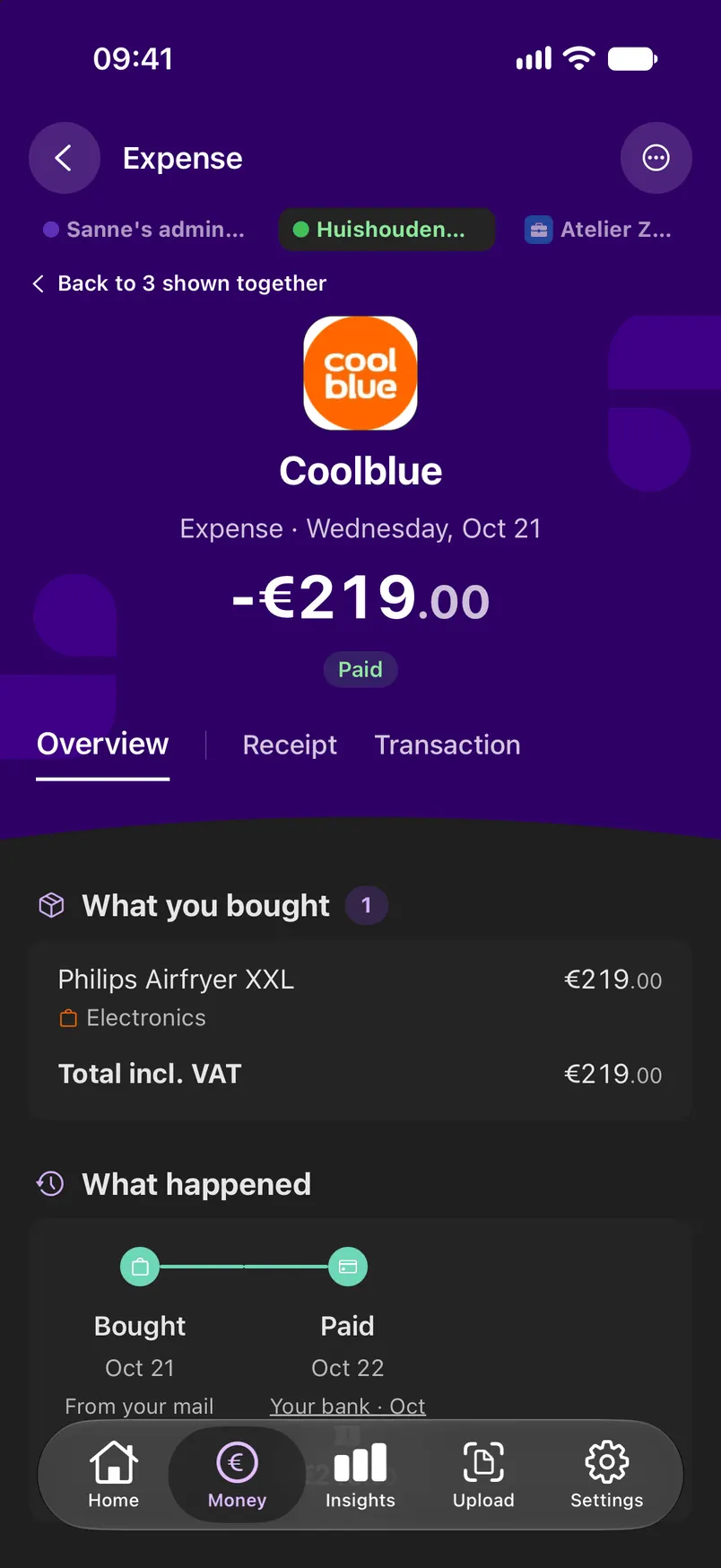
A receipt from your email, a PDF you upload or a scan with your phone, several pages in one go: Linkly reads the amount, date, shop and VAT, and shows the original next to it. You always see where a number comes from.
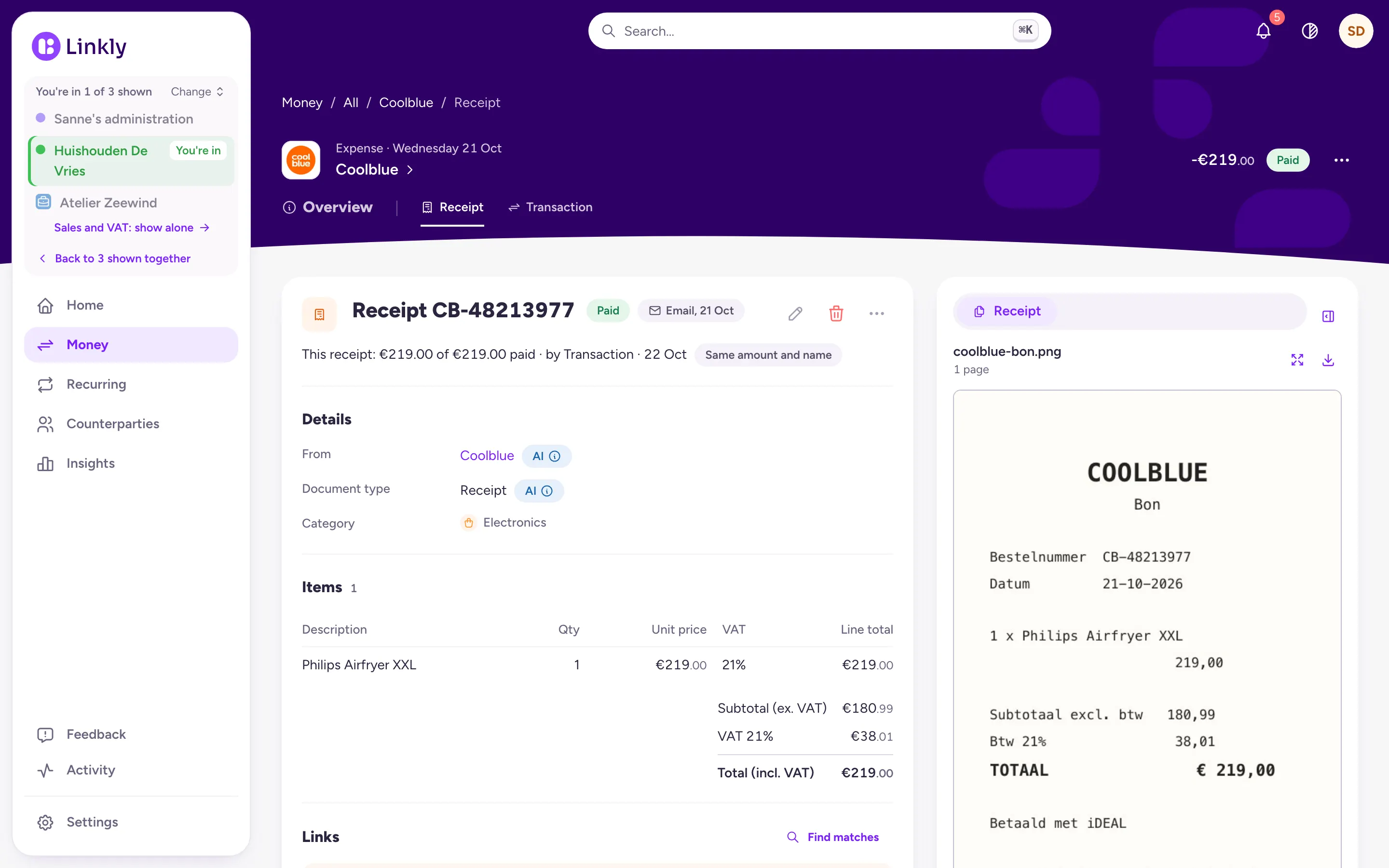
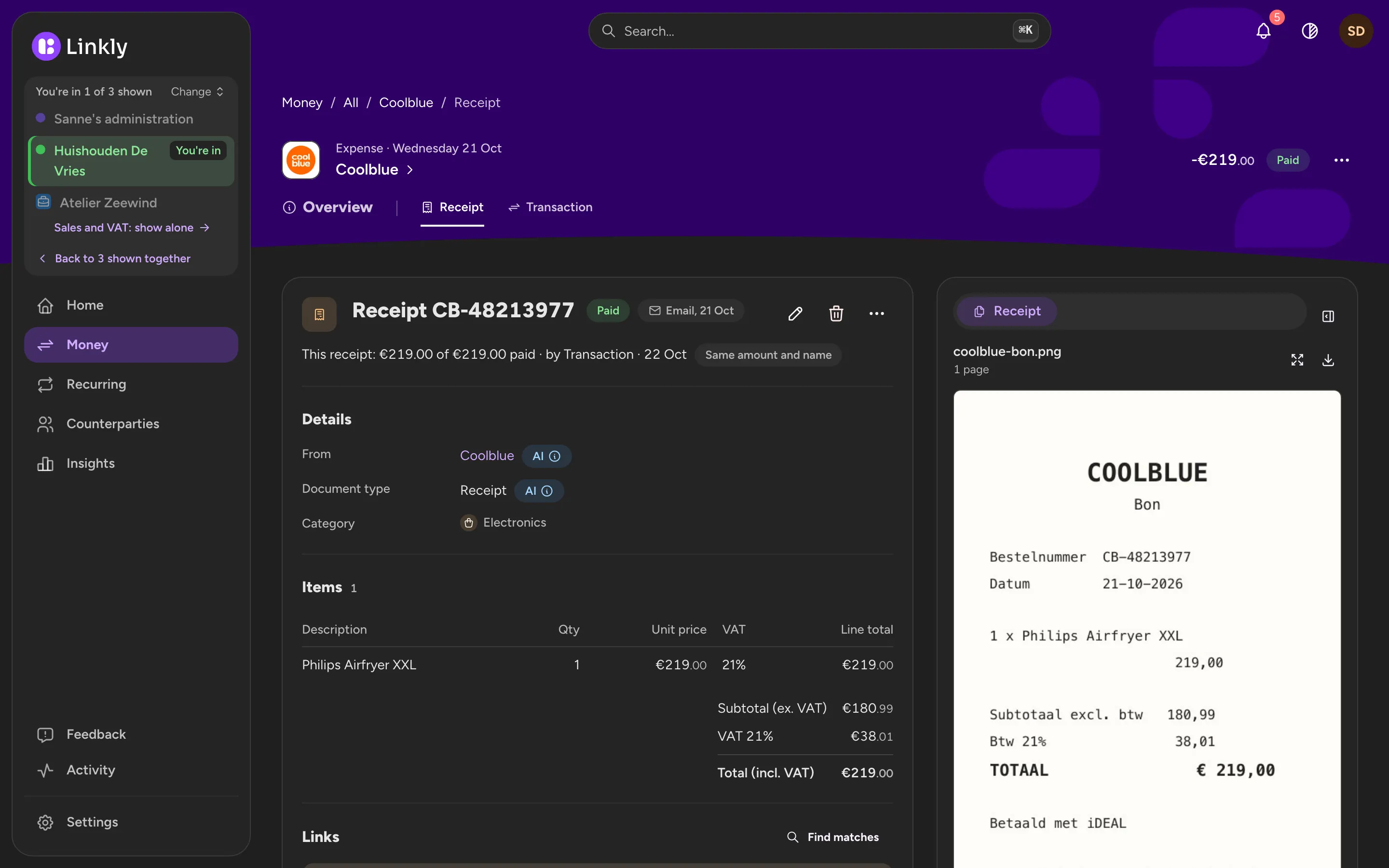
A Coolblue receipt in Linkly, with the details on the left and the original receipt on the right.A Coolblue receipt in Linkly, with the details on the left and the original receipt on the right.
Coolblue in the app: what was bought, when it was ordered and paid, and the order and the payment that belong to it.Coolblue in the app: what was bought, when it was ordered and paid, and the order and the payment that belong to it.

Recurring costs and contracts at a glance

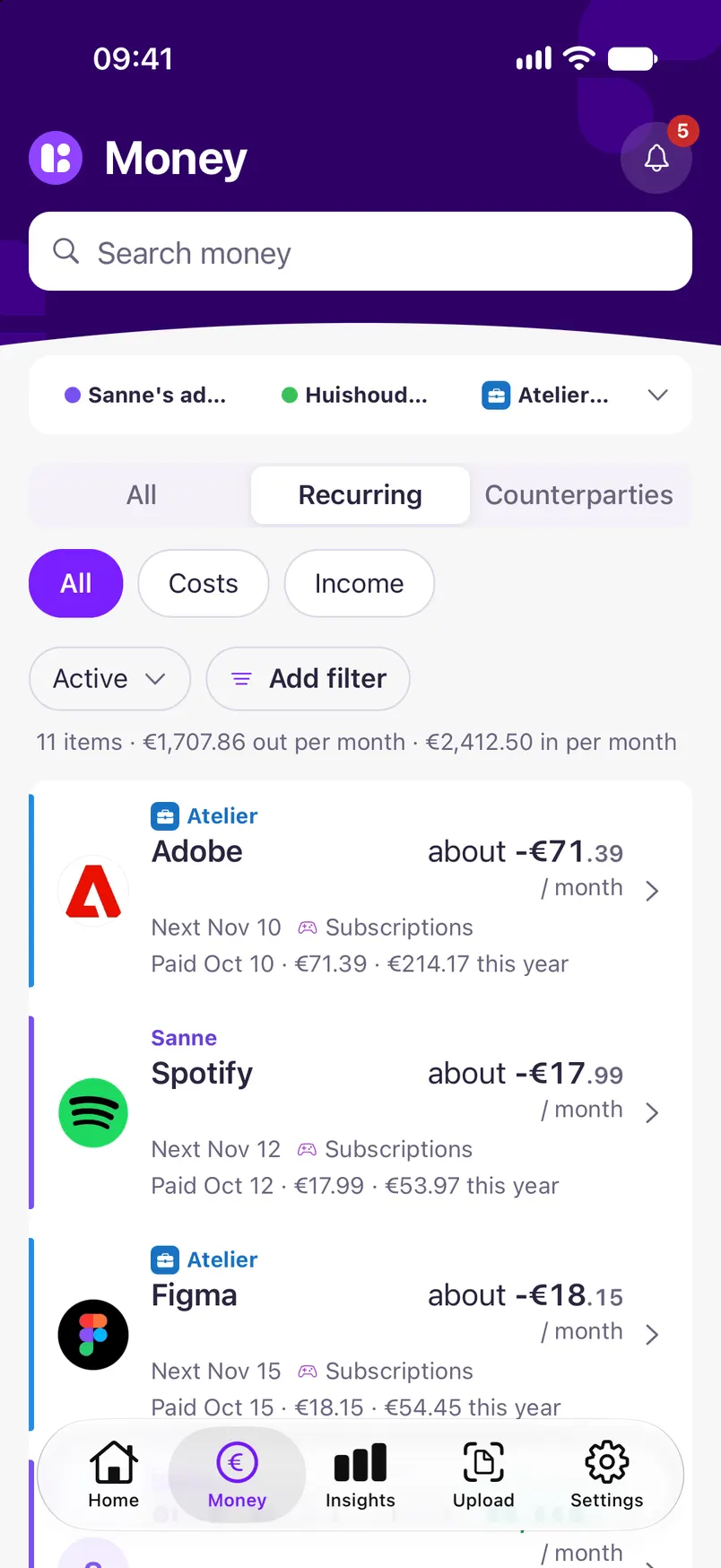
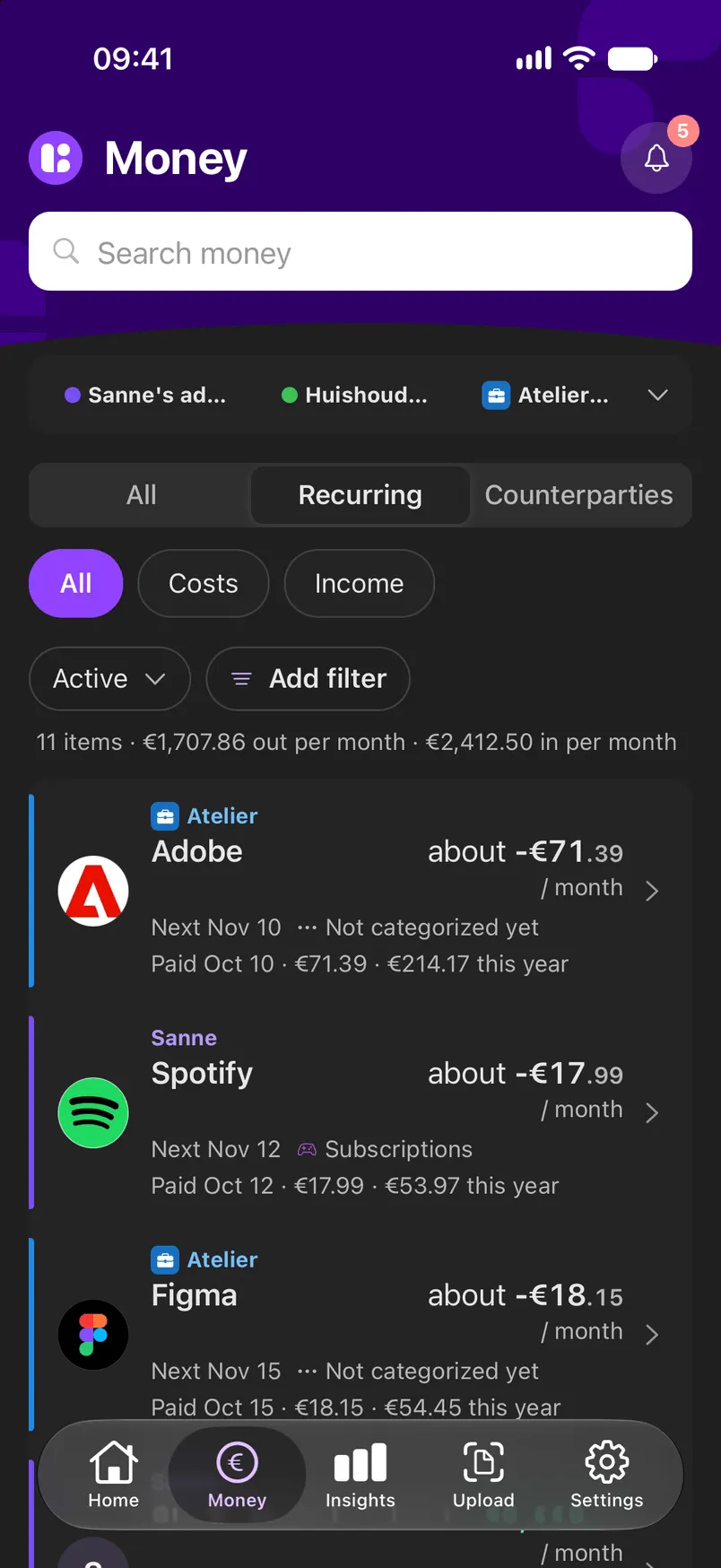
Rent, energy, insurance, subscriptions: Linkly recognises what comes back every month, notices when a price goes up and tells you in time when you can cancel a contract.
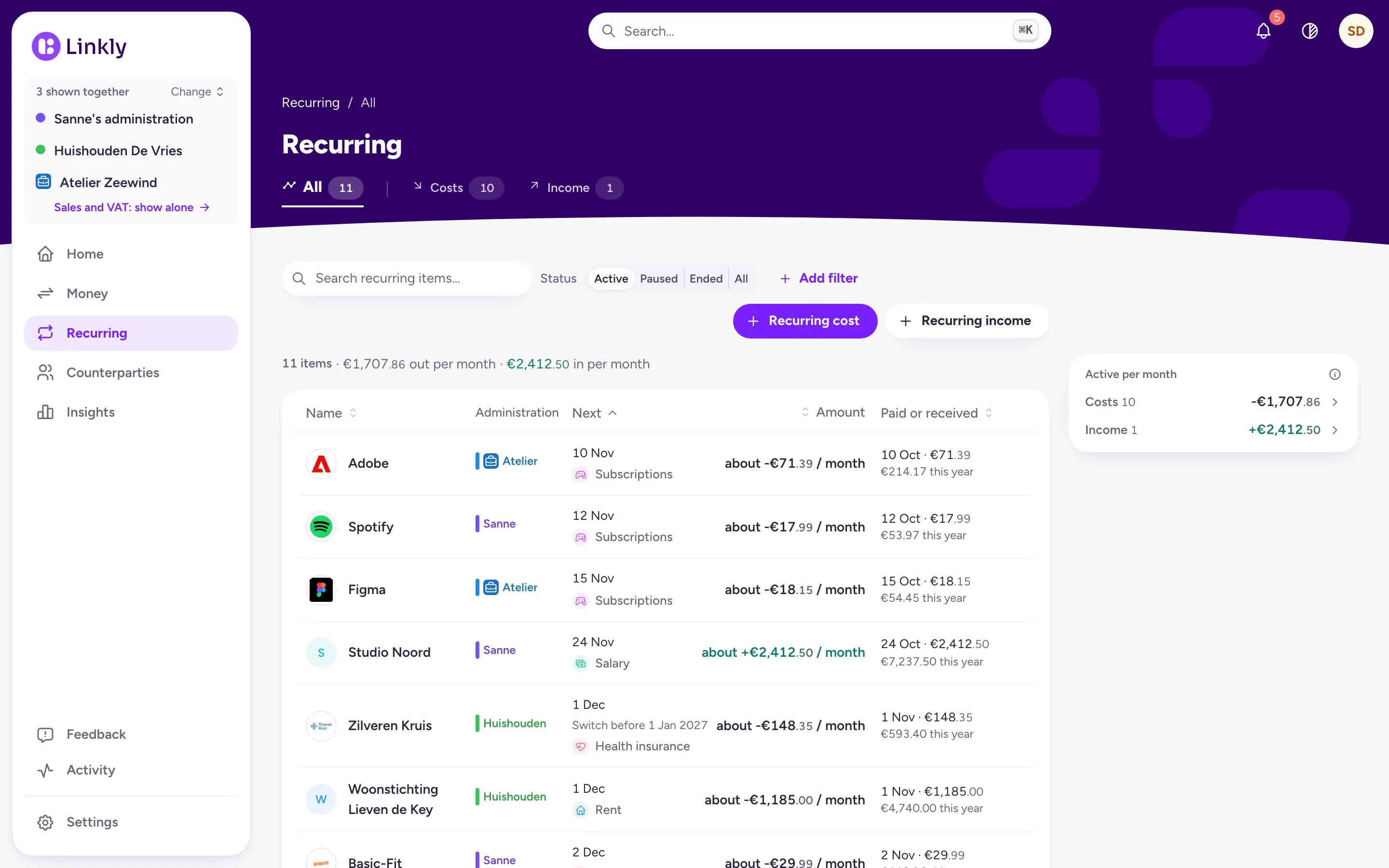
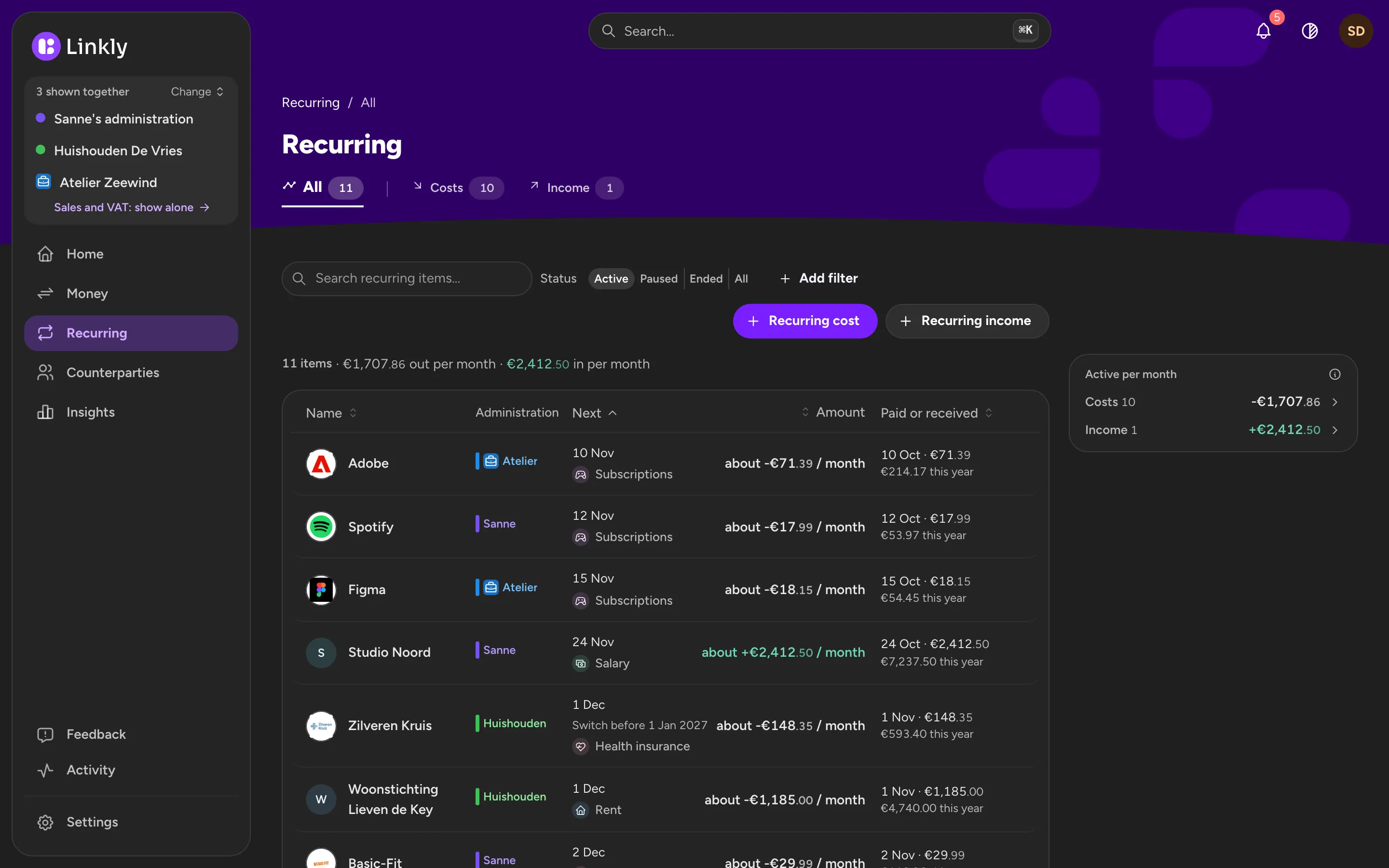
An overview of recurring costs such as Netflix, Adobe and Spotify, with the amount per month and the administration each one is in.An overview of recurring costs such as Netflix, Adobe and Spotify, with the amount per month and the administration each one is in.
Recurring in the app: each recurring cost with its amount per month and the next payment.Recurring in the app: each recurring cost with its amount per month and the next payment.

When Linkly is not sure, it asks you

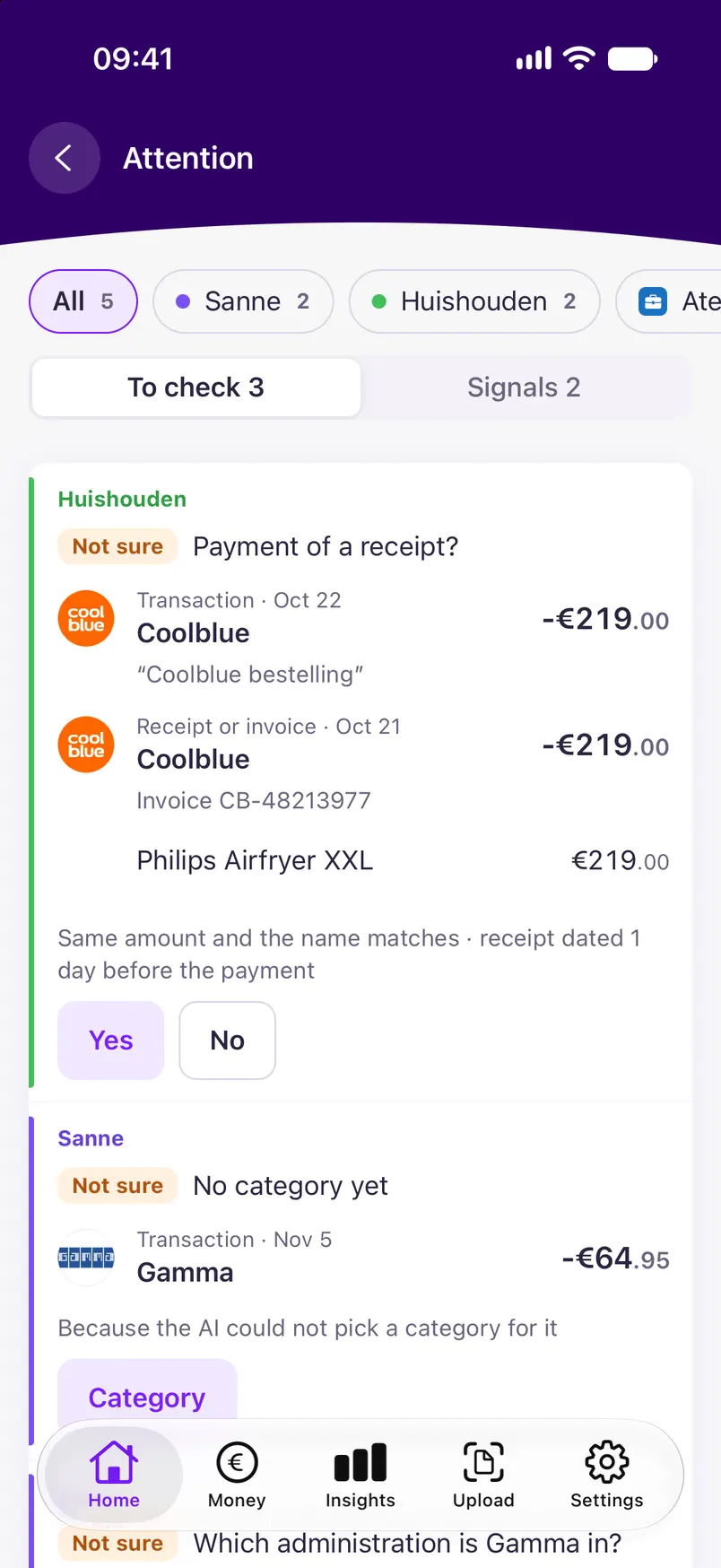
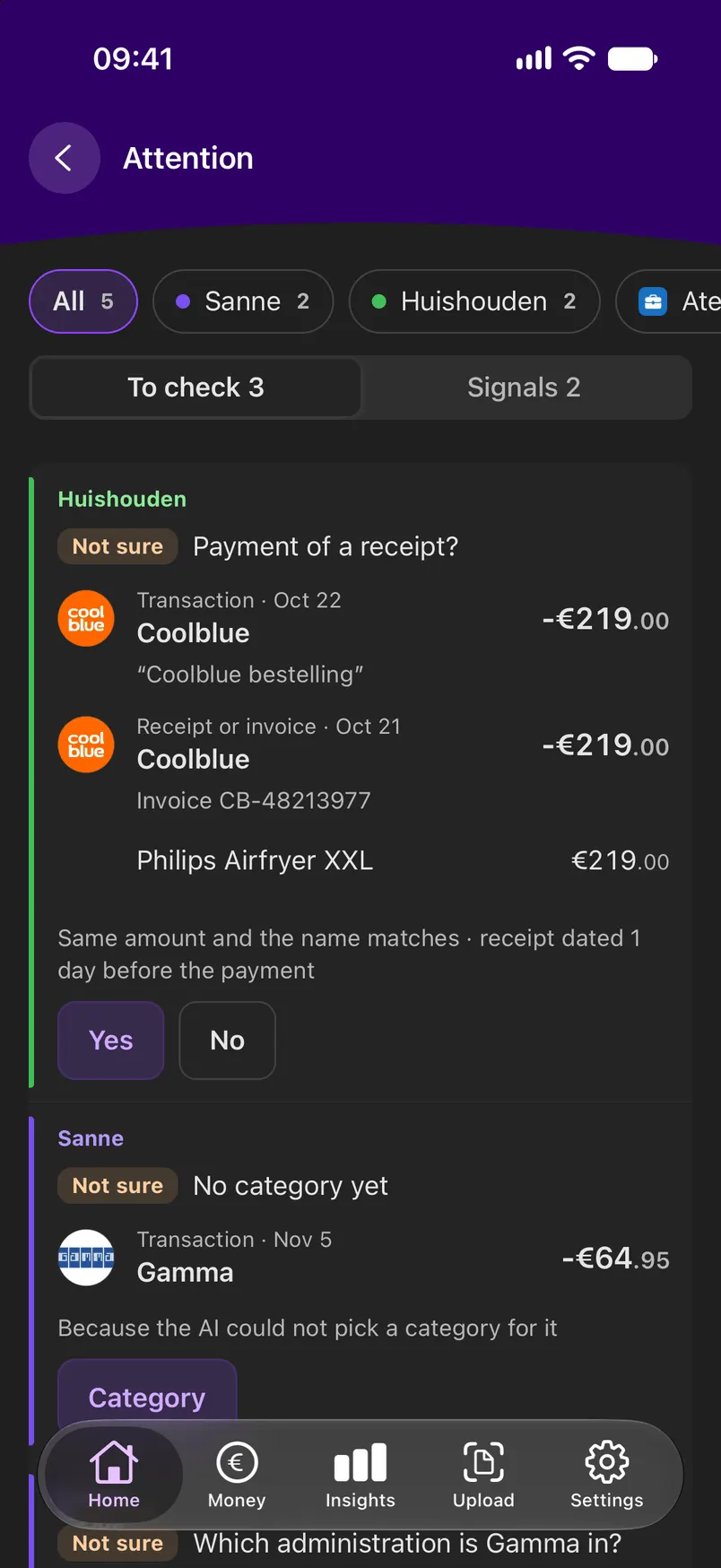
The AI does the work, but it decides nothing behind your back. Whatever Linkly doubts goes to Check. One click to confirm or correct, and every correction makes Linkly better.
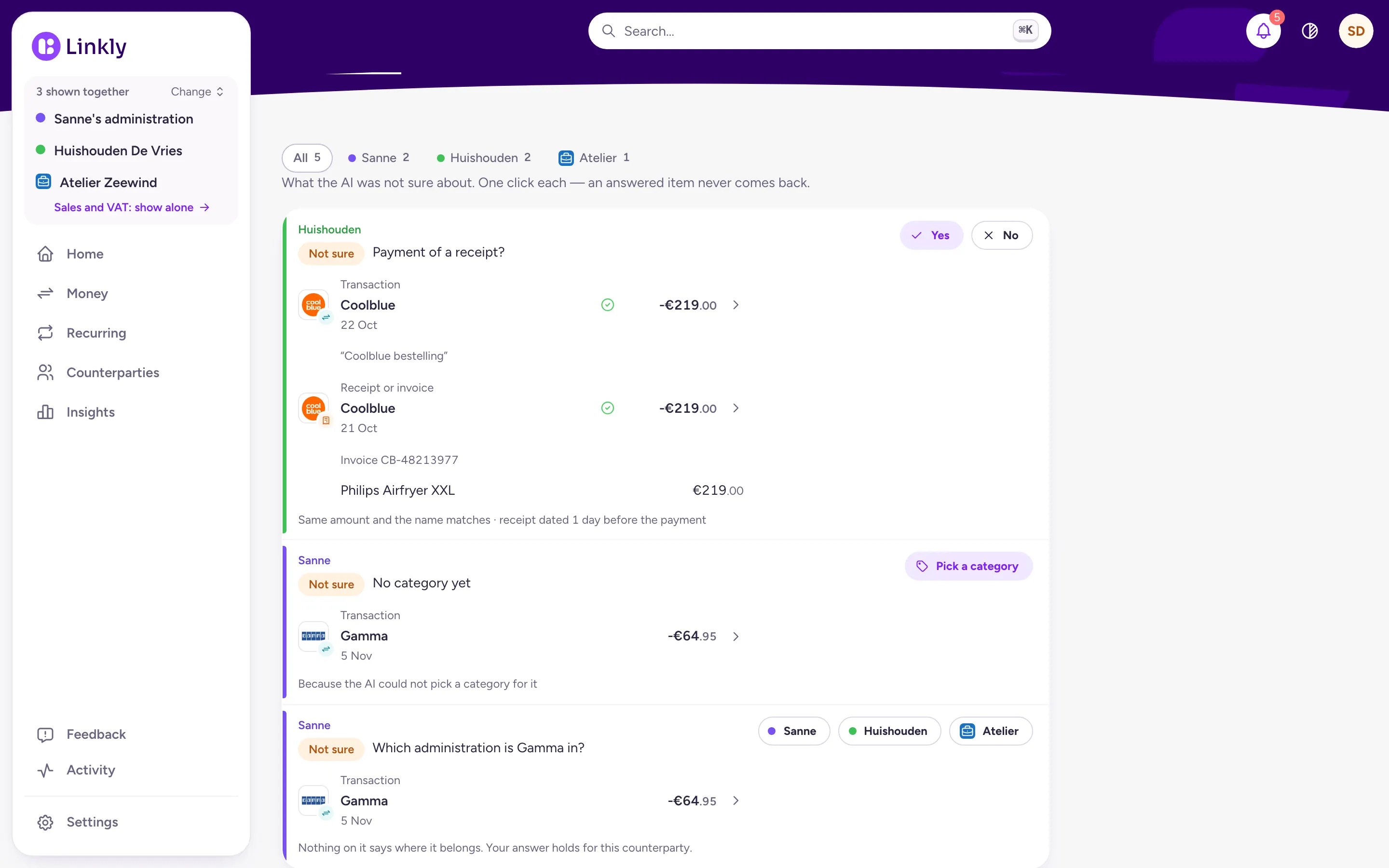
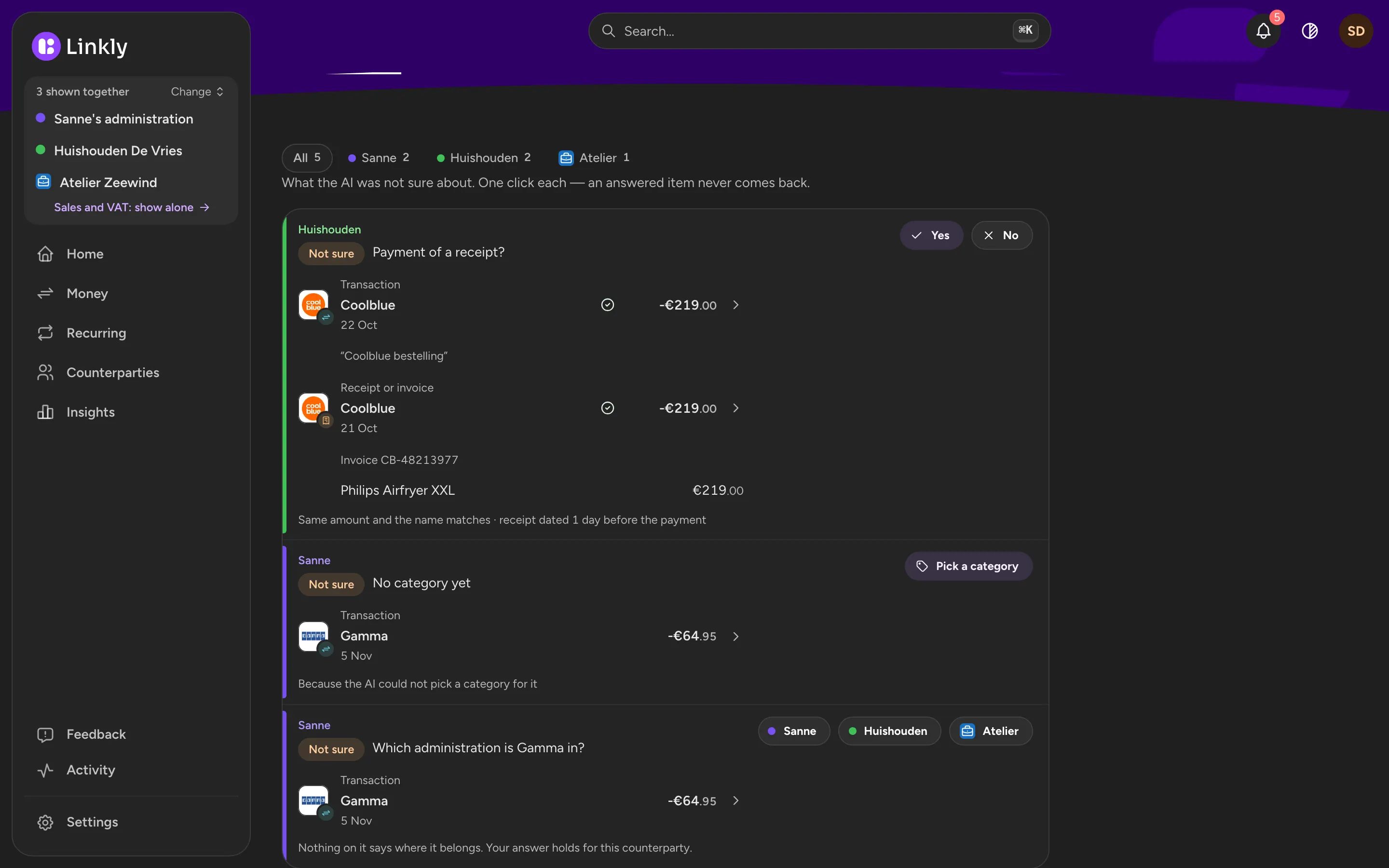
The To check list with a payment and a receipt to confirm as a pair, and a question about which administration a payment to Gamma is in.The To check list with a payment and a receipt to confirm as a pair, and a question about which administration a payment to Gamma is in.
To check in the app: a payment and a receipt to confirm as a pair, with Yes and No.To check in the app: a payment and a receipt to confirm as a pair, with Yes and No.

Everything per shop, employer or insurer

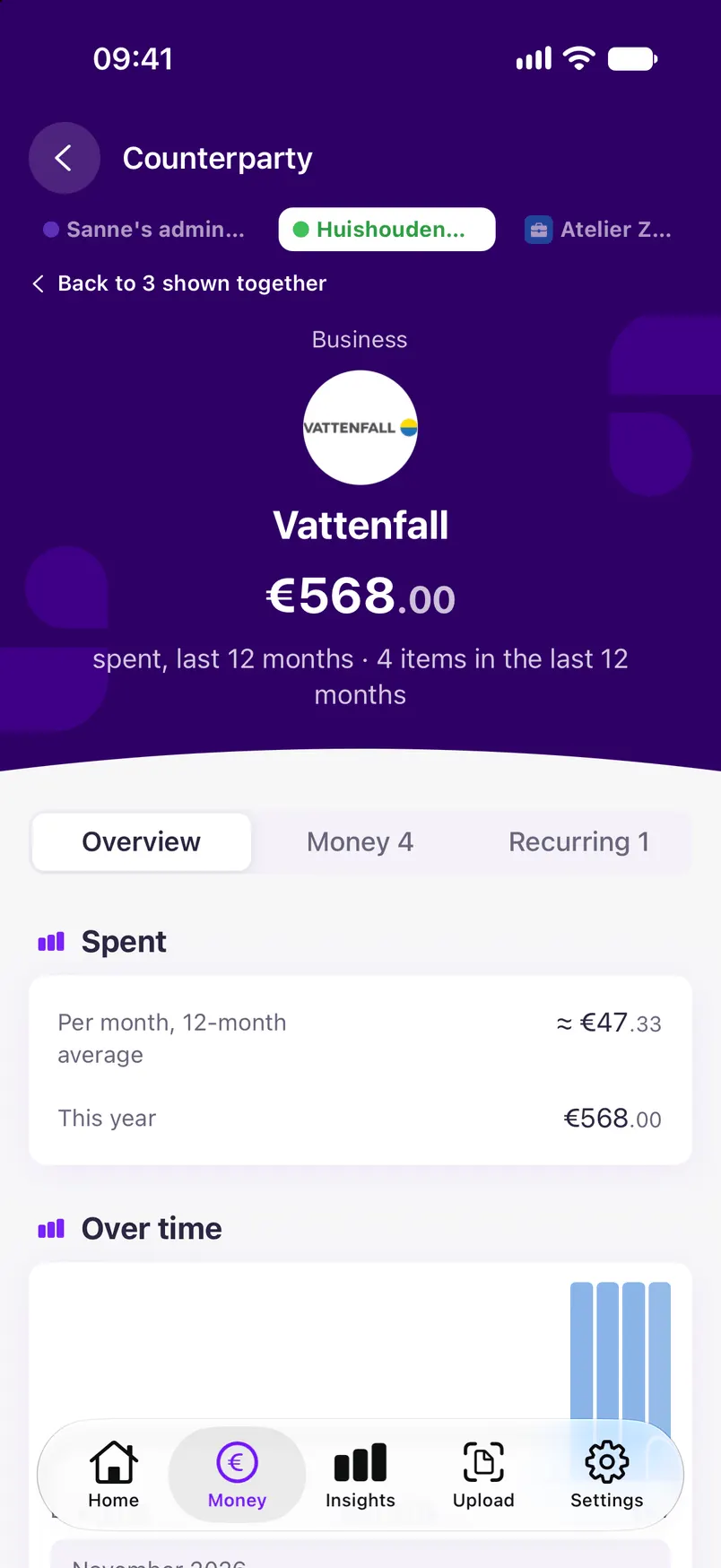
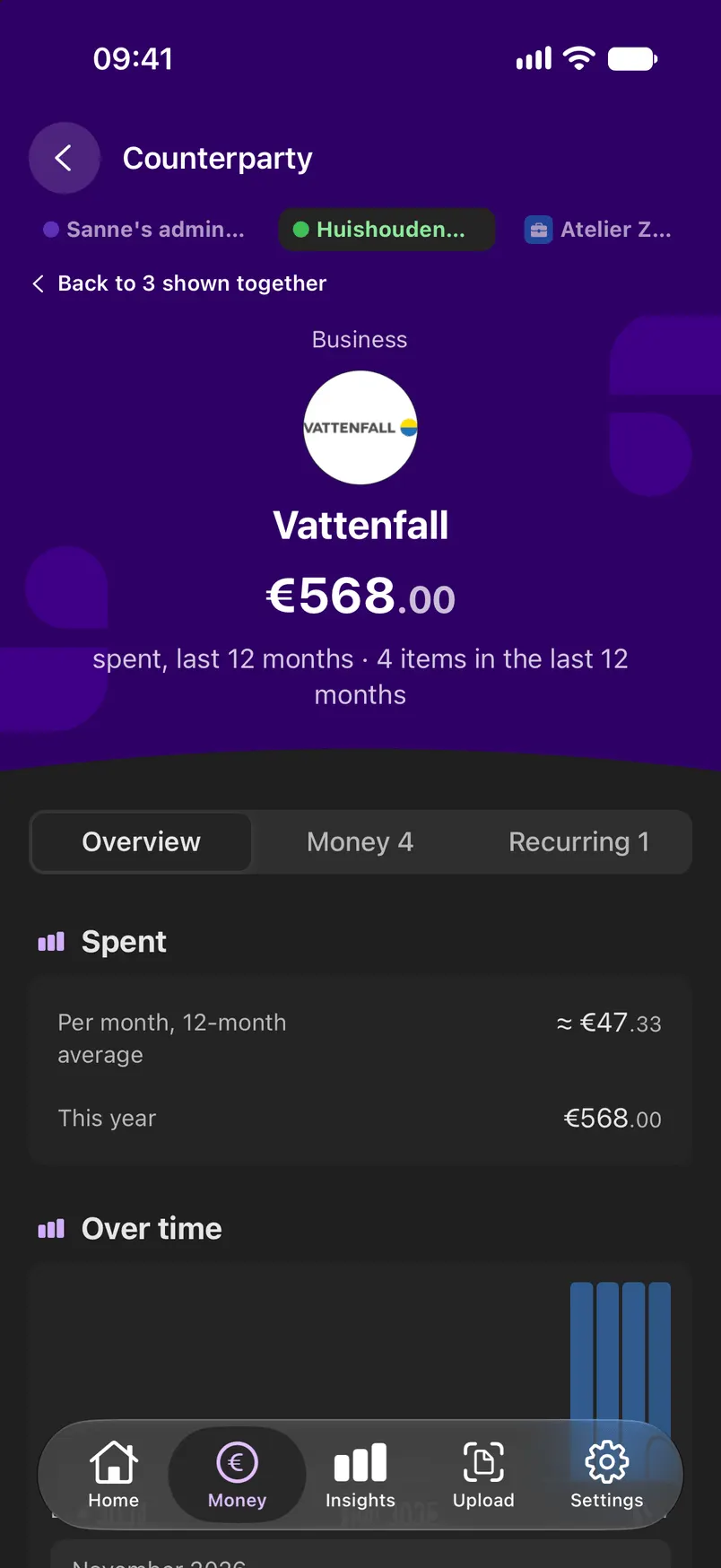
For each counterparty you see what you paid, which receipts and contracts belong to it and how the amount changes over time.
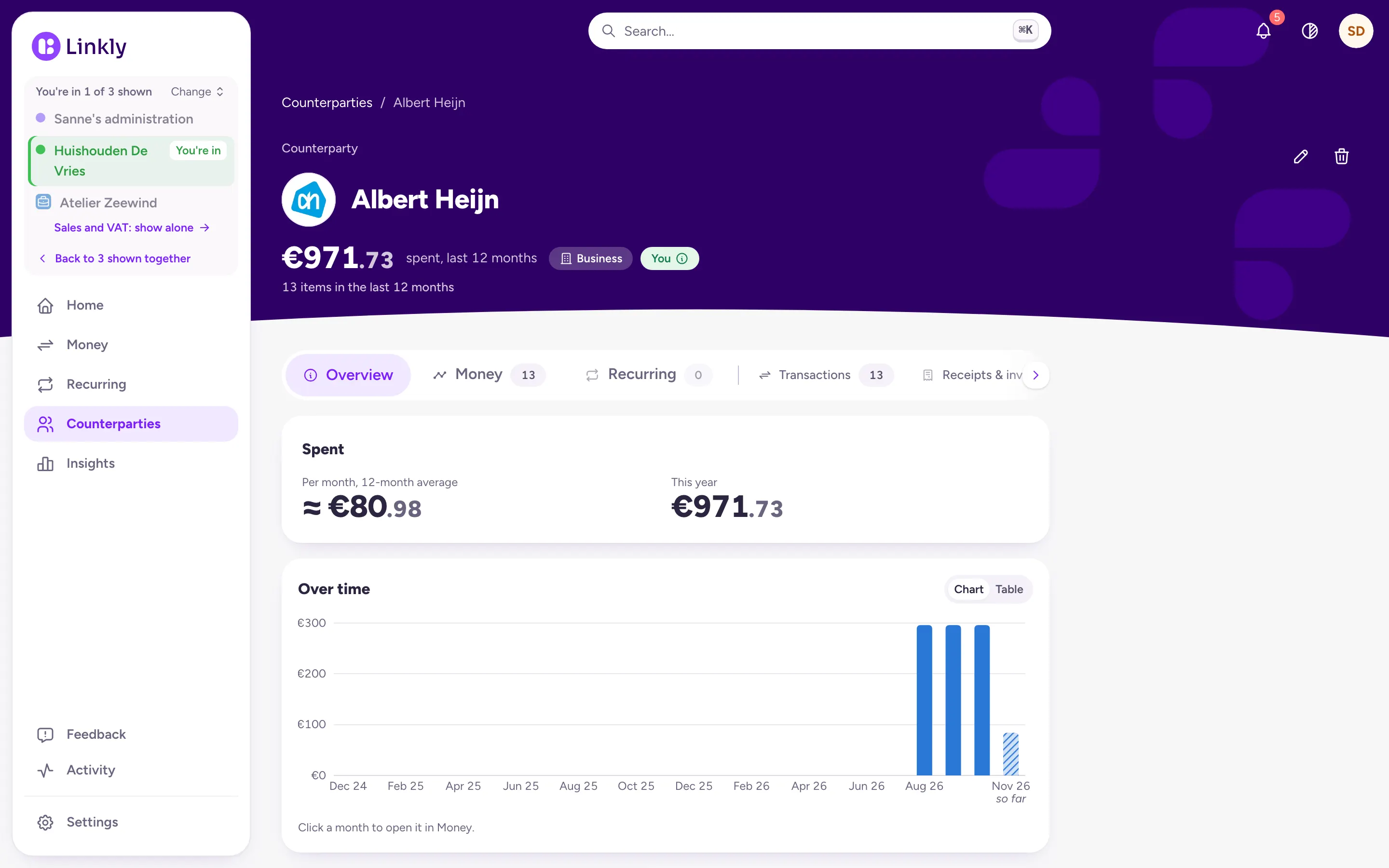
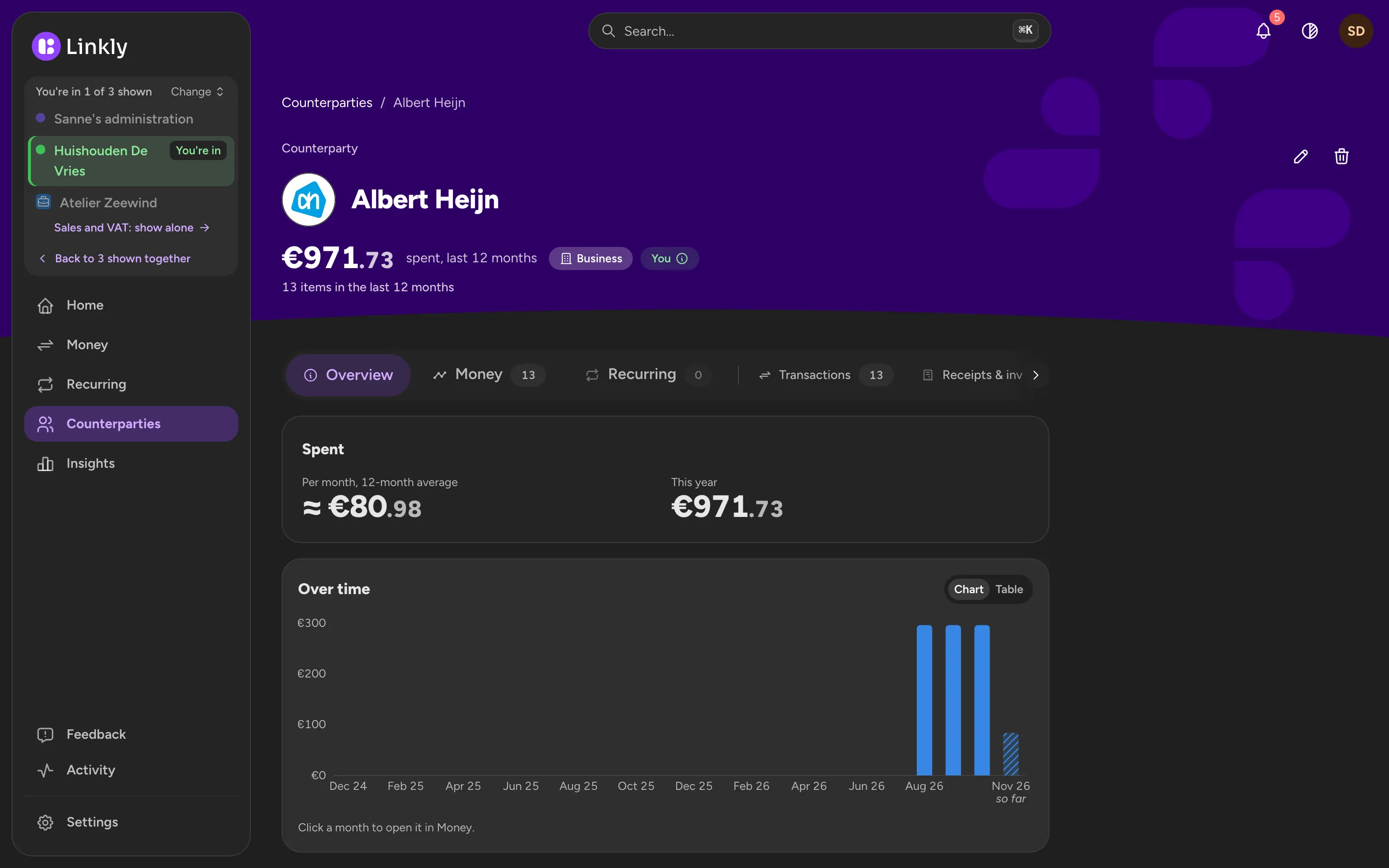
Albert Heijn's page in Linkly with the spending of the last twelve months and the total per month.Albert Heijn's page in Linkly with the spending of the last twelve months and the total per month.
Vattenfall's page in the app, in the Household, with its payments.Vattenfall's page in the app, in the Household, with its payments.

Where your money went

Spending per category, cash flow month by month, and how much of what you spend goes to recurring costs. Linkly keeps it up to date from your bank and your email, without you keeping track of anything.
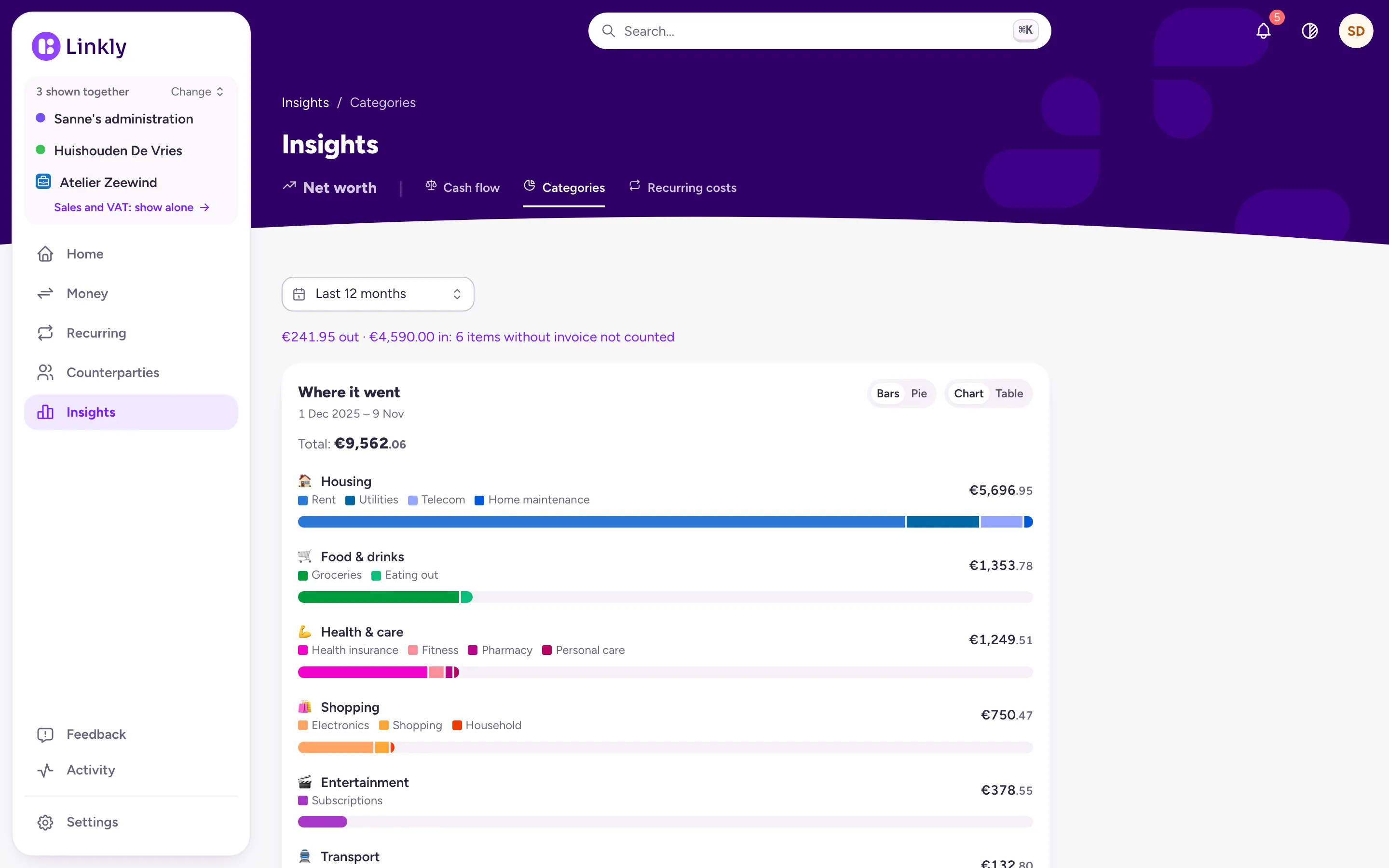
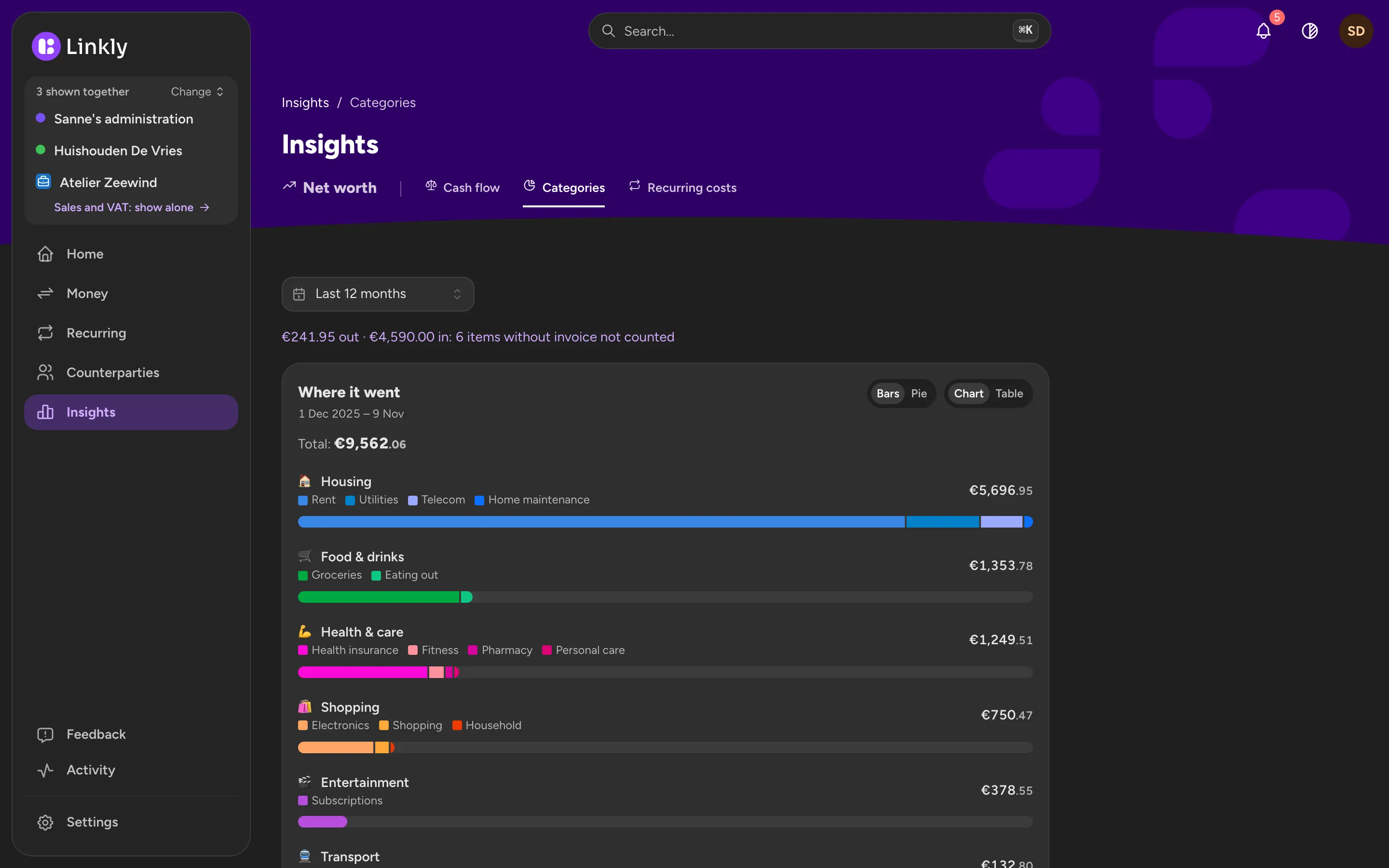
Insights in Linkly: where the money went over the last twelve months, per category such as Housing, Food & drinks and Health & care, each with its subcategories.Insights in Linkly: where the money went over the last twelve months, per category such as Housing, Food & drinks and Health & care, each with its subcategories.

Linkly on your phone

The app does nearly everything on its own: connect your email, and scan receipts and invoices, several pages in one go. Home shows your accounts, the month and where it went, as on the web. Insights has your net worth, cash flow, categories and recurring costs, with the same numbers as the web, and Ask Linkly is on every screen. A notification tells you when a parcel is on its way, a price goes up or a contract can be cancelled. Light, Dark or System, on every screen.

  • Home in the Linkly app on an iPhone: this month's spending against a usual month, and the three administrations shown together.Home in the Linkly app on an iPhone: this month's spending against a usual month, and the three administrations shown together.
    Home
  • Money in the app: payments by day, with logos, categories and the administration each one is in.Money in the app: payments by day, with logos, categories and the administration each one is in.
    Money
  • To check in the app: a payment and a receipt to confirm as a pair, with Yes and No.To check in the app: a payment and a receipt to confirm as a pair, with Yes and No.
    To check
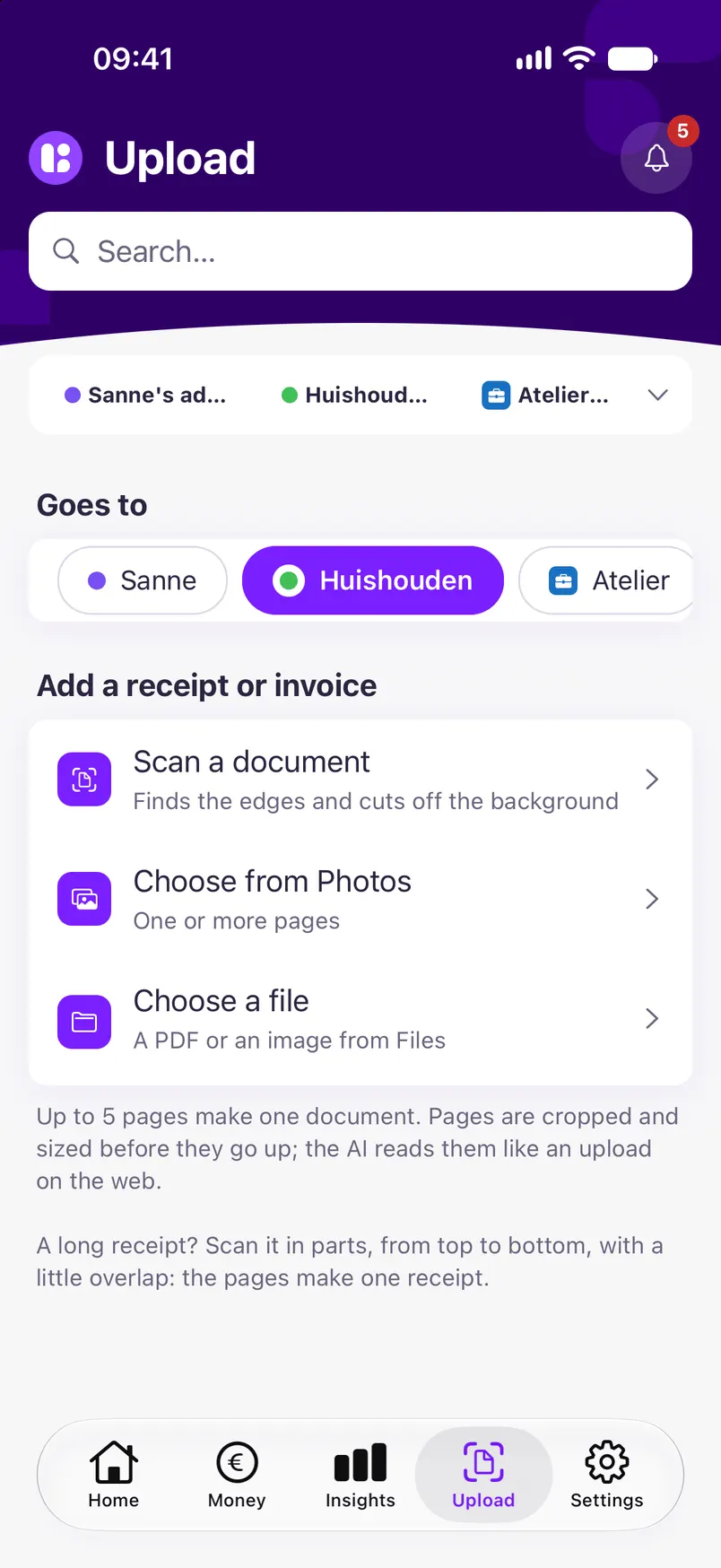
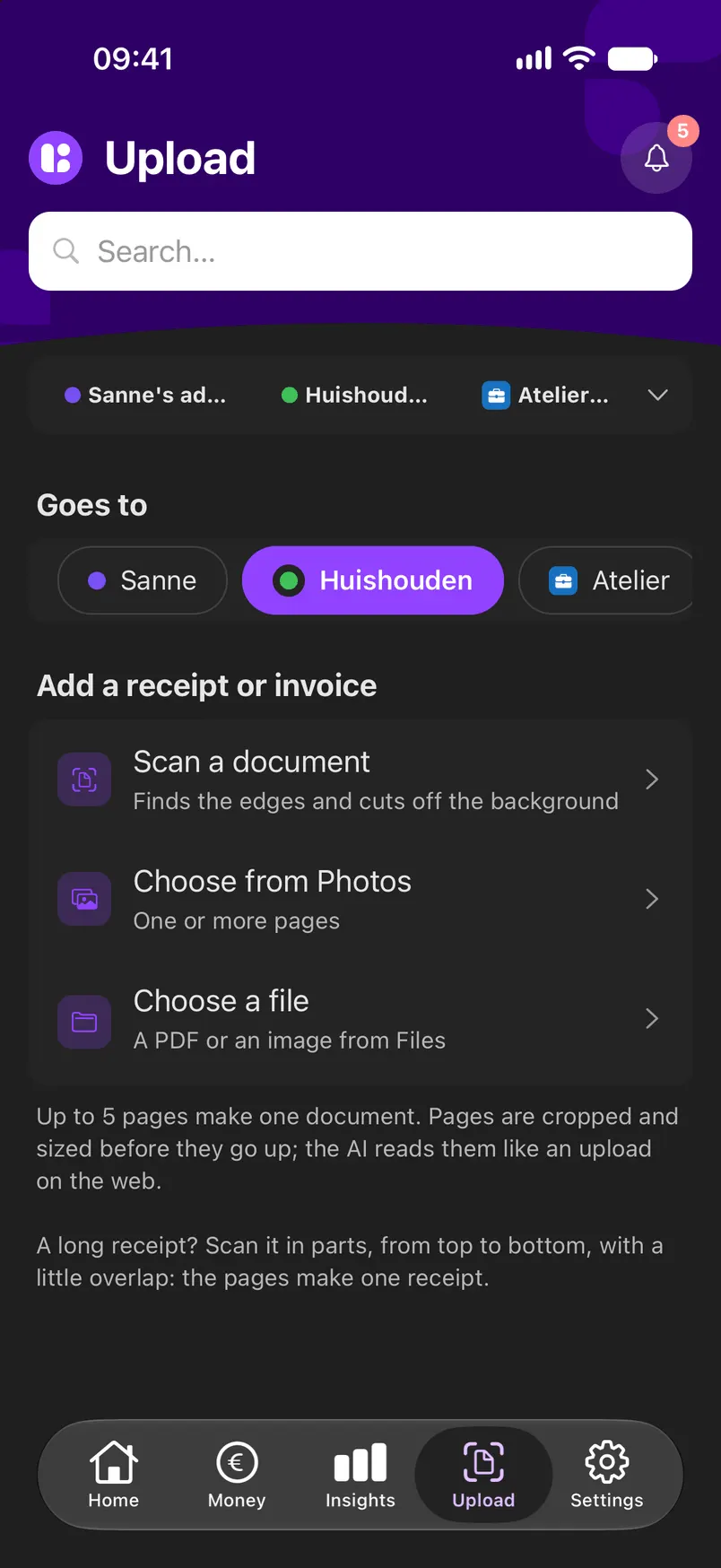
  • Upload in the app: scan a document, choose from Photos or choose a file.Upload in the app: scan a document, choose from Photos or choose a file.
    Upload
  • A notification on the iPhone over Home: Philips Airfryer XXL, out for delivery, Coolblue.A notification on the iPhone over Home: Philips Airfryer XXL, out for delivery, Coolblue.
    A notification

On a tablet, and adding a receipt

On an iPad the list and the item sit side by side. Receipts in your email come in on their own; for the rest, drag the file onto its payment on the computer, or scan it with your phone, several pages in one go.
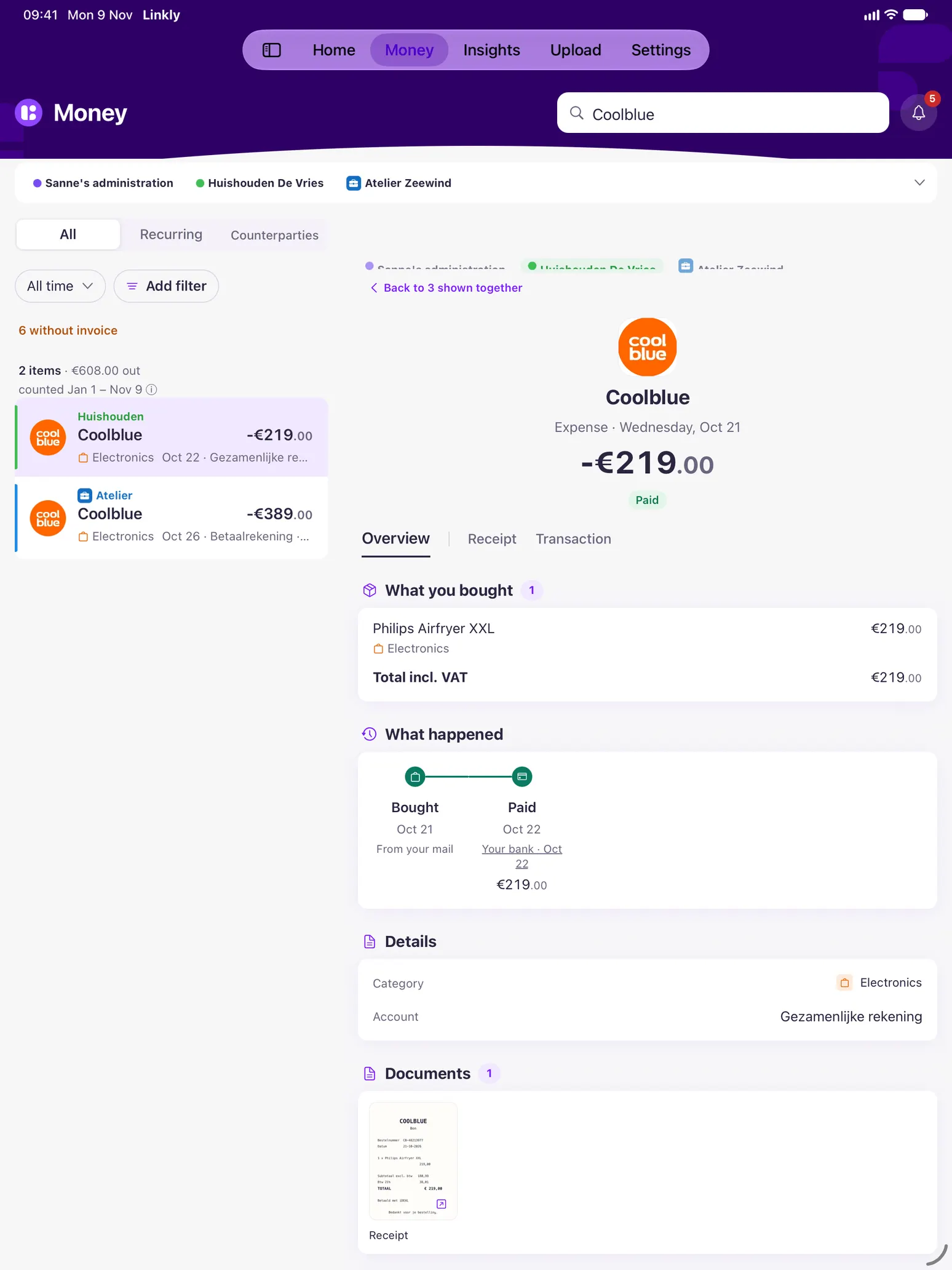
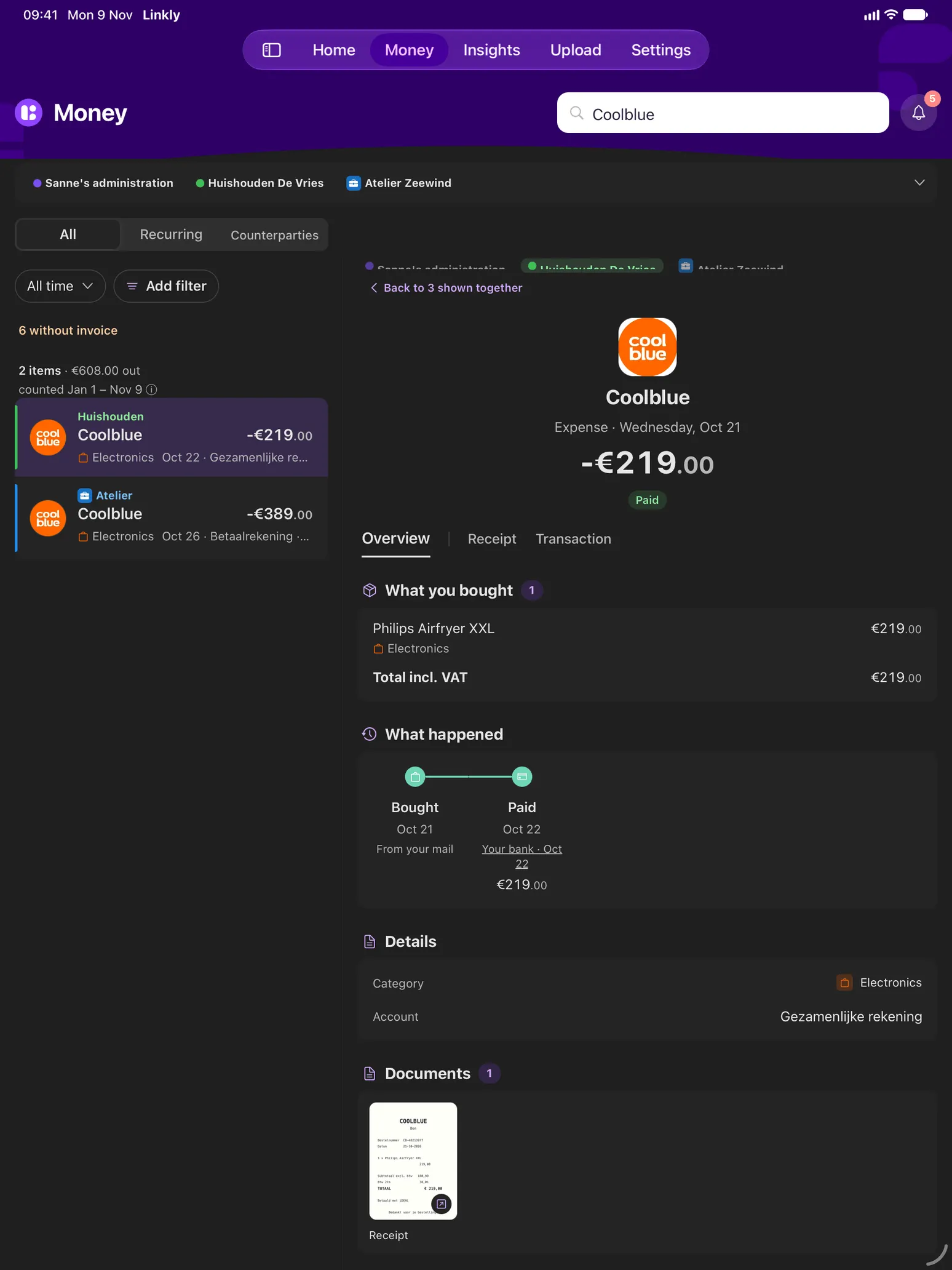
Linkly on an iPad: Money's list on the left, Coolblue open beside it with what was bought, when it was paid, and the order and the payment that belong to it.Linkly on an iPad: Money's list on the left, Coolblue open beside it with what was bought, when it was paid, and the order and the payment that belong to it.
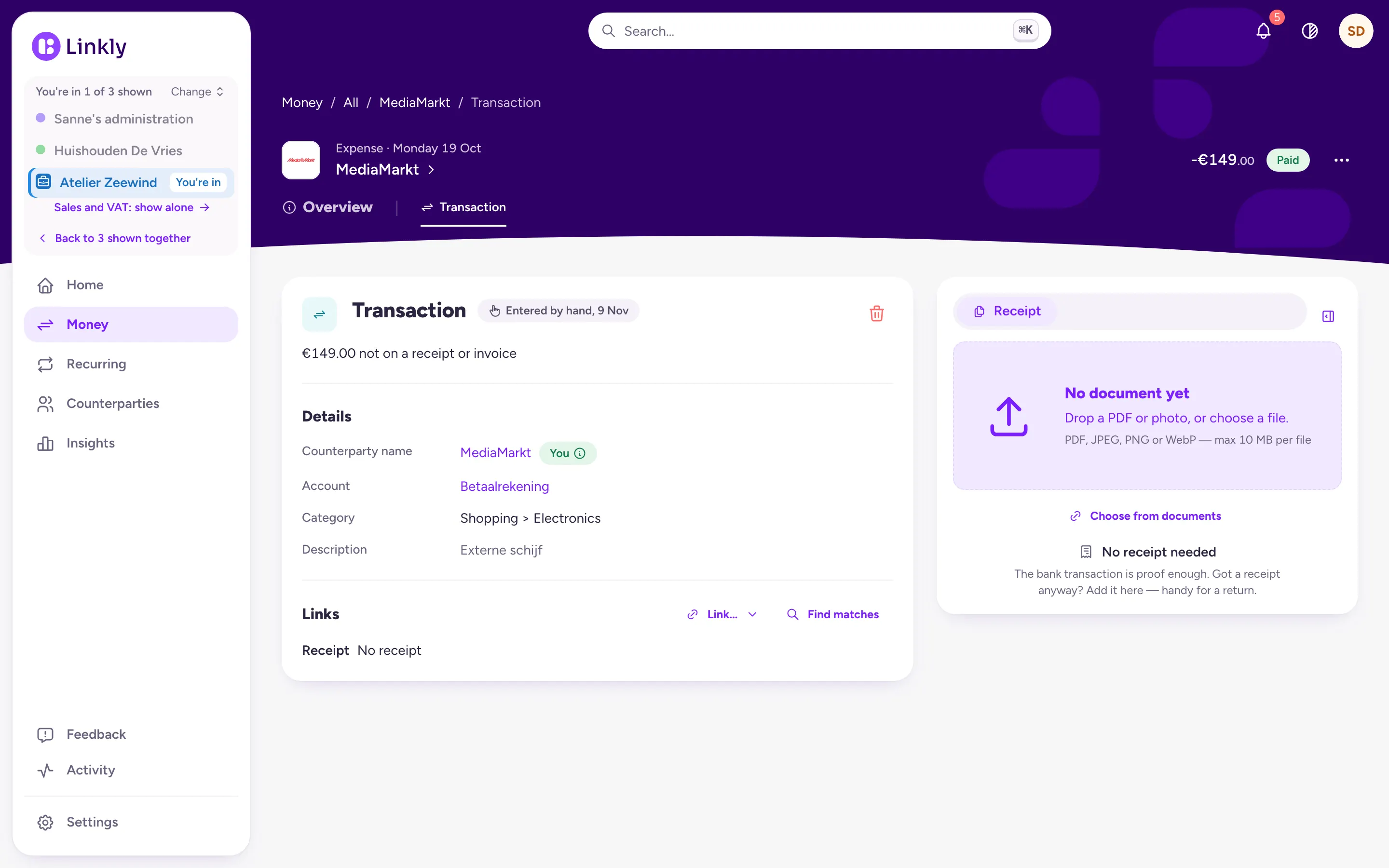
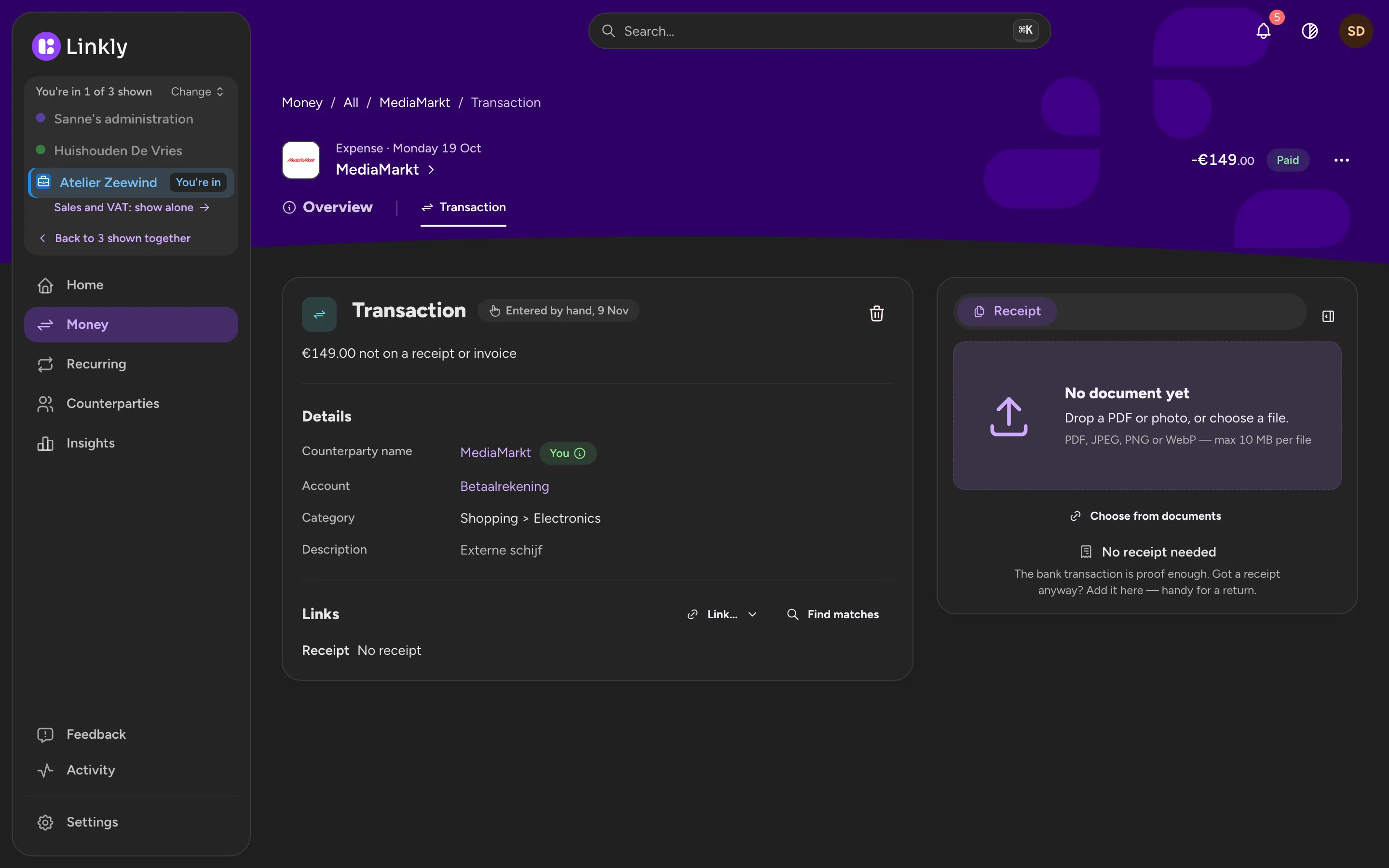
A MediaMarkt payment in Linkly on the computer with no receipt yet: a PDF being dragged onto its empty receipt pane, which says Drop a PDF or photo.A MediaMarkt payment in Linkly on the computer with no receipt yet: a PDF being dragged onto its empty receipt pane, which says Drop a PDF or photo.
Upload in the app: scan a document, choose from Photos or choose a file.Upload in the app: scan a document, choose from Photos or choose a file.

Ask Linkly

Ask about your money in your own words: ‘What did we spend on groceries last month?’, ‘Which recurring costs went up?’. Linkly answers from your own payments and receipts, with links to the items it used.

Your data is stored in Europe

Linkly runs at European providers, on servers in the Netherlands. Your documents are read by an AI service that may work outside Europe and is told not to train on them. Your bank is connected read-only, and you can delete your account at any time.

About Linkly and your privacy →

Keep me posted

Leave your email address and you will hear when Linkly opens. Questions are welcome too.

Your address is only used to email you about Linkly. Your message goes to info@linkly.me as an email and is not stored anywhere else.

info@linkly.me