Bills
How to lower your bills: where to start
Cutting your bills starts with a list of everything that goes out each month and each year. Then, for each one, ask: do I still use it, and could it cost less?
1. List everything
Go through a whole year of payments, not just one month: that way you also find what goes out every quarter or once a year, such as insurance or a membership. Check every account, a joint one too.
2. Cut what you don't use
A subscription you hardly use is the easiest one to drop. Think of streaming services you pay for side by side, a gym you no longer go to, or an app that kept charging after its free trial. Check, too, whether you are paying twice for the same thing, such as two insurance policies with the same cover.
3. Know when you can cancel
In the Netherlands, a phone, internet or TV subscription usually runs for 1 or 2 years at first. If you don't cancel it then, the Dutch government says it turns into an open-ended contract that you can cancel at any time with one month's notice.
A newspaper or magazine may renew your subscription automatically, for at most 3 months or with no end date; the notice period is then usually one month at most. If you signed up online, you must be able to cancel online too.
4. See if it could cost less
For what you keep, such as energy, internet and insurance: compare prices when your contract is ending, and ask your provider whether a cheaper plan would suit you.
5. Keep track
A list is right until something changes. A price increase arrives by email, and signing up for something new takes a minute. So look again every year, or keep your bills in one place.
Source: Rijksoverheid, Mag mijn abonnement stilzwijgend verlengd worden? (in Dutch)
How Linkly keeps track of your bills
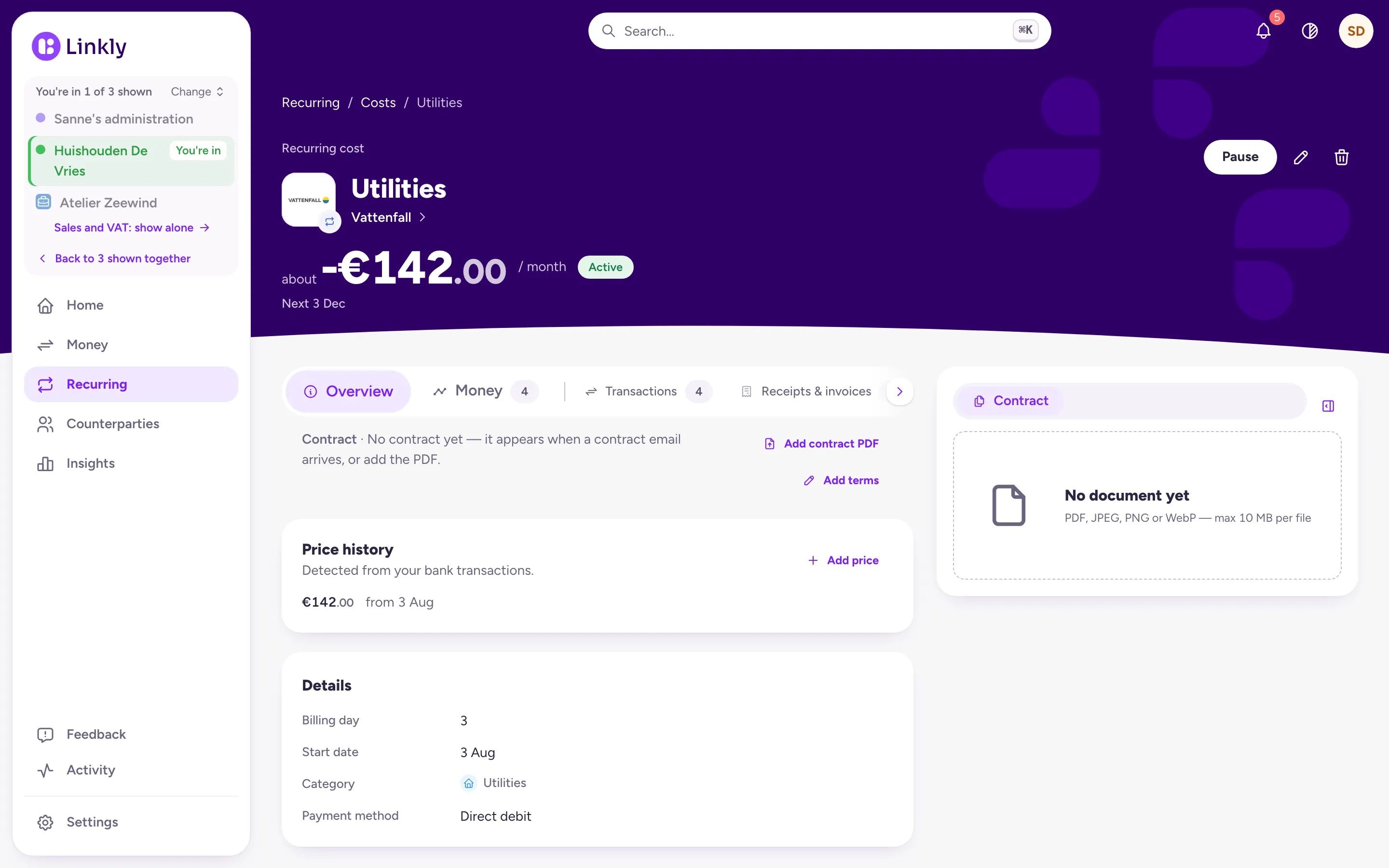
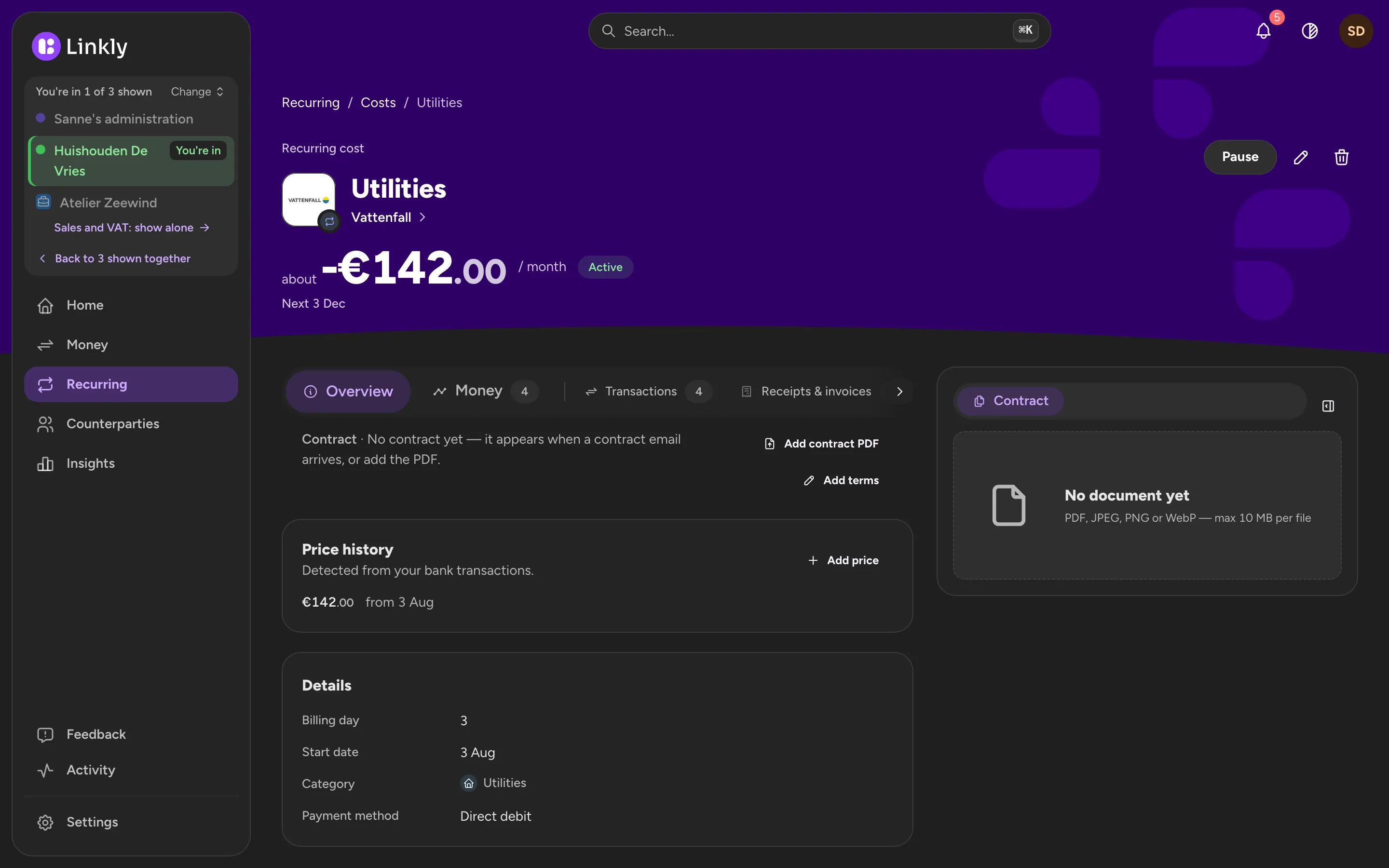
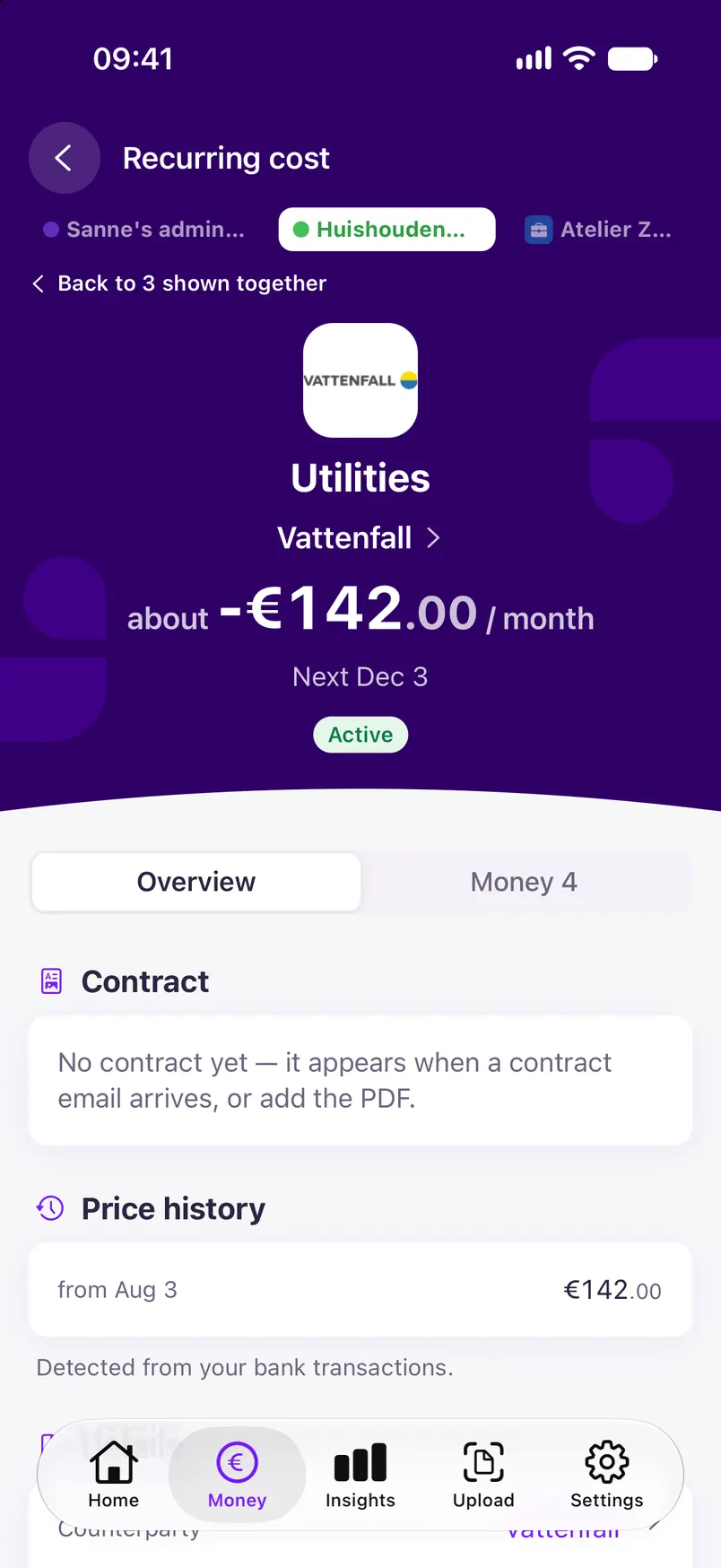
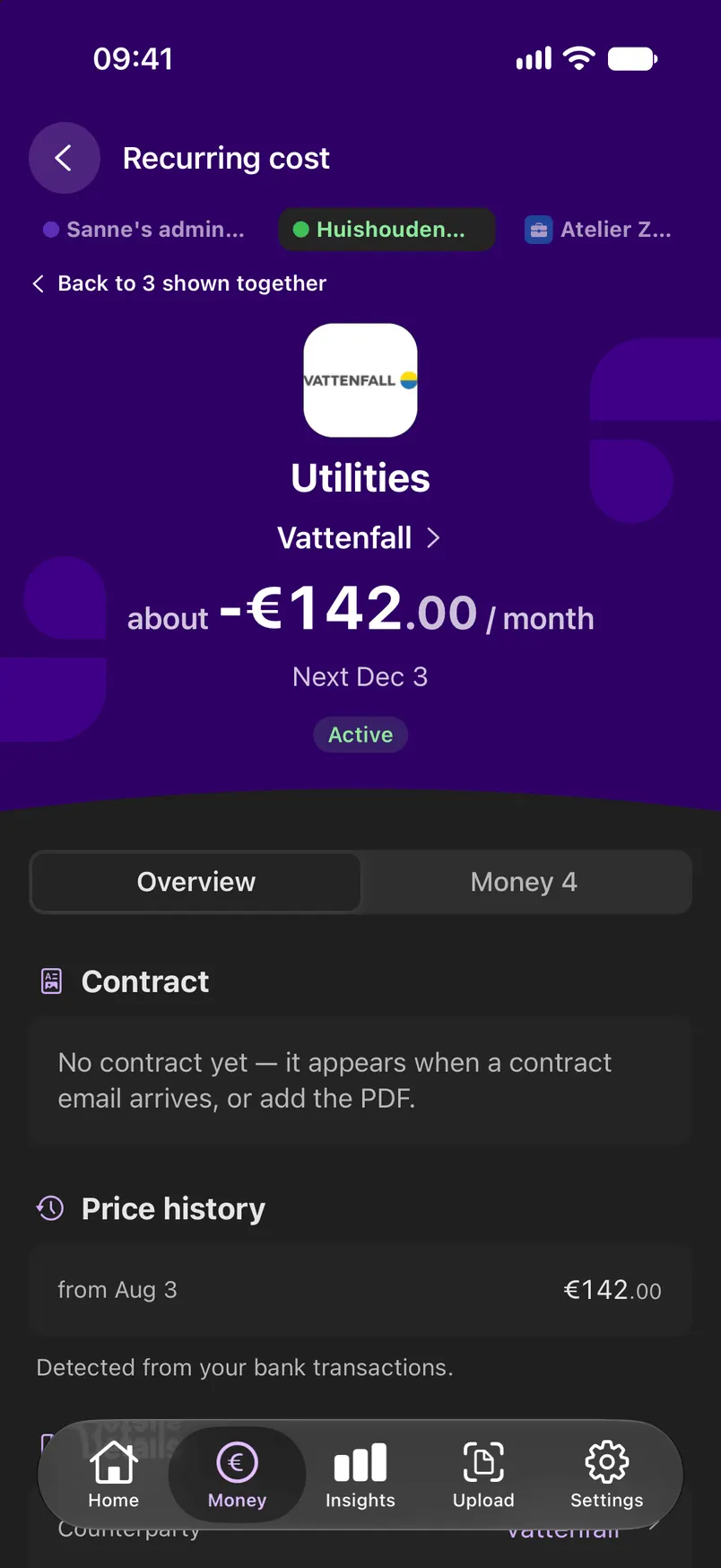
Linkly is still in development. This is what it does today; the screenshots show sample data.
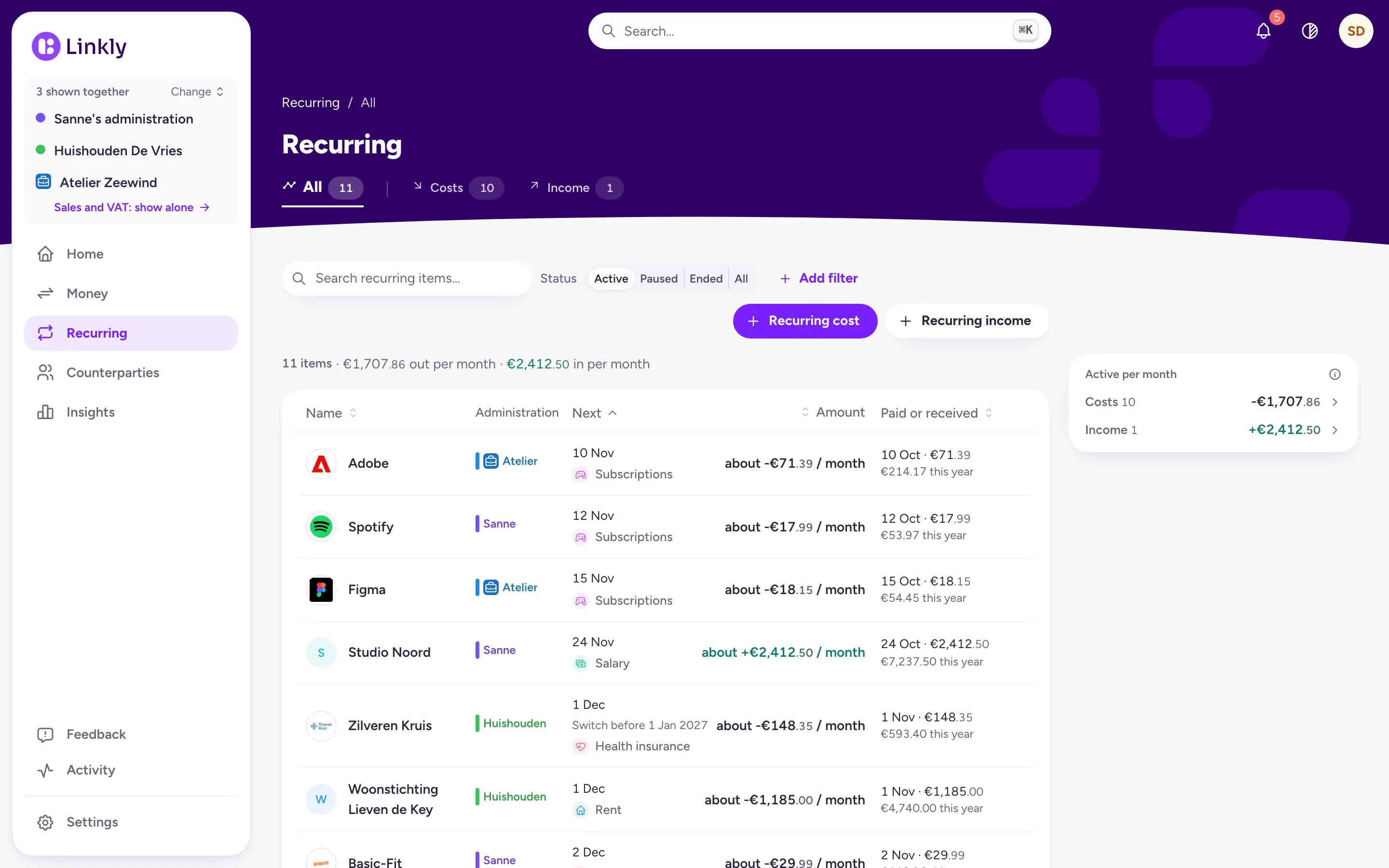
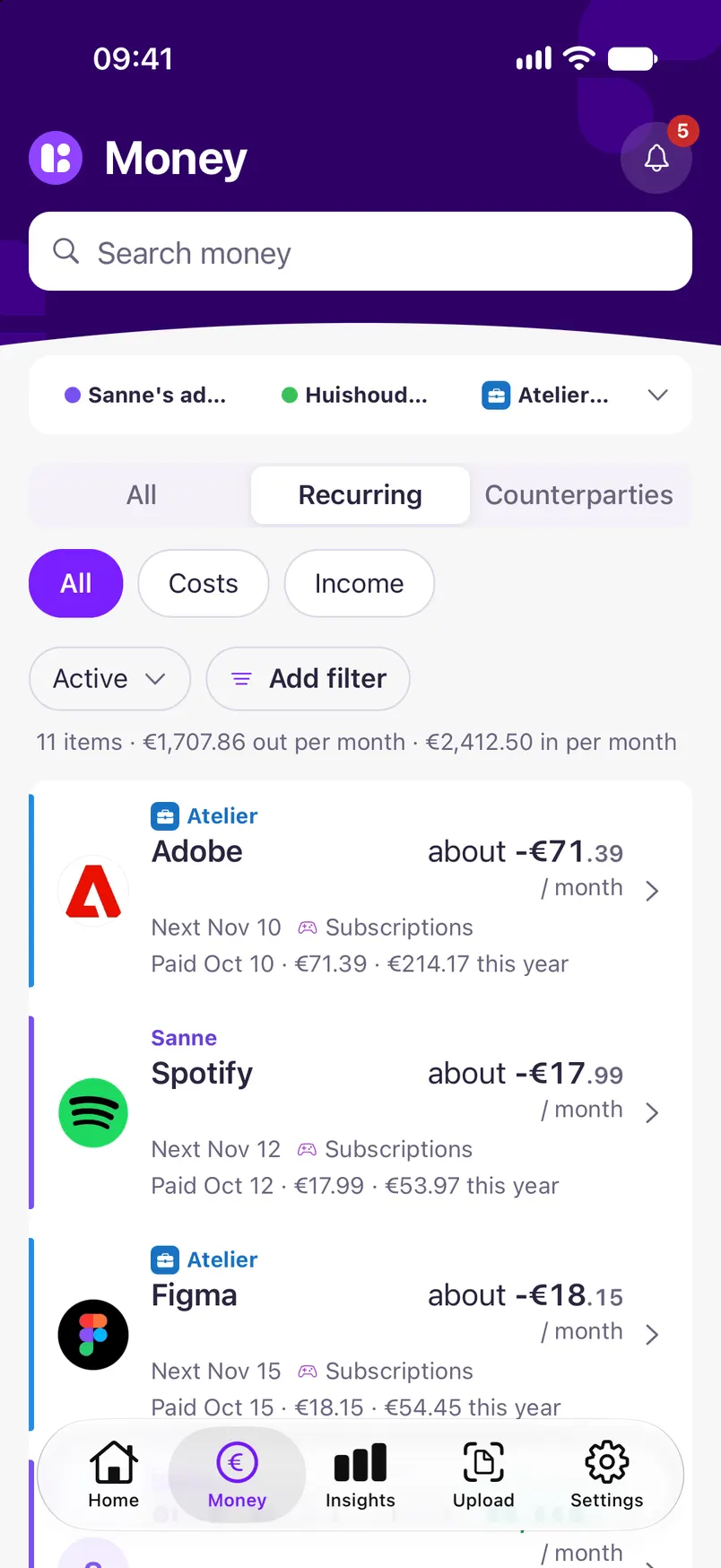
Everything that comes back, in one list
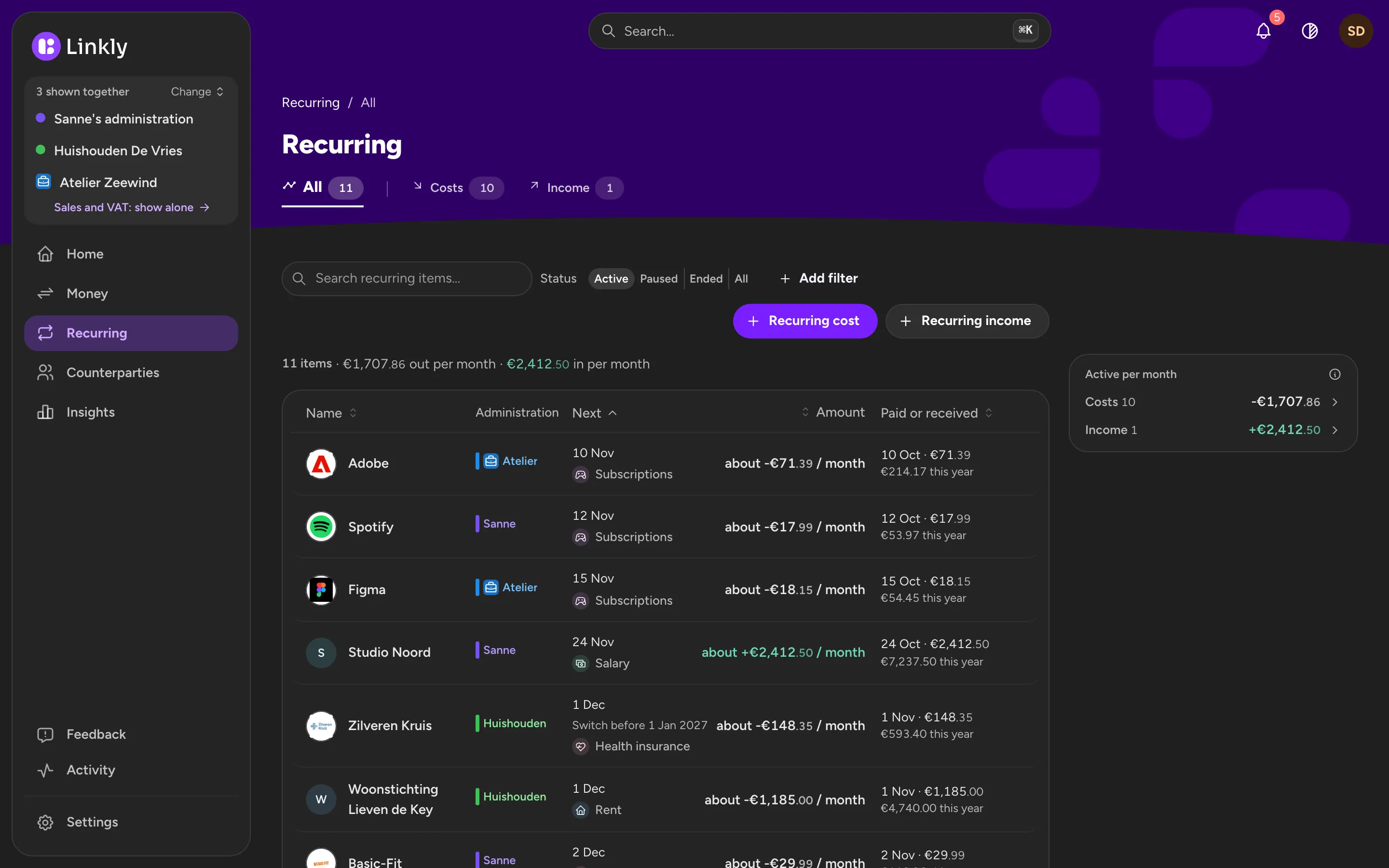
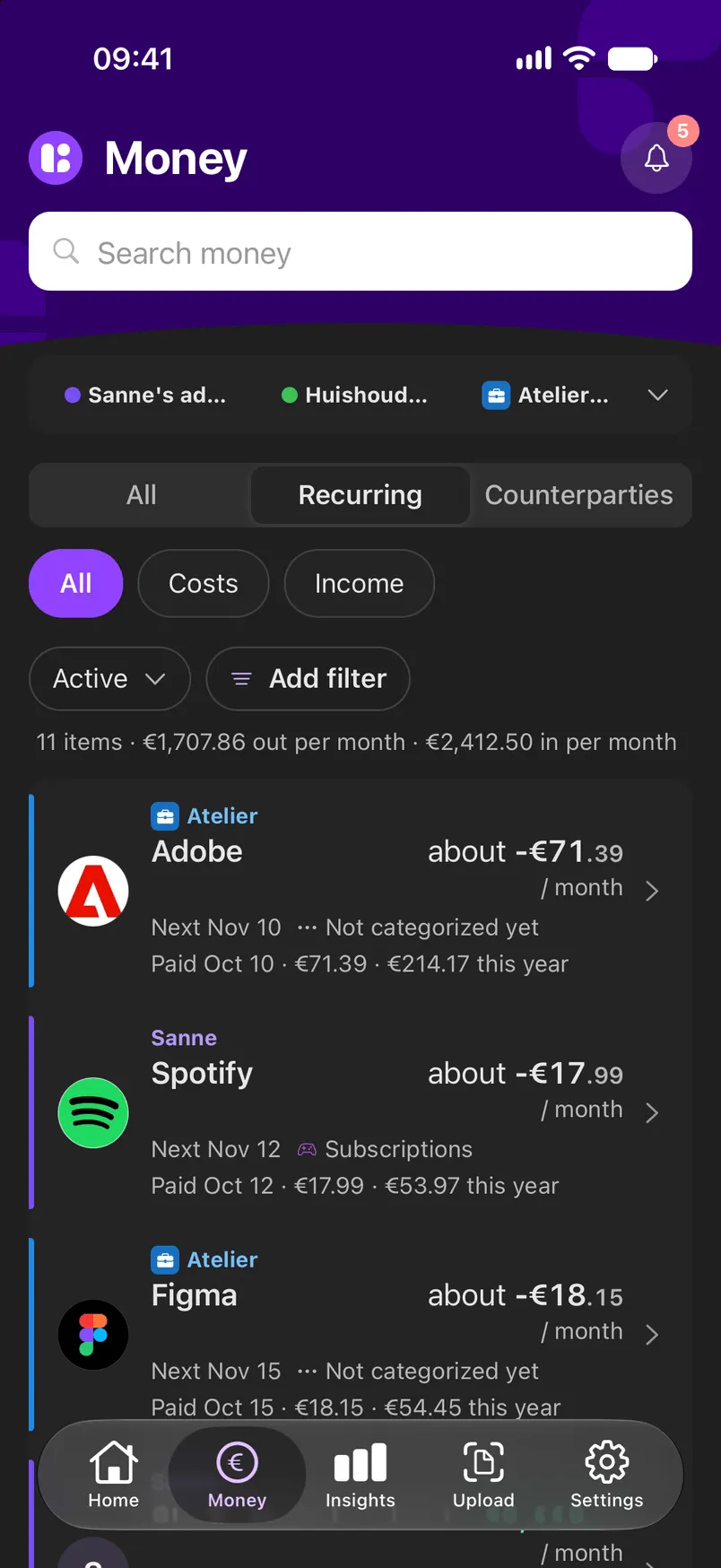
From your bank payments Linkly picks out what keeps coming back, including what goes out every quarter or once a year. For each one you see the amount, the next payment and what you have paid this year, with the total per month at the top.
- A yearly amount also shown per month
- Across every administration you show
Cancel in time
A subscription shows how long it runs, the notice period and whether it renews automatically, from a contract email or filled in by you. When the date is near, it says when to cancel by. When you want out, Linkly drafts the cancellation letter.
- A notification on your phone when you can cancel
- A new price goes into the price history
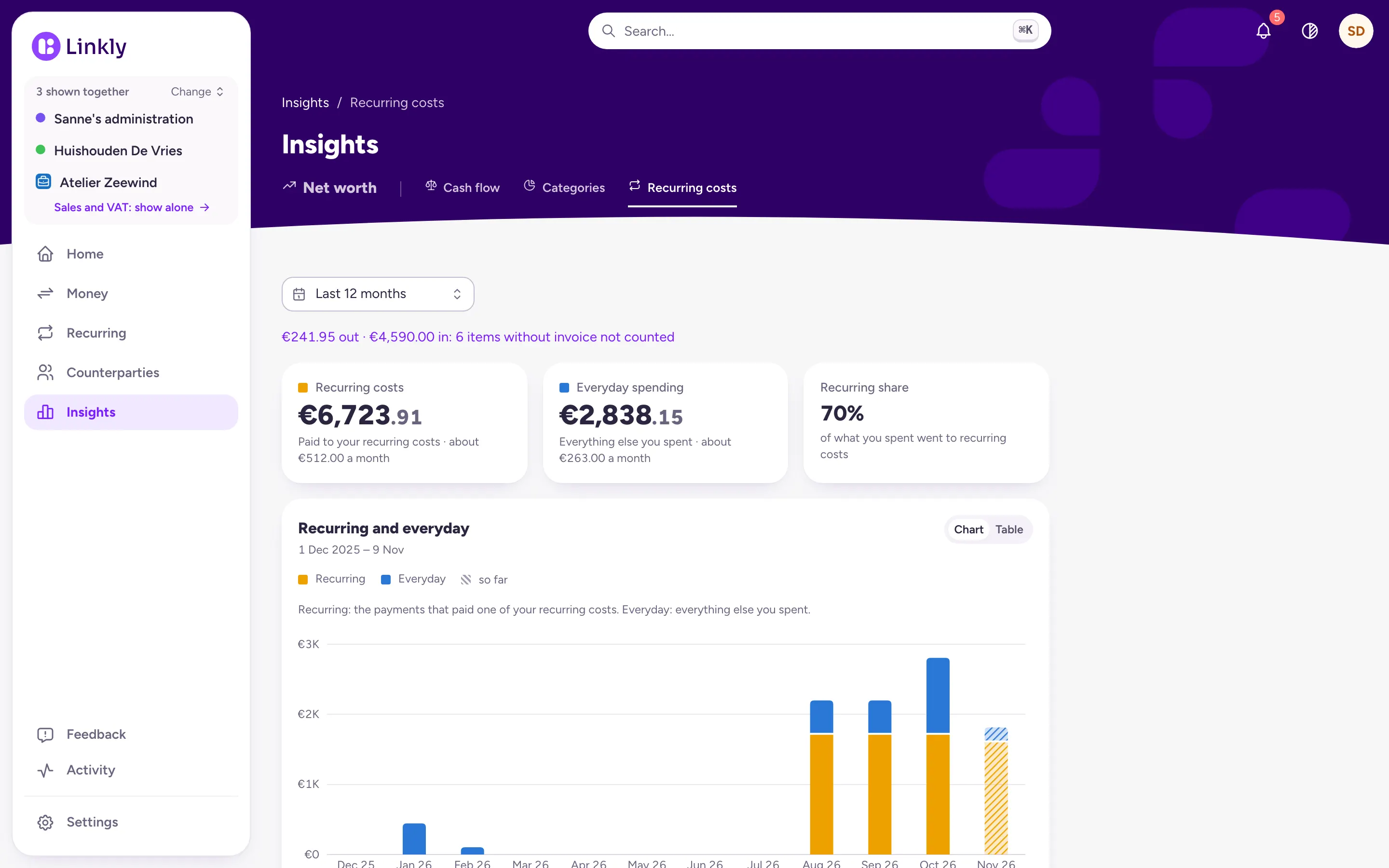
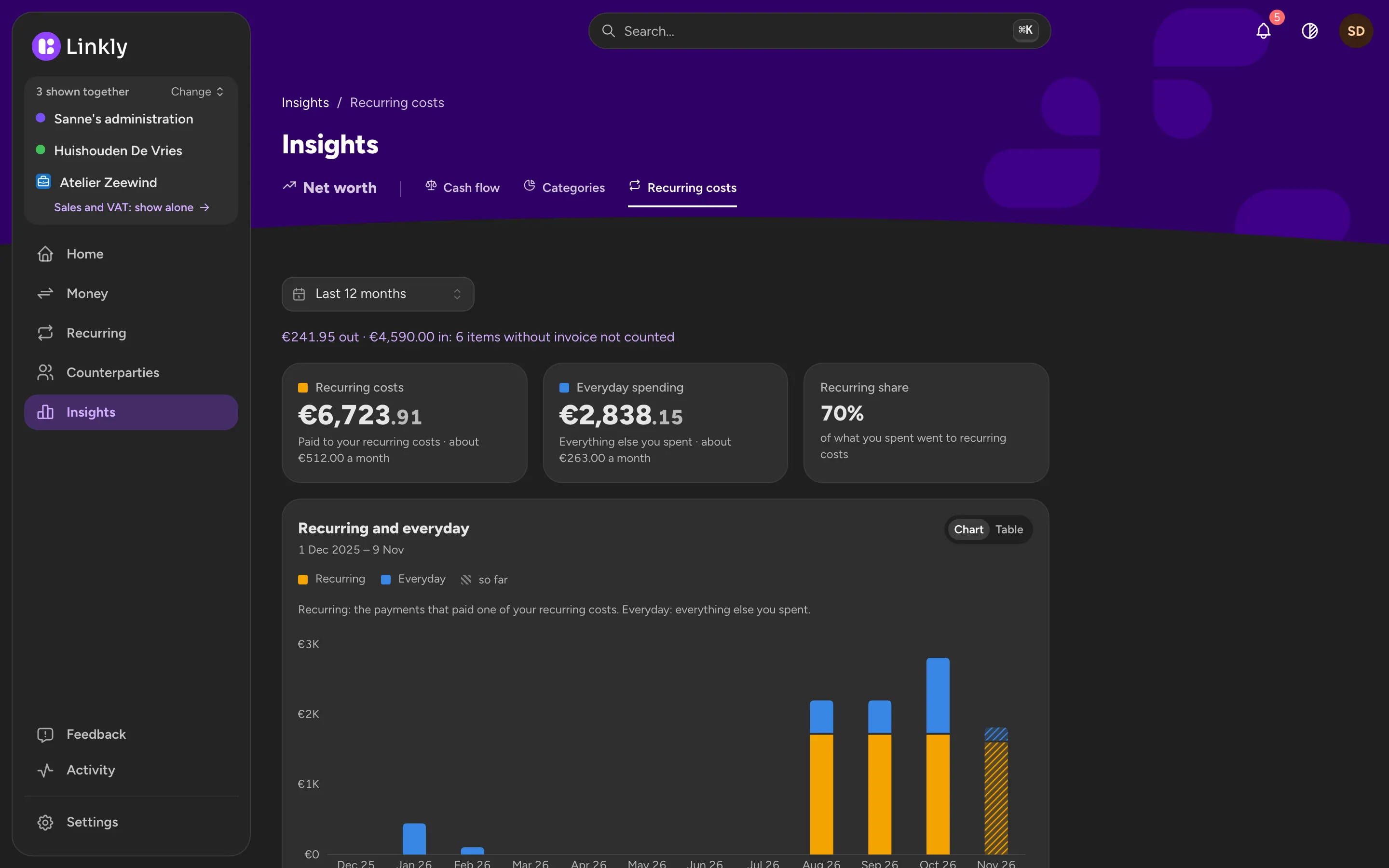
How much goes to recurring costs
Insights puts your recurring costs next to the rest of your spending, month by month, with their share as a percentage. So you can see whether your list really got shorter.
- Per month and over the whole year
What Linkly doesn't do yet
Linkly does not cancel for you and does not compare providers: it drafts the letter, you send it. It does not tell you which subscription could cost less.
Common questions
How quickly can I cancel my internet subscription?
In the Netherlands, after the first contract period, usually 1 or 2 years, the government says you can always cancel an internet, phone or TV subscription with one month's notice. Other countries have their own rules. What your contract says shows in Linkly on the subscription, when a contract email stated it or when you fill it in yourself.
Does Linkly also see what I pay once a year?
Yes. What comes back every year or every quarter is in the list, with its amount also shown per month.
Does Linkly cancel my subscriptions for me?
No. Linkly drafts the cancellation letter with the contract's details; you send it, by post or from your own email.
Can I use Linkly now?
Not yet. Linkly is in development and not open to everyone yet. Leave your email address and you will hear when it opens.
Hear when Linkly opens
Linkly is not open to everyone yet. Leave your email address and you will hear when it is.