Spending tracker
Track your spending without keeping a spreadsheet
A record of what comes in, what goes out and what it went on. Starting one is not the hard part; keeping it up is. Linkly keeps it up for you, from your bank and your email.
What tracking your spending means
Tracking your spending means noting every payment and what it was for, next to what came in. It used to be a notebook or a cash book; now it is more often a spreadsheet or an app.
People do it to answer three questions: how much do I spend, on what, and is anything left at the end of the month?
How people do it today
There are roughly four ways, each with its own catch.
- On paper: easy to read, but you write down every payment yourself.
- In Excel or Google Sheets: you decide everything yourself, and you type or paste in your statements every month.
- In your bank's app: the payments are already there, but usually only what runs through that bank, and no receipt or invoice comes with them.
- In a separate app that reads your bank: little work, as long as the categories are right.
Where it goes wrong
Starting is easy; keeping it up is where it tends to stall. The work never ends: download statements, type in rows, give every payment a category.
- A description like ‘BEA NR 4821 AH 1057’ tells you little; you have to work out what it was.
- A transfer to your own savings account gets counted as spending, and your total is off.
- Yearly costs, such as insurance or road tax, slip your mind until they are taken from your account.
- What you pay together and what is yours get mixed up.
How Linkly keeps track
Linkly is still in development. This is what it does today; the screenshots show sample data.
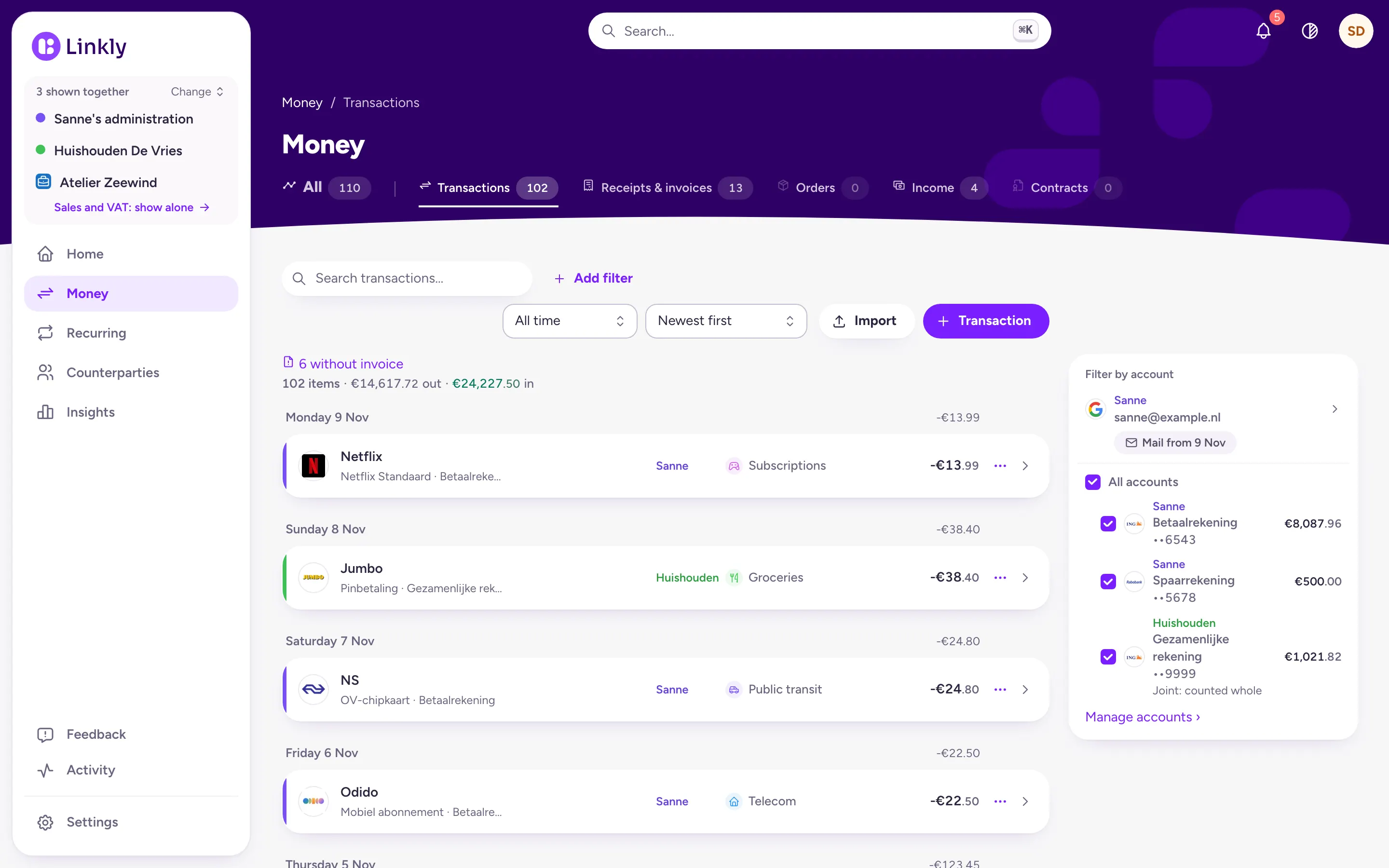
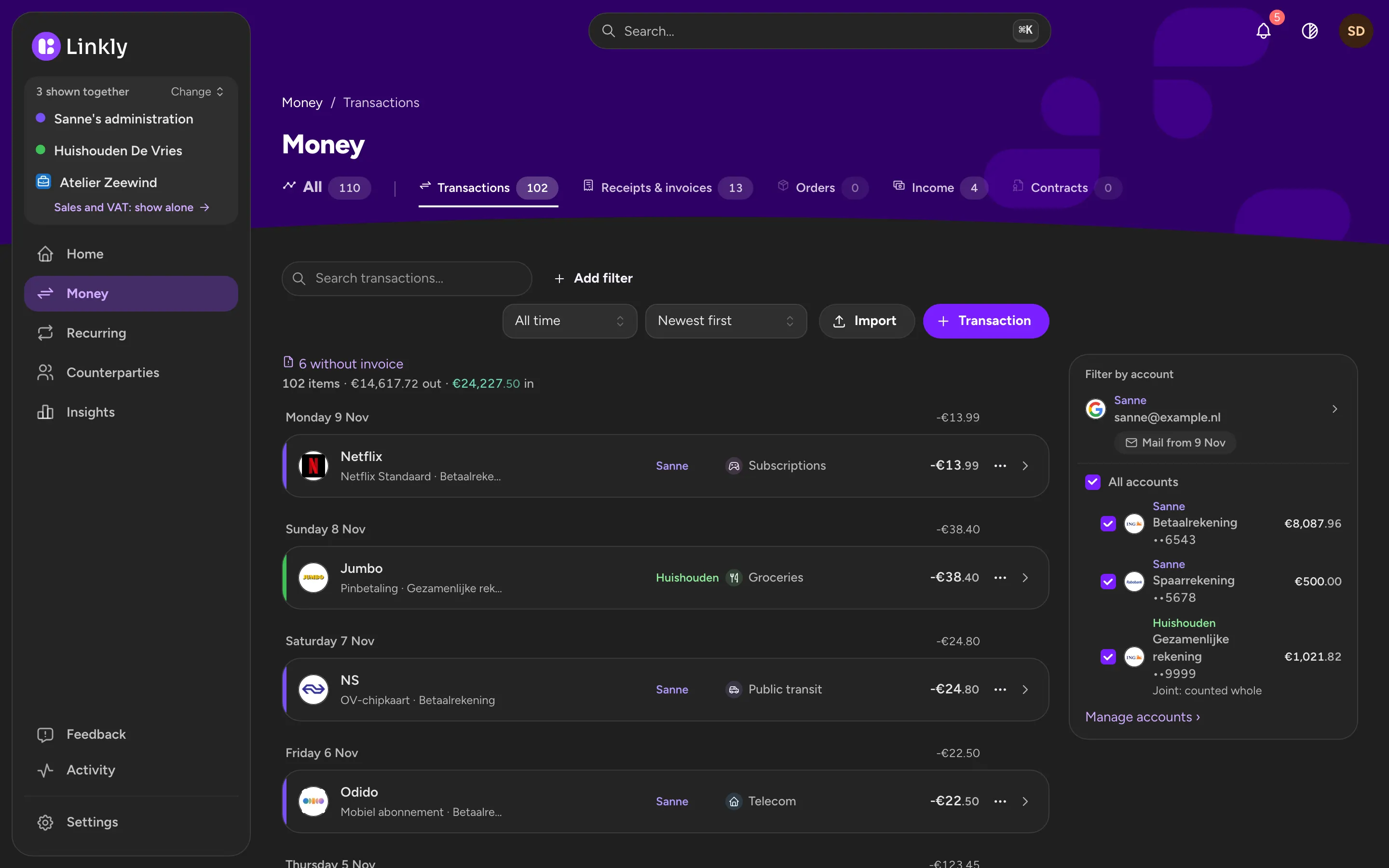
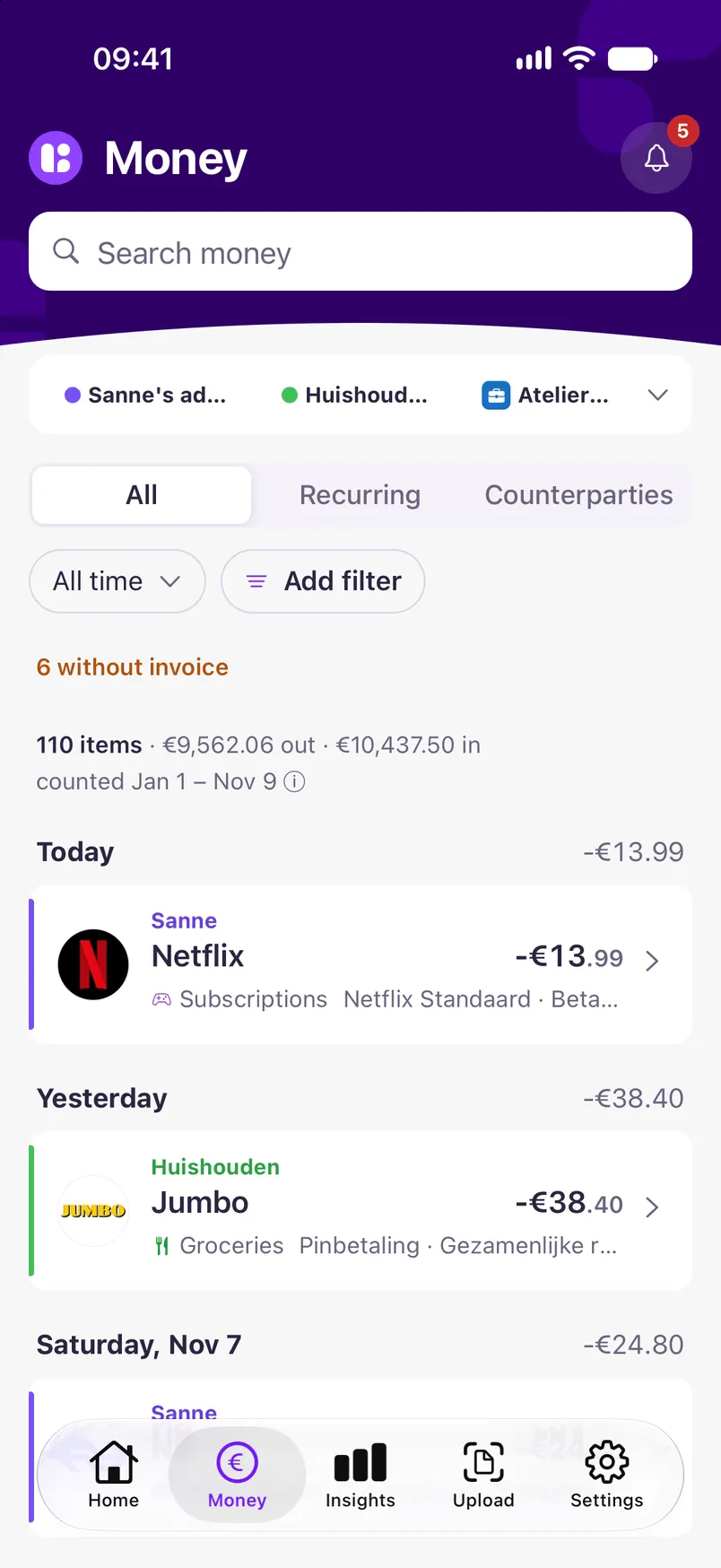
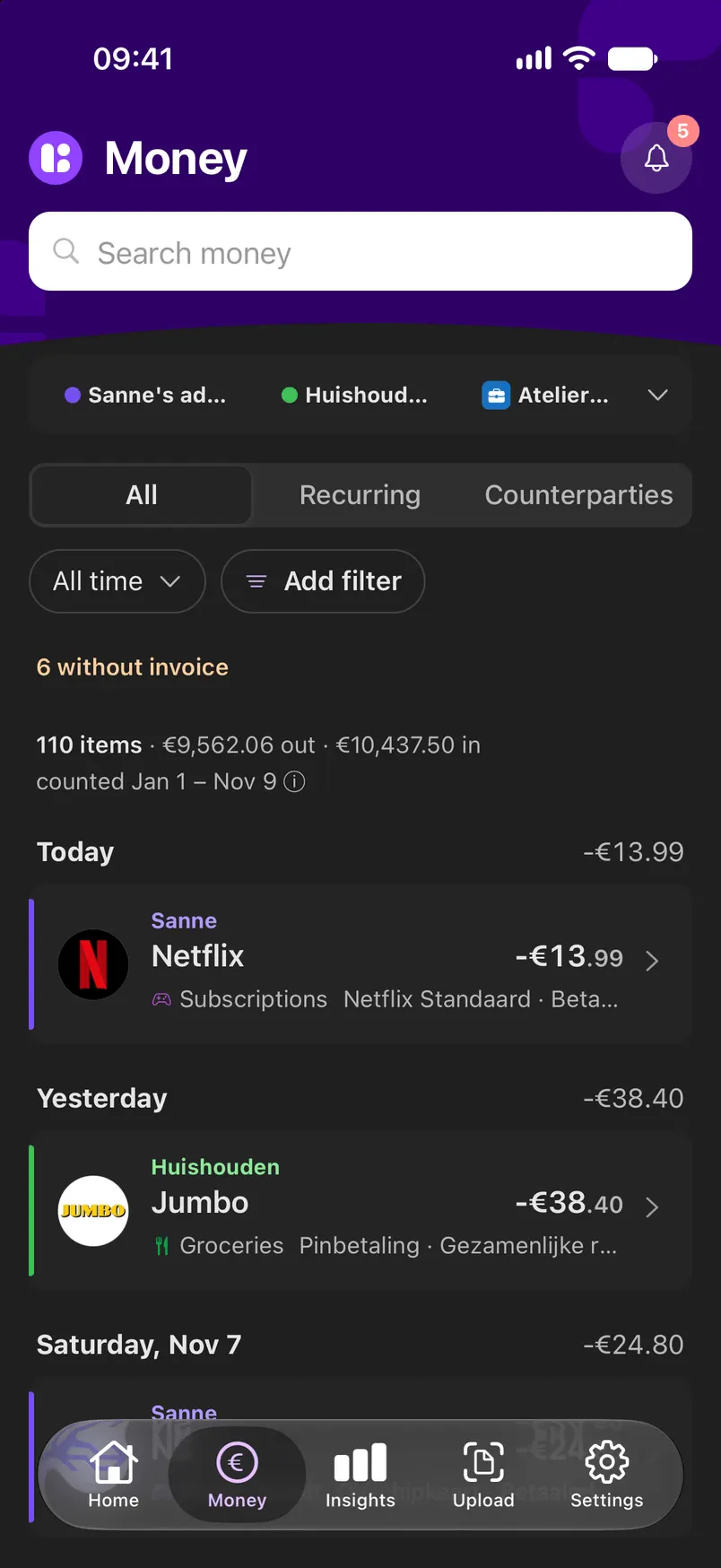
Your payments come in automatically
Linkly fetches your payments from your bank every morning, read-only, or you import a CSV export. Each payment gets a name, a logo and a category. If a category is wrong, you change it.
- Dutch, Belgian and German banks
- A transfer to your savings account is not counted as spending
- The receipt or invoice from your email sits with its payment
Where your money went
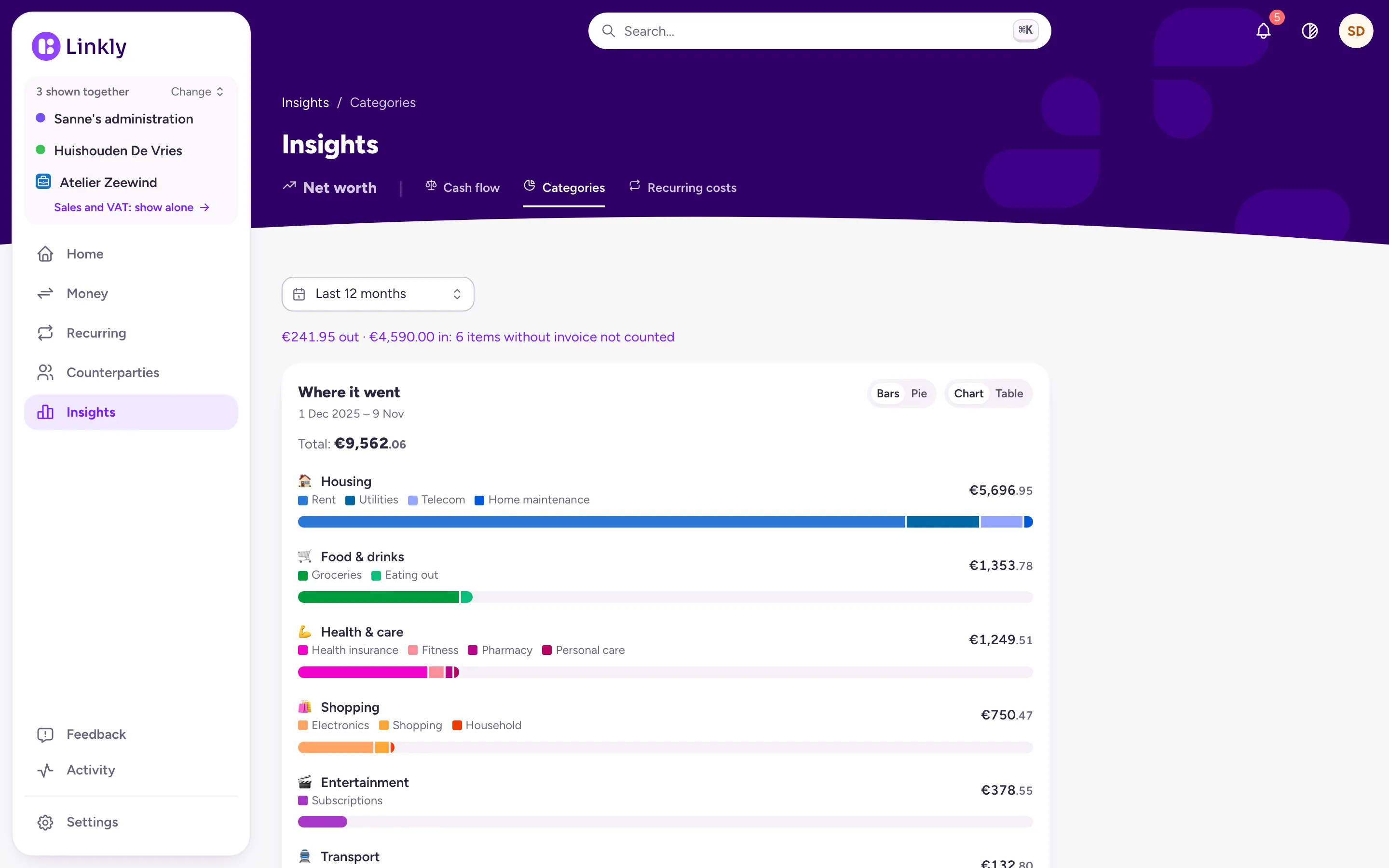
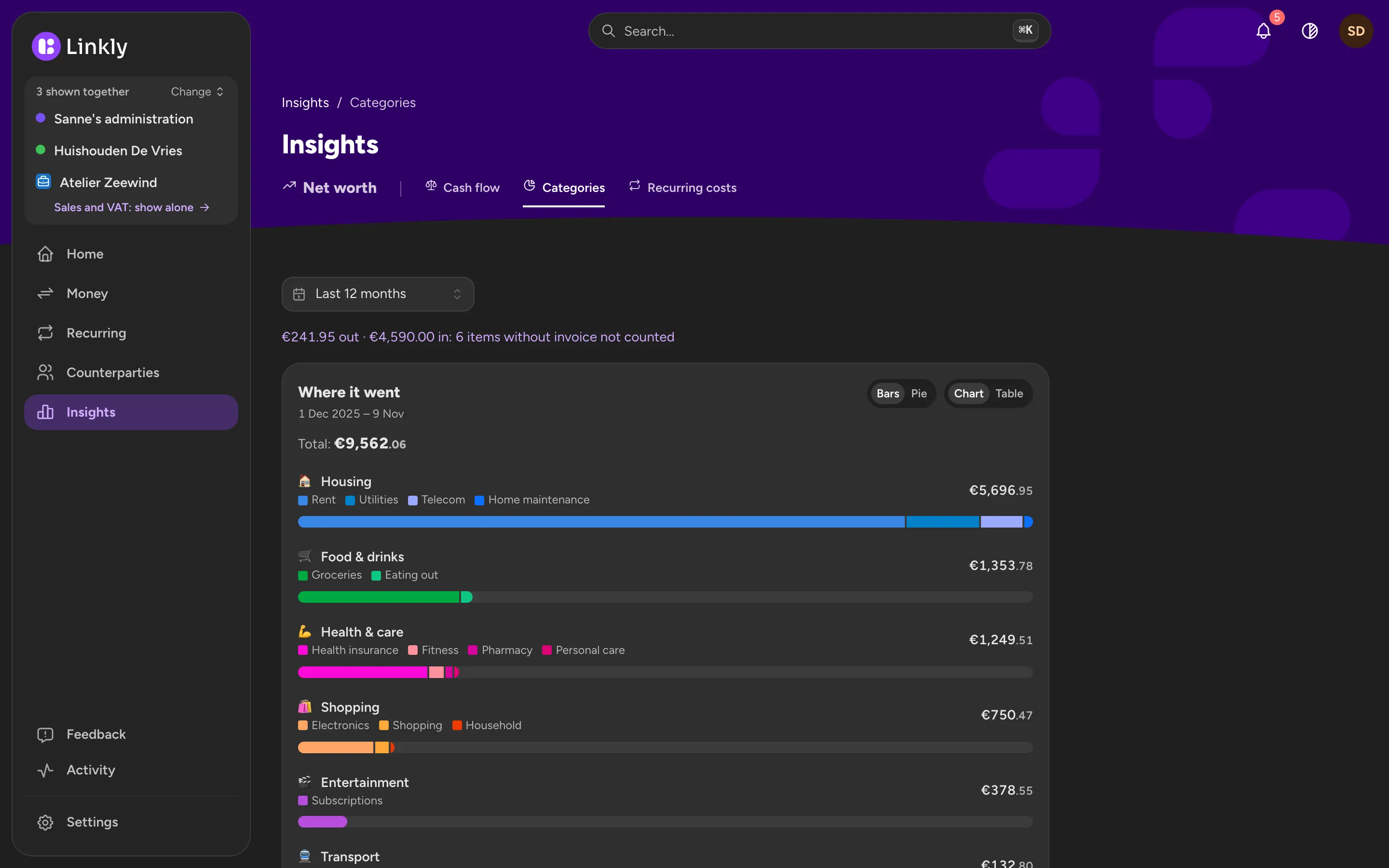
Insights adds up your spending per category, such as Housing, Food & drinks and Health & care, per month or per year. Every amount opens to the payments behind it.
- Categories that fit a household
- Cash flow: what came in against what went out
- The same numbers on your phone
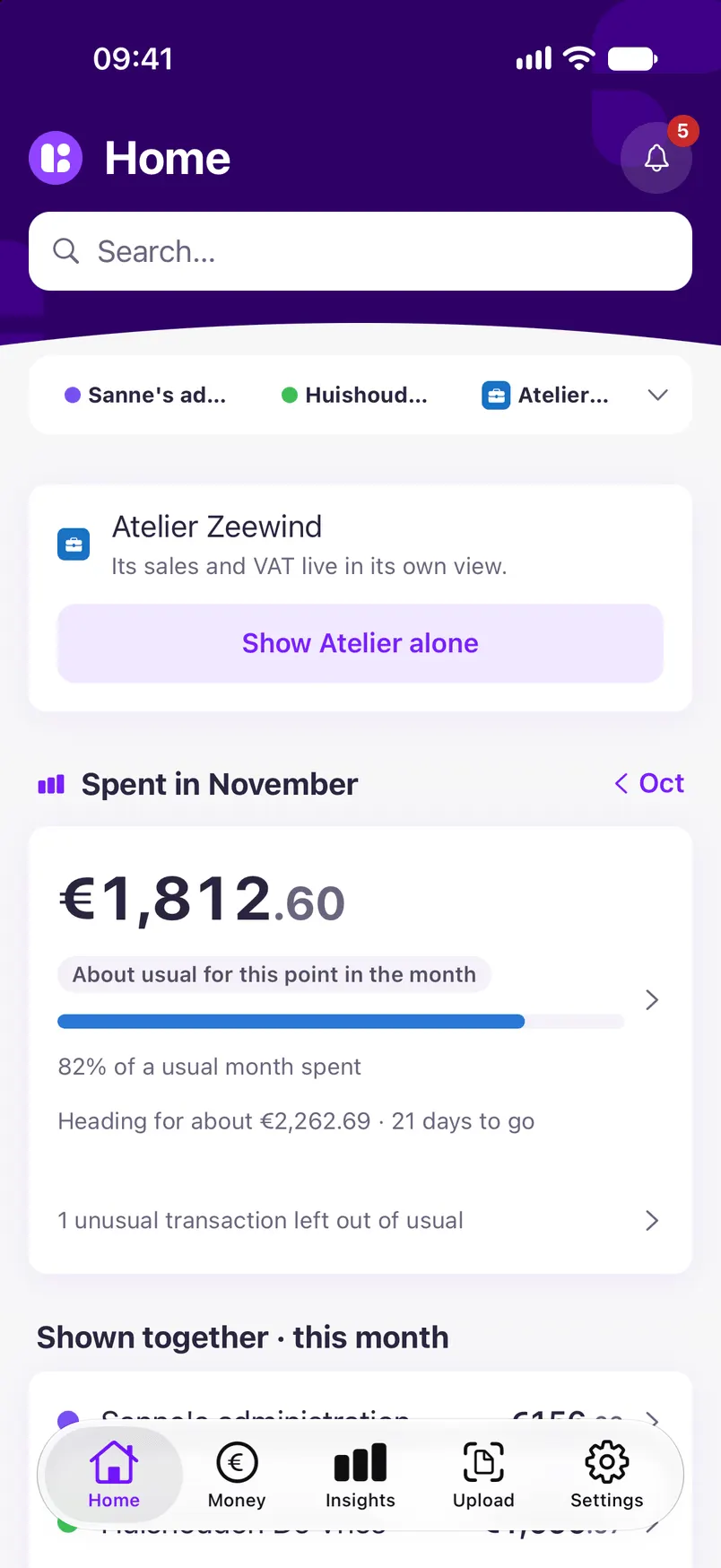
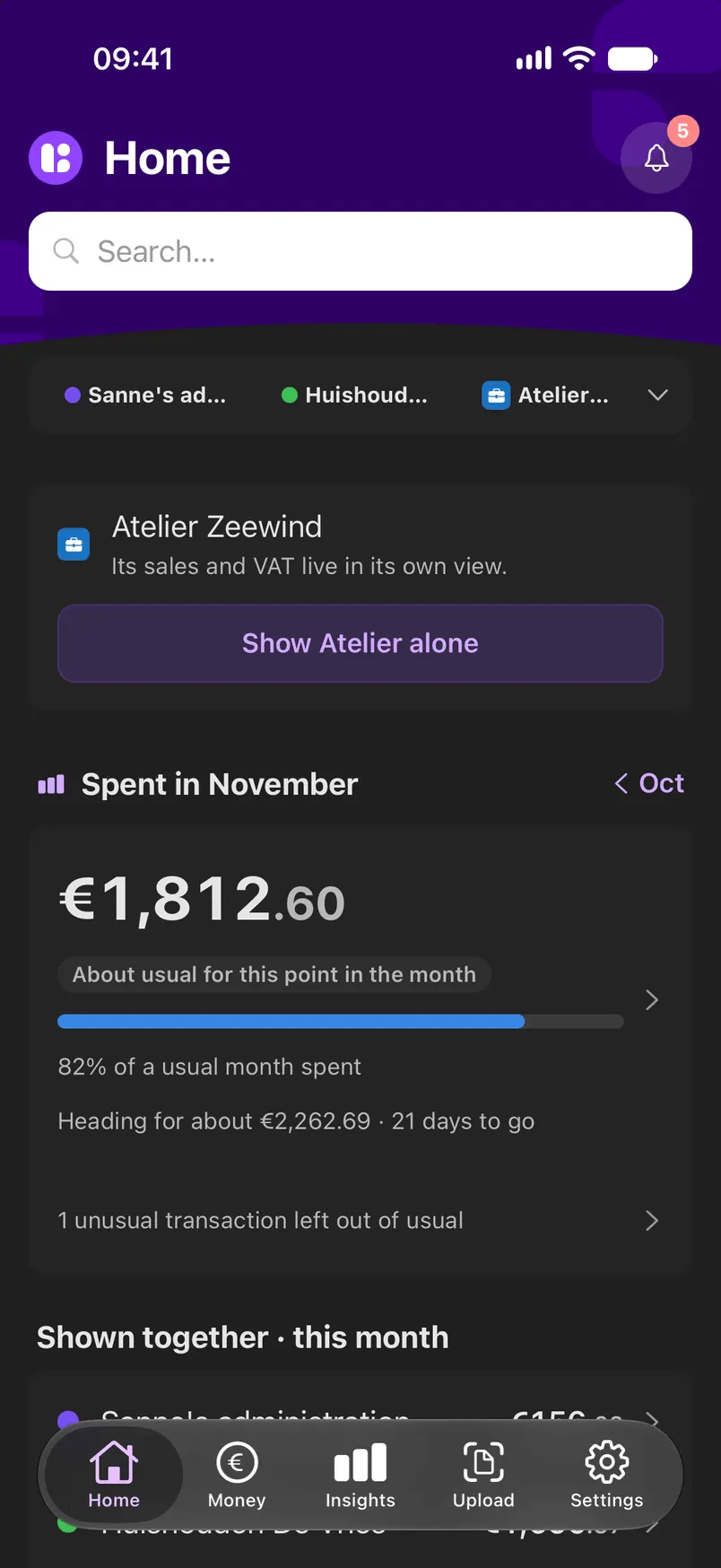
This month against a usual month
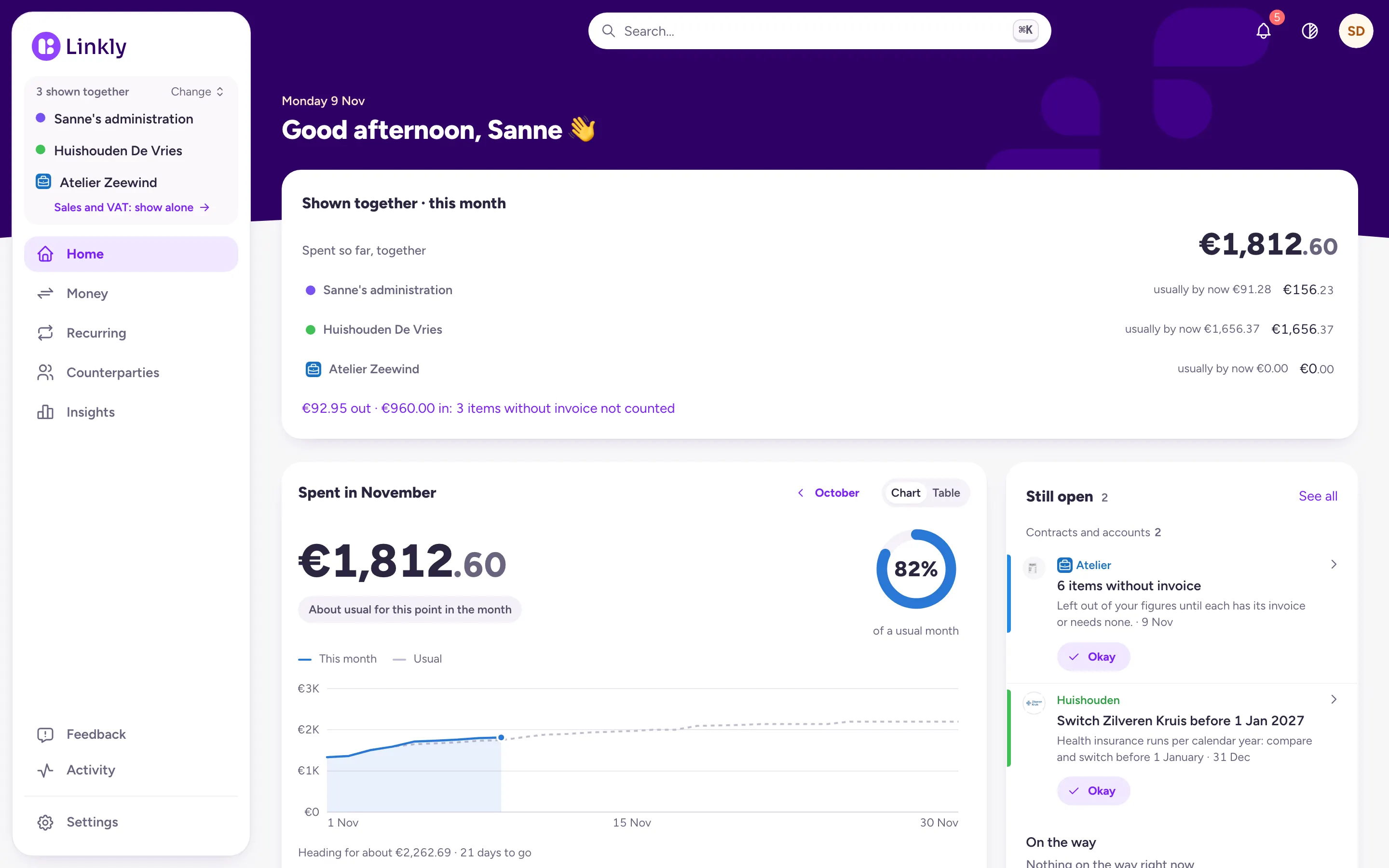
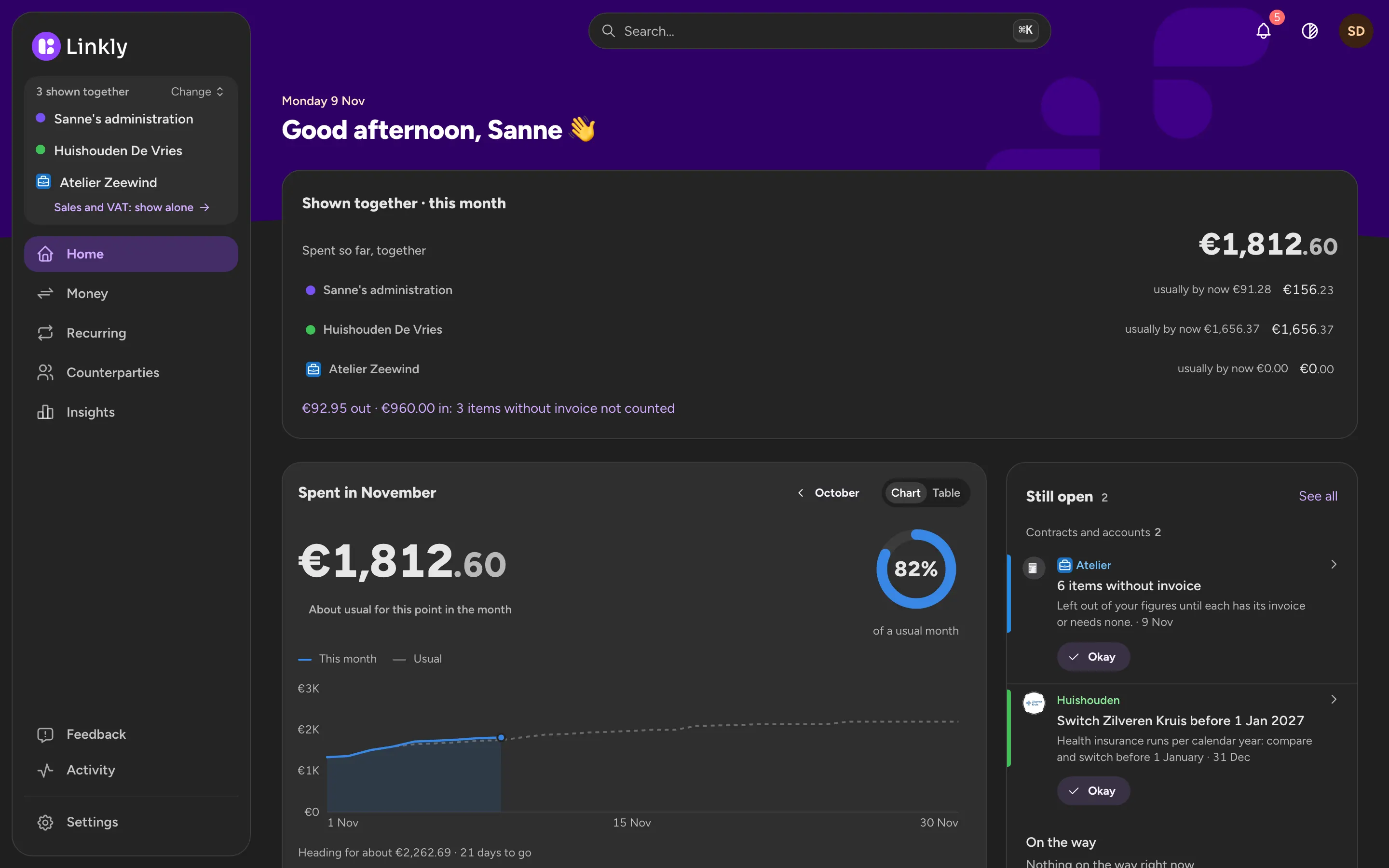
Home shows how the month is going: what you have spent so far against a usual month, where it went and which payments are still to come.
- Expected payments, such as rent and insurance
- What is still open or needs your attention
Recurring costs apart from the rest
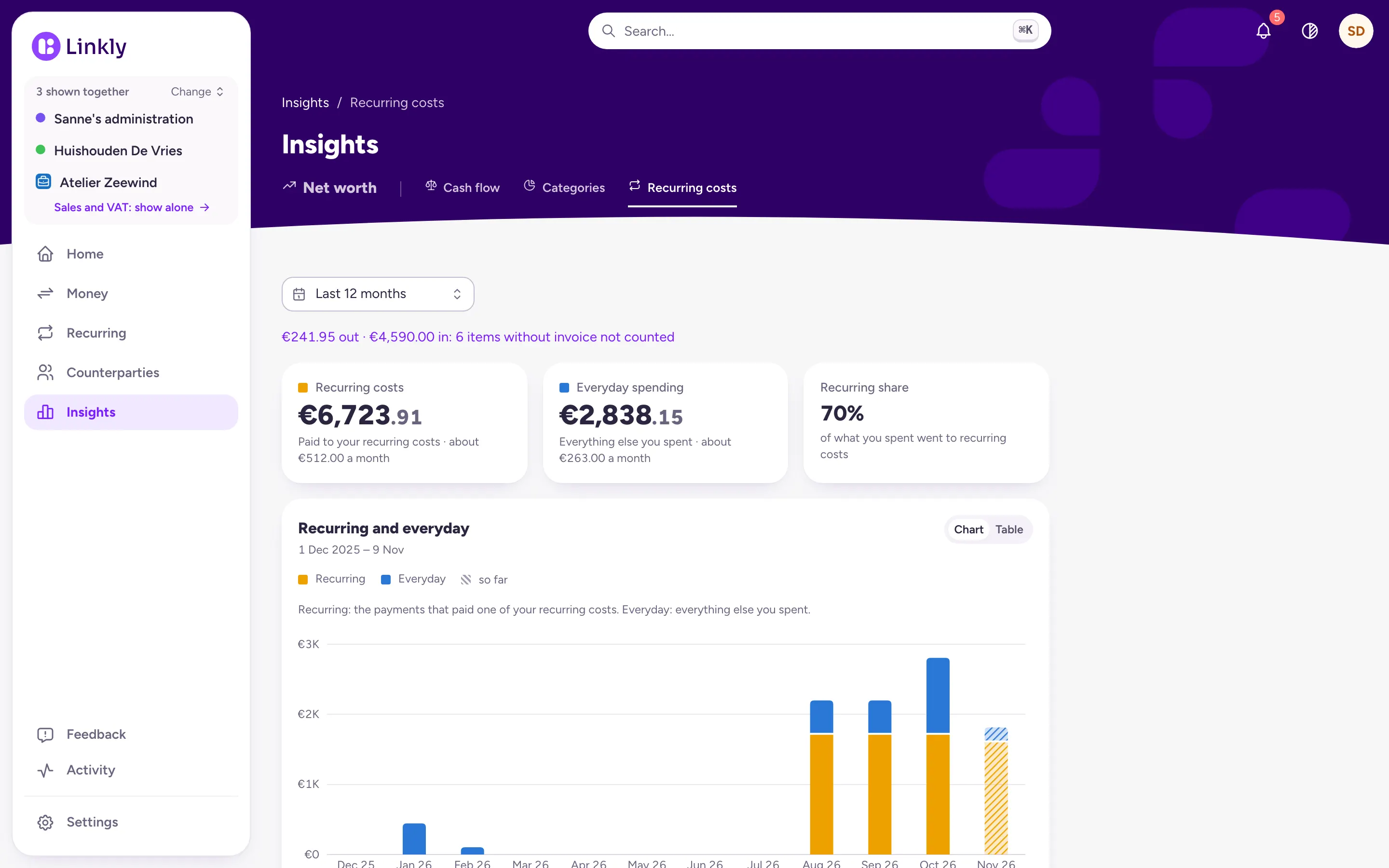
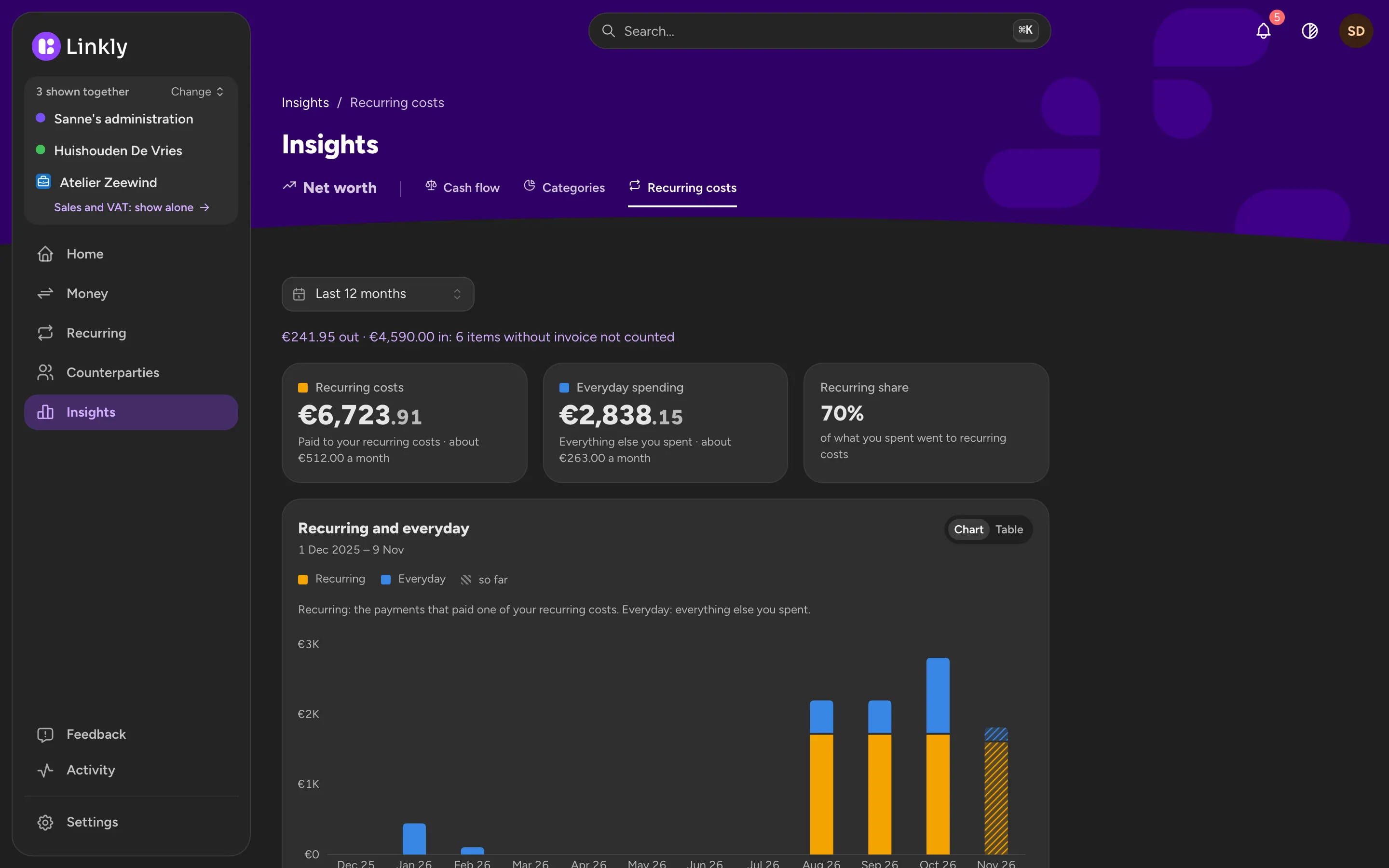
Linkly recognises what comes back every month and shows how much of your spending goes to recurring costs and how much is left for everything else.
- Month by month, with the current month so far
What Linkly doesn't do yet
Budgets per category, with an amount you give yourself each month, are not in Linkly yet. You see what you spent and on what, and how that compares with a usual month; you cannot set a limit yet. There are no savings goals yet either.
Common questions
Can Linkly touch my money?
No. Linkly reads your bank through a licensed PSD2 provider, read-only: it cannot move money and never sees your login details. Your data is stored on servers in the Netherlands.
Do I have to connect my bank?
No. You can import a CSV export from your bank instead. Your overview is then as recent as your last import.
Can I track spending together with my partner?
Yes. What you share, such as the joint account, the rent and the groceries, goes in a Household. You each keep your own Personal next to it, which the other never sees.
Can I use Linkly now?
Not yet. Linkly is in development and not open to everyone yet. Leave your email address and you will hear when it opens.
Hear when Linkly opens
Linkly is not open to everyone yet. Leave your email address and you will hear when it is.