Receipts
Keep your receipts, without the shoebox
You rarely need a receipt, but when you do, you want to find it. Linkly keeps each one with the payment it belongs to: the ones in your email automatically, the paper ones with a scan.
Why keep receipts
A receipt proves that you bought something, where and when. You need it when something breaks and you want it fixed under warranty, when you return something, when your insurer asks for proof of purchase, or when you claim costs on your tax return.
The paper receipt itself is not always required. In the Netherlands, where Linkly is made, the consumer association Consumentenbond says you have to show that you bought the product at that shop, and a bank statement can do that too. Having the receipt at hand still makes it a lot easier.
How people keep them today
Often it is a mix:
- In a drawer, a folder or a shoebox: all in one place, but try finding that one receipt.
- As a photo on your phone: quick to take, then lost among all your other photos.
- In your inbox: order confirmations and invoices are already there, spread over years of email.
- In the shop's own app: handy for that shop, but a different app for every shop.
Where it goes wrong
The receipt is rarely really gone. It is there somewhere; you just cannot find it when you need it.
- A printed receipt can fade, and after a few years some can no longer be read.
- A photo does not say which payment it belongs to, and a payment does not say which receipt goes with it.
- For an online order the receipt is often an email you would not recognise as one.
- You only notice a receipt is missing when you go looking for it.
Source: Consumentenbond, Kassabon kwijt? Dit zijn je rechten (in Dutch)
How Linkly keeps your receipts
Linkly is still in development. This is what it does today; the screenshots show sample data.
Receipts in your email come in automatically
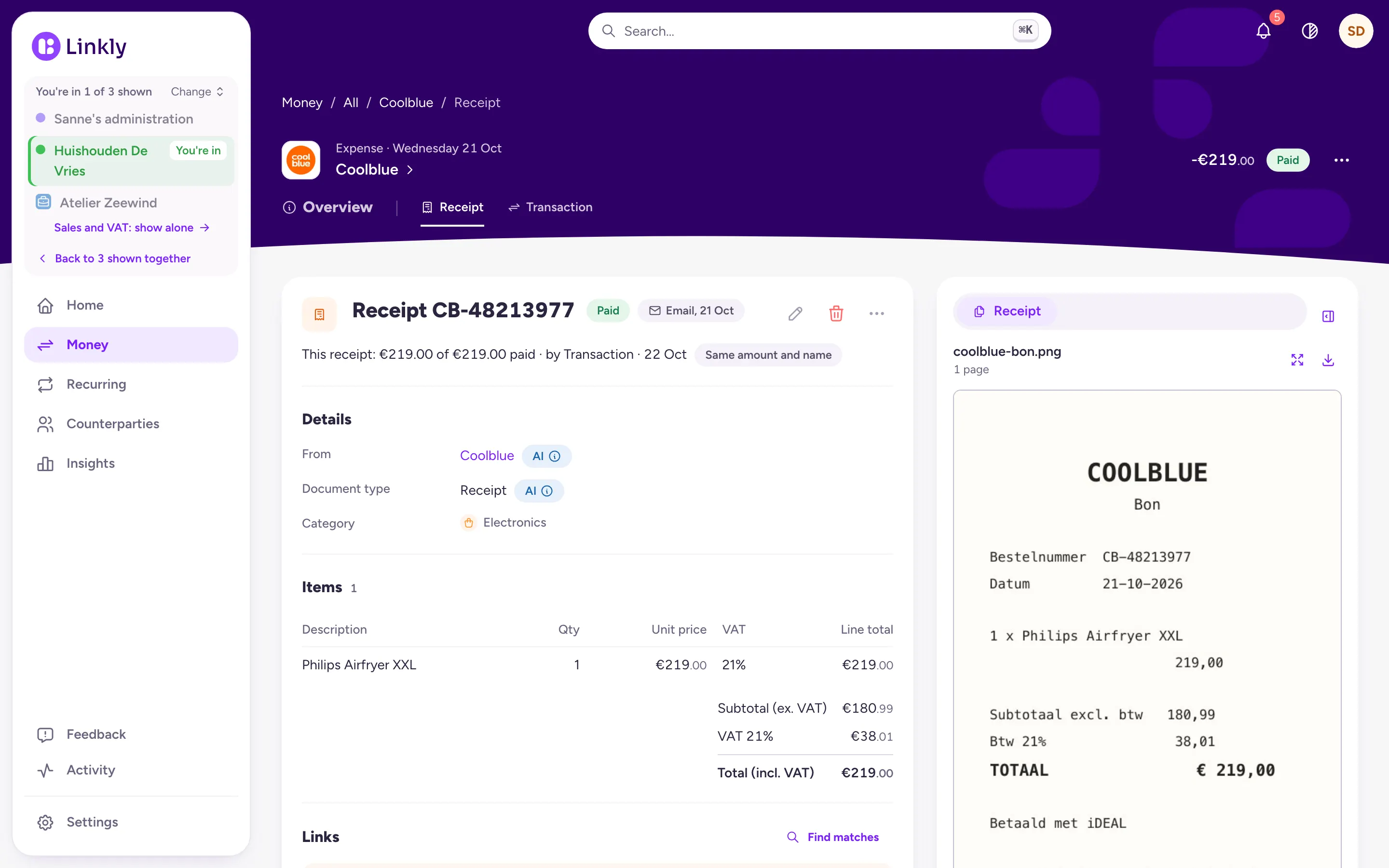
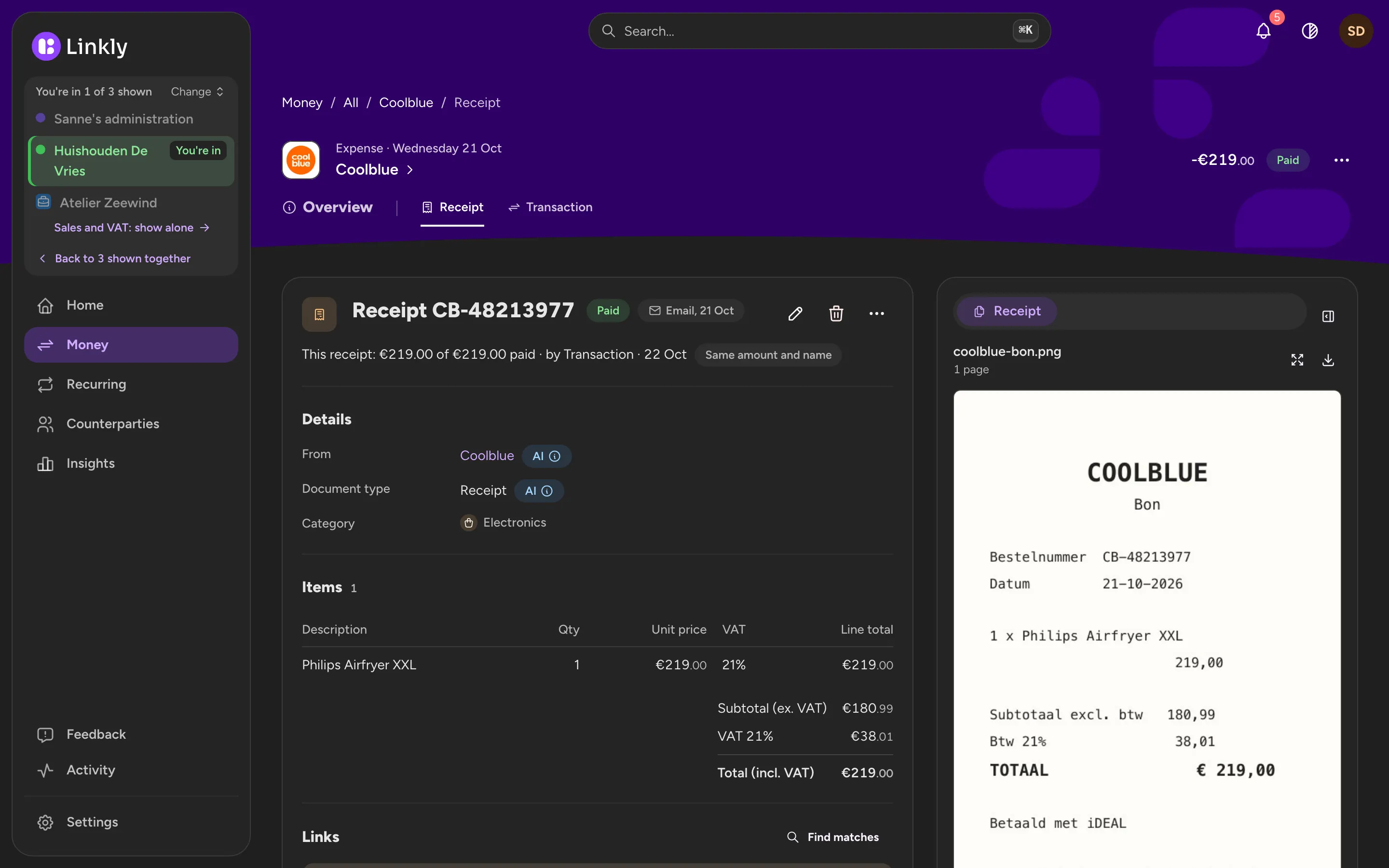
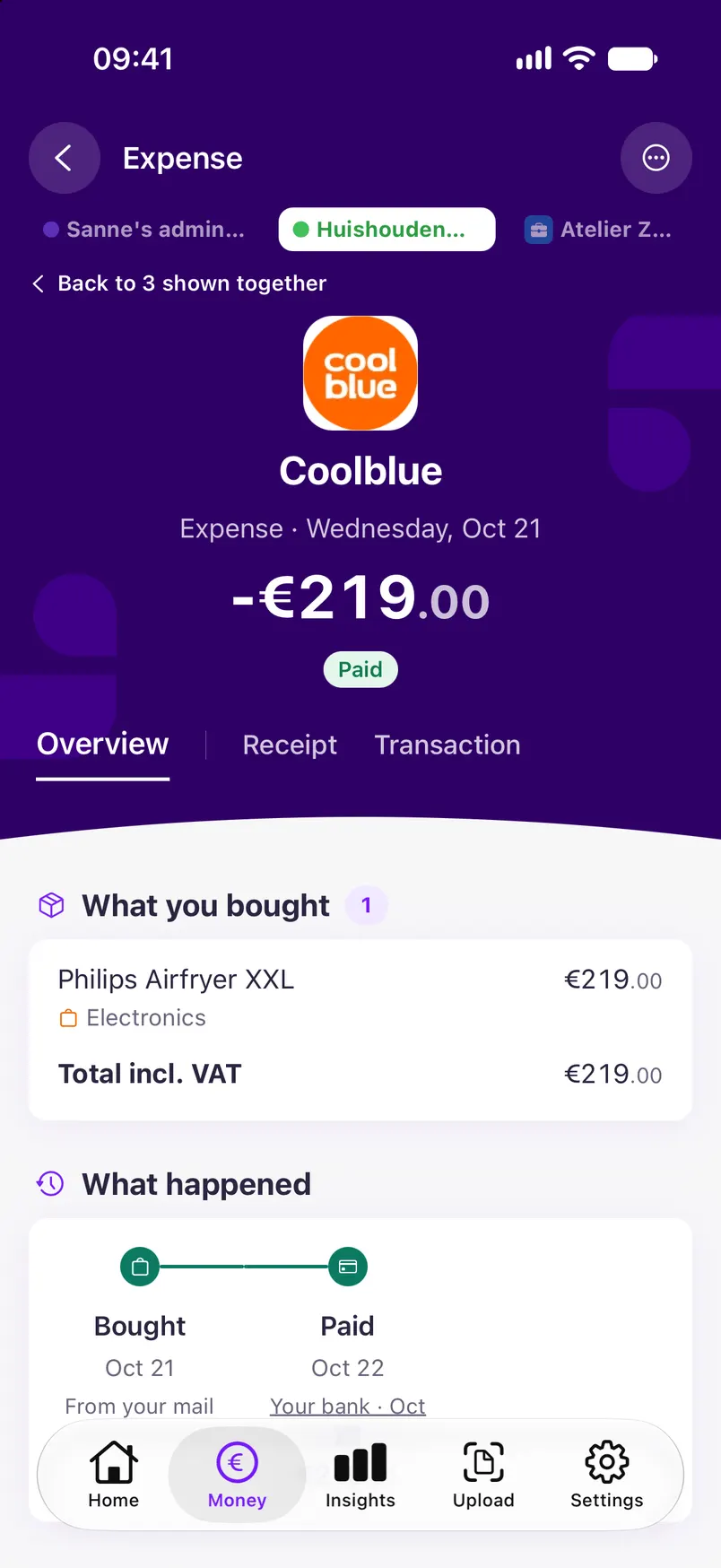
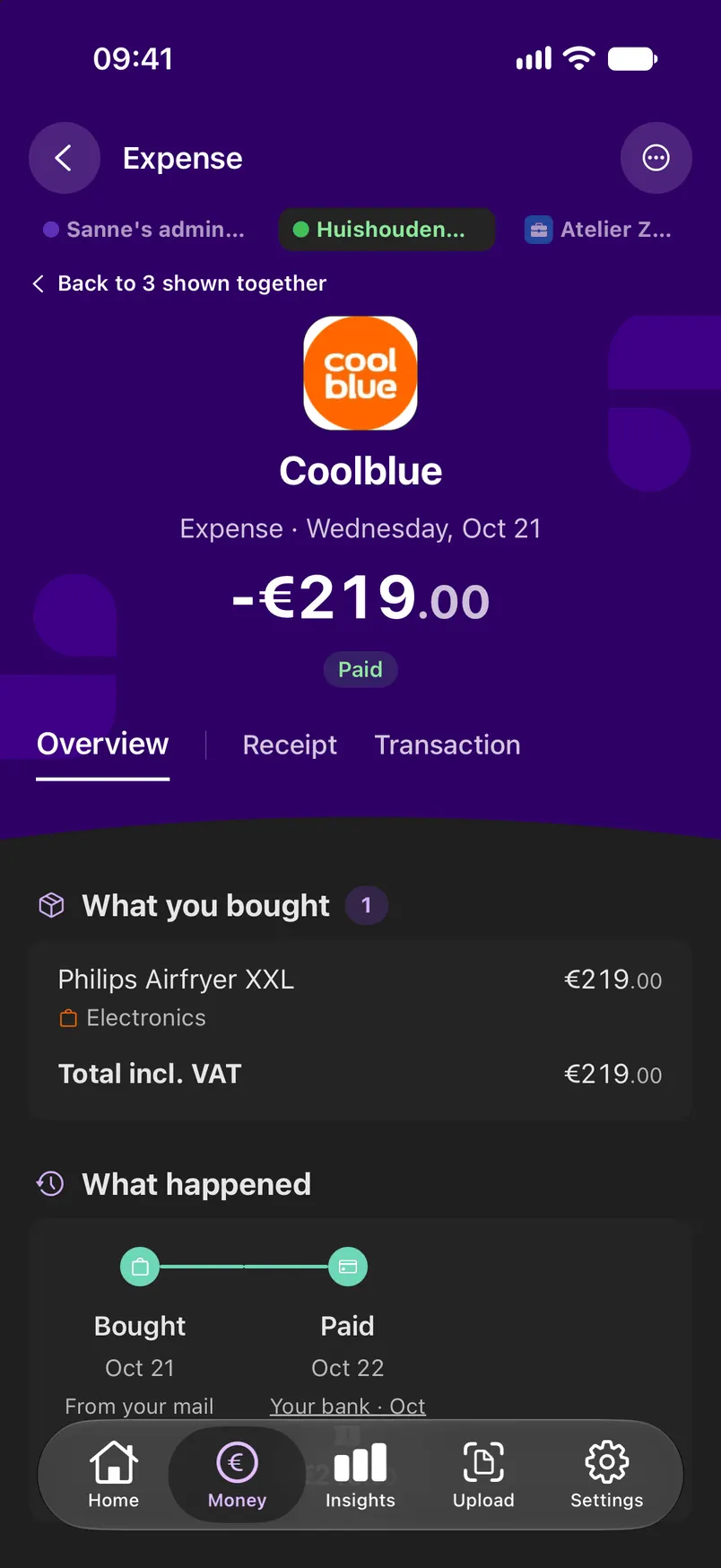
Linkly reads the receipts, invoices and order confirmations in your inbox. Even an email without a PDF: Linkly then reads the email itself. It picks out the amount, date, shop and VAT and shows the original next to them, so you see where every number comes from.
- Gmail, Outlook.com and other email accounts over IMAP
- For email that has nothing to do with money, Linkly does not keep the content
- What you bought is listed line by line
Scan paper receipts with your phone
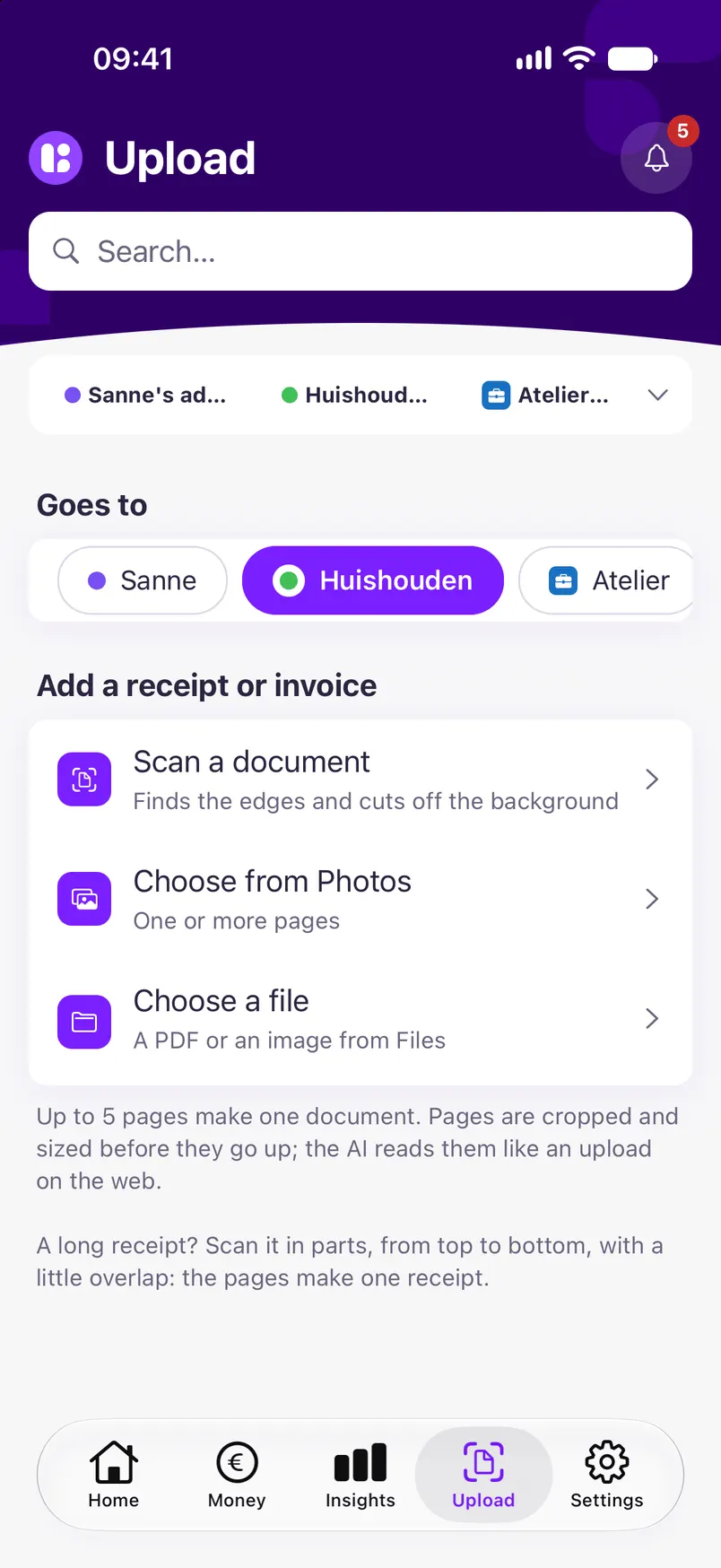
In the app you scan a receipt with the camera; the edges and the background are cut off. A long receipt is scanned in parts, which become one receipt. On a computer you drag a PDF or photo onto its payment.
- PDF, JPEG, PNG and WebP, up to 10 MB
- Up to five pages in one document
- No signal in the shop? The scan goes up once you are back online
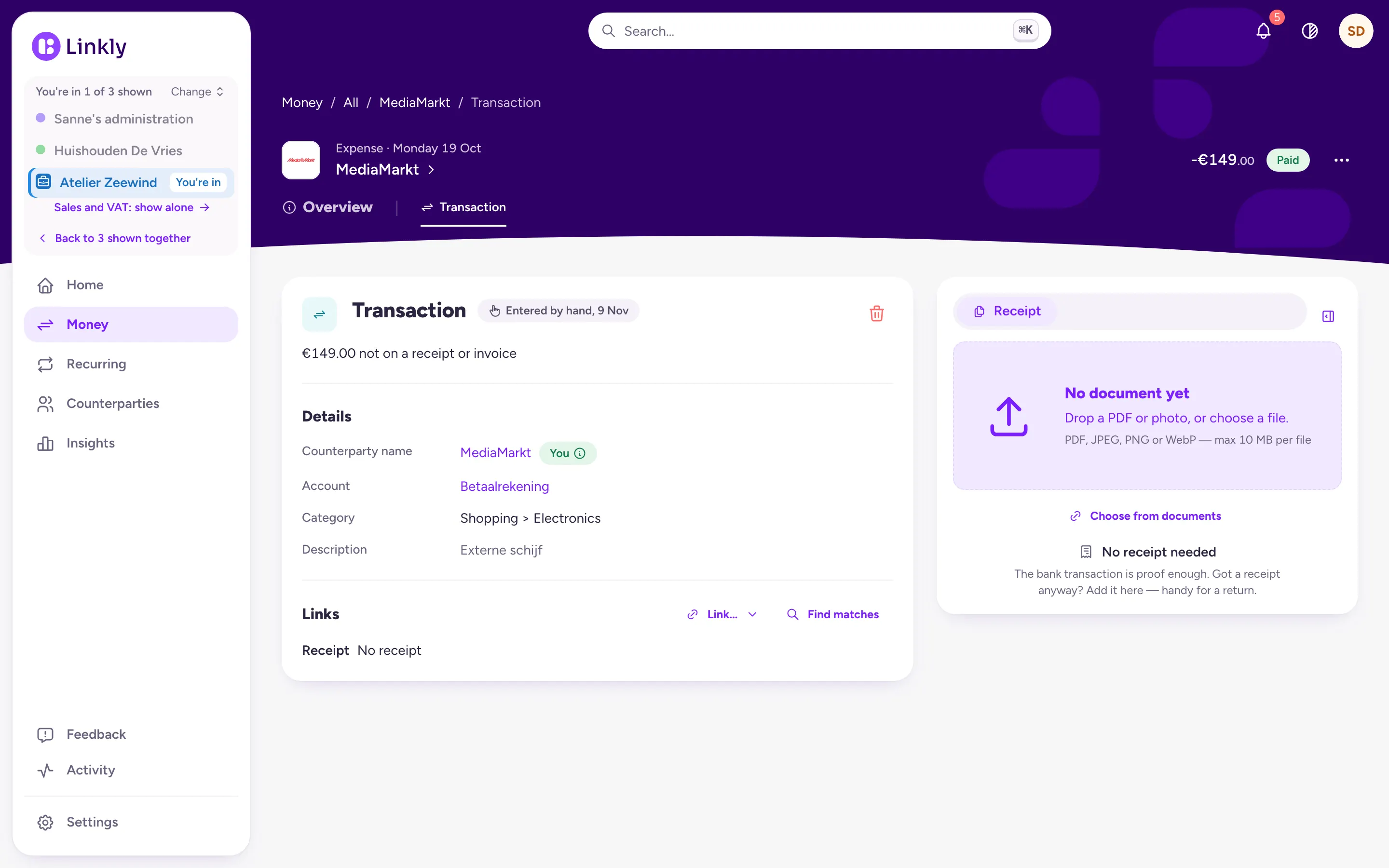
The receipt sits with its payment
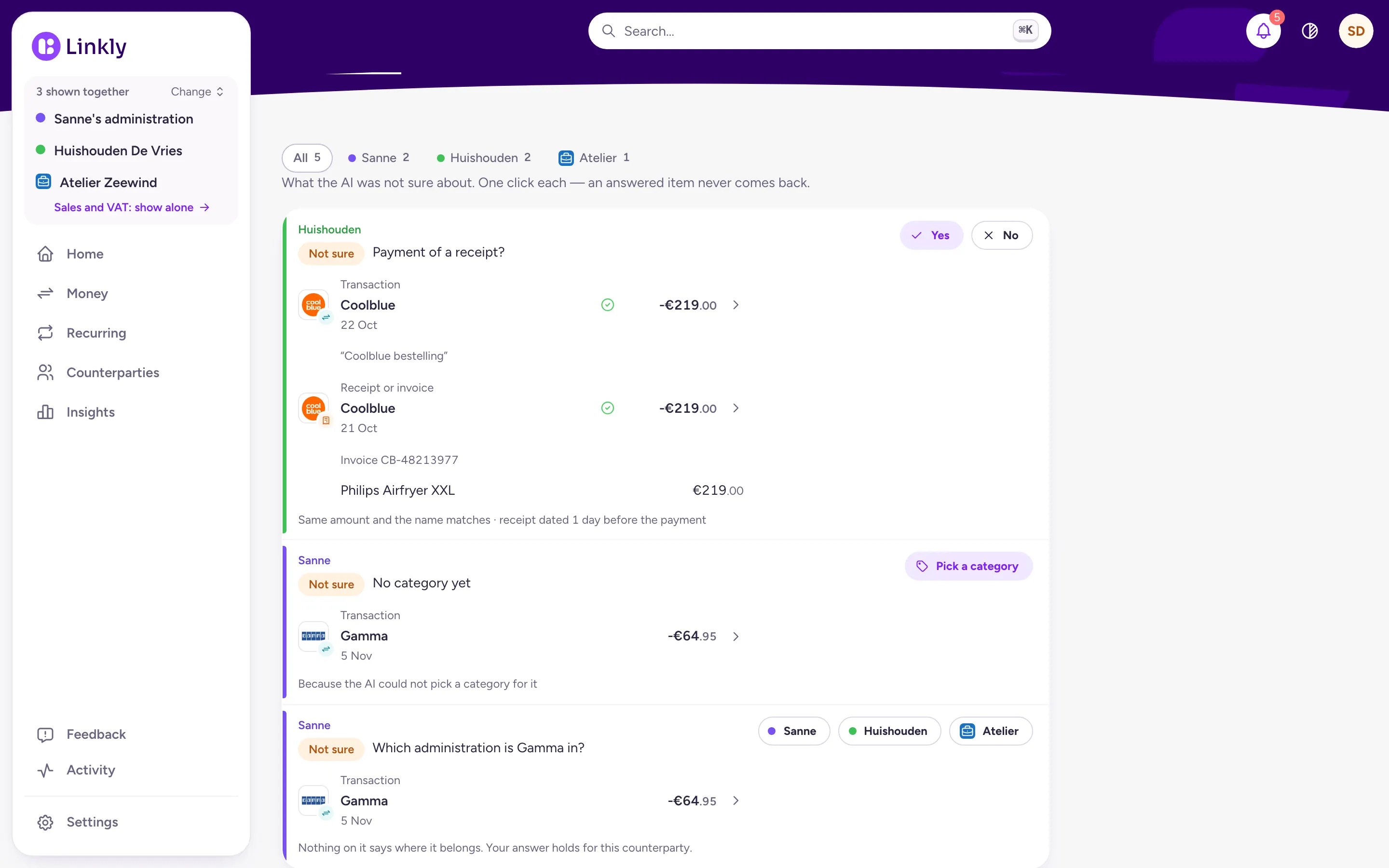
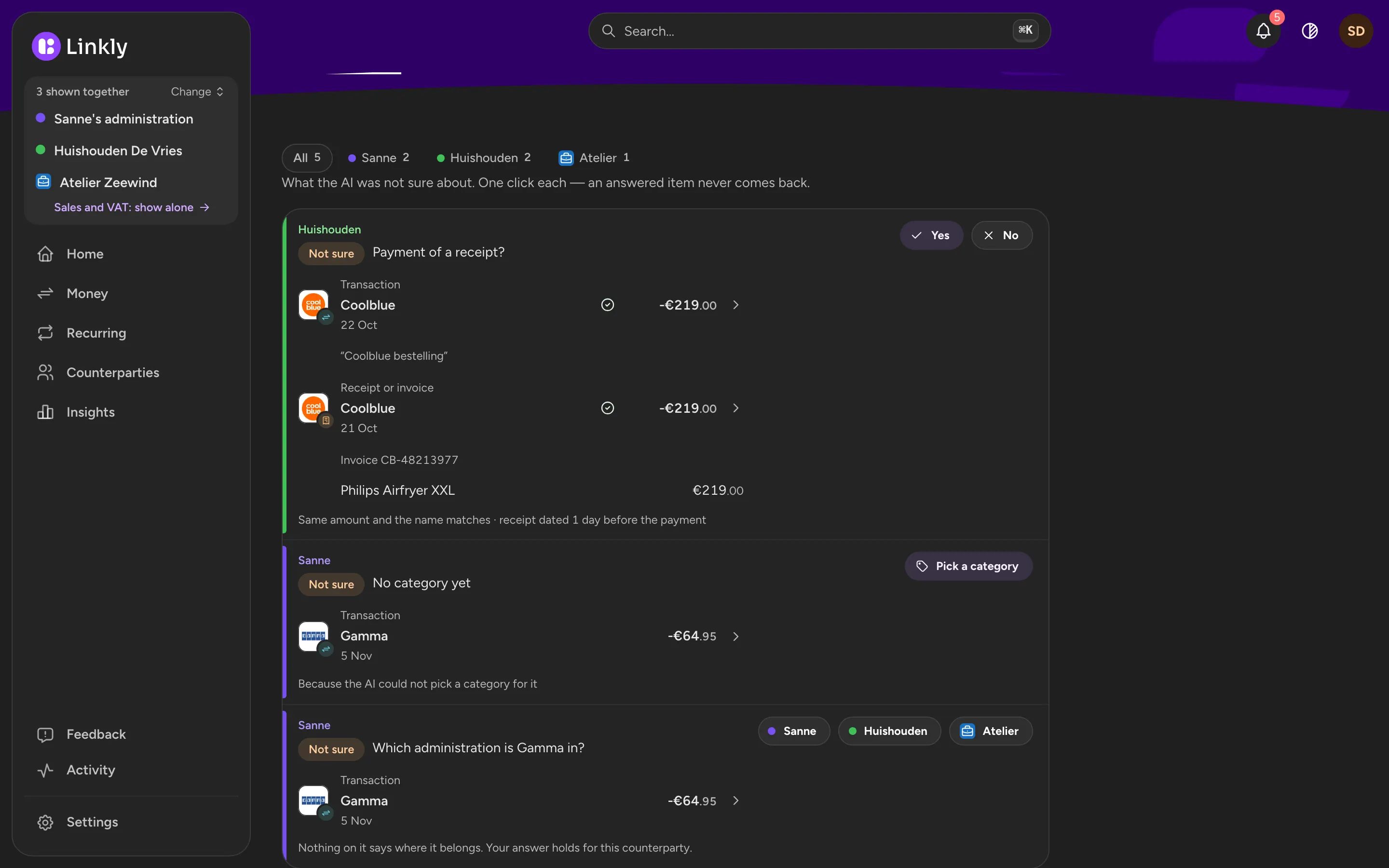
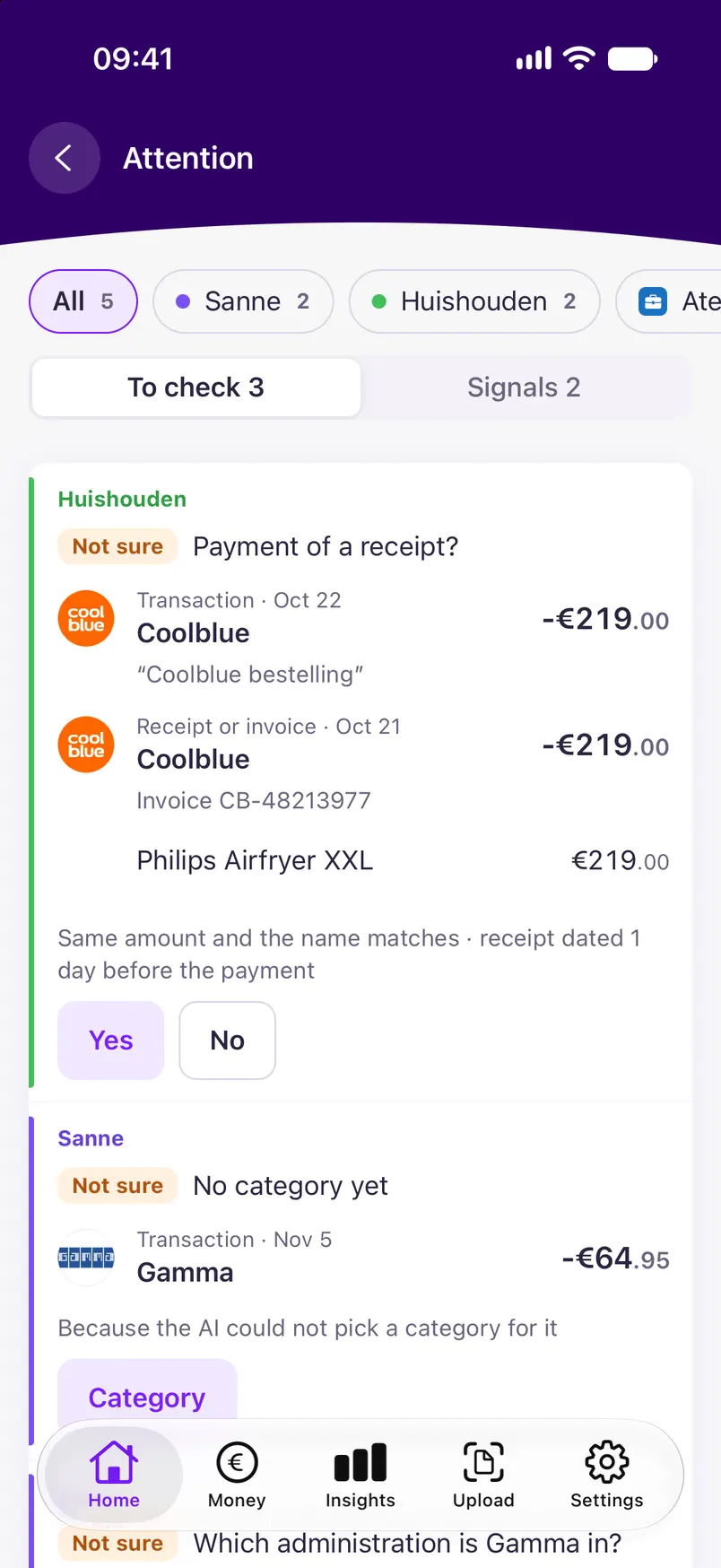
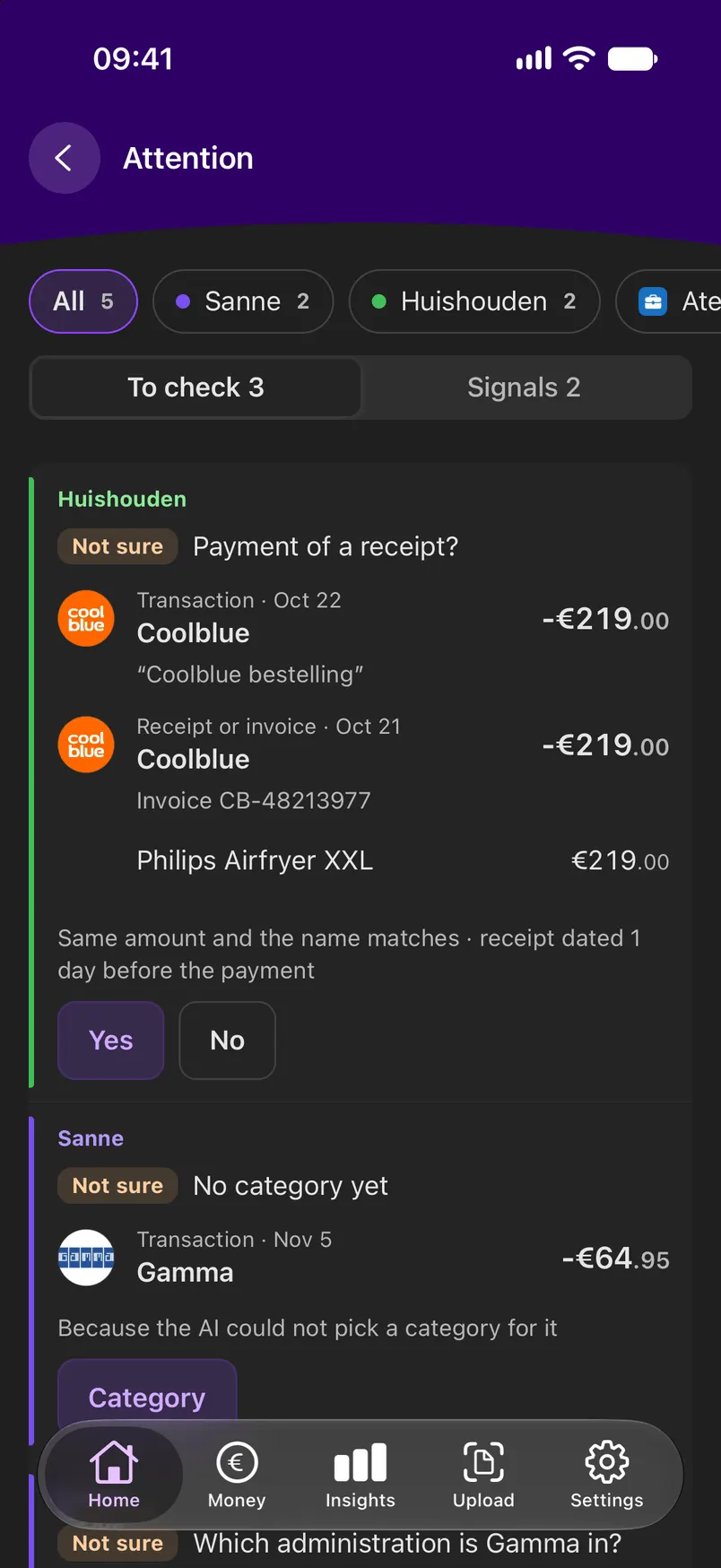
For every receipt Linkly looks for the payment it belongs to, by amount, date and counterparty, and says why. When it is not sure, it asks you: yes or no.
- Undo in one click
- For a purchase of €150 or more without a receipt, Linkly says one is worth keeping
Find it again in seconds
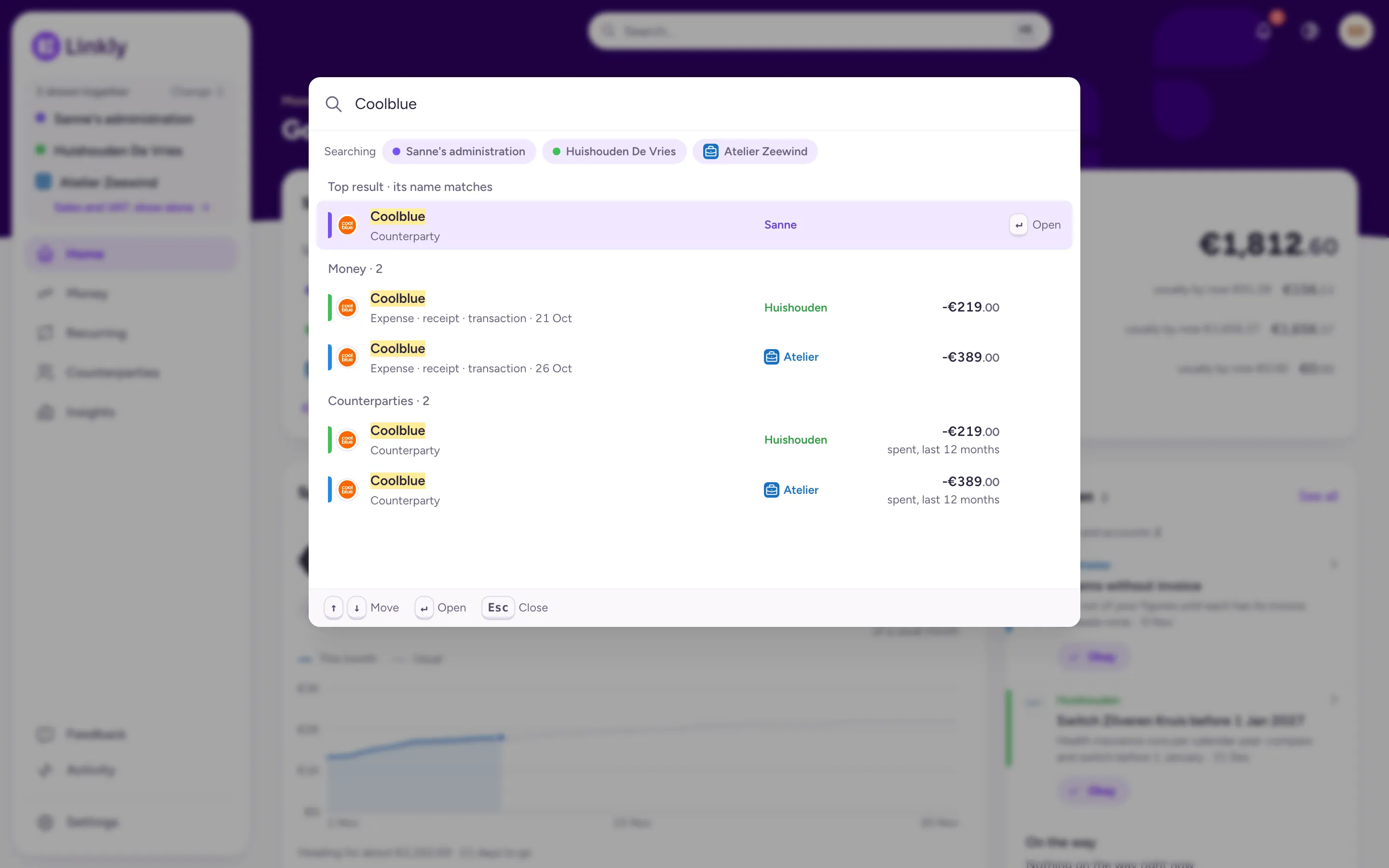
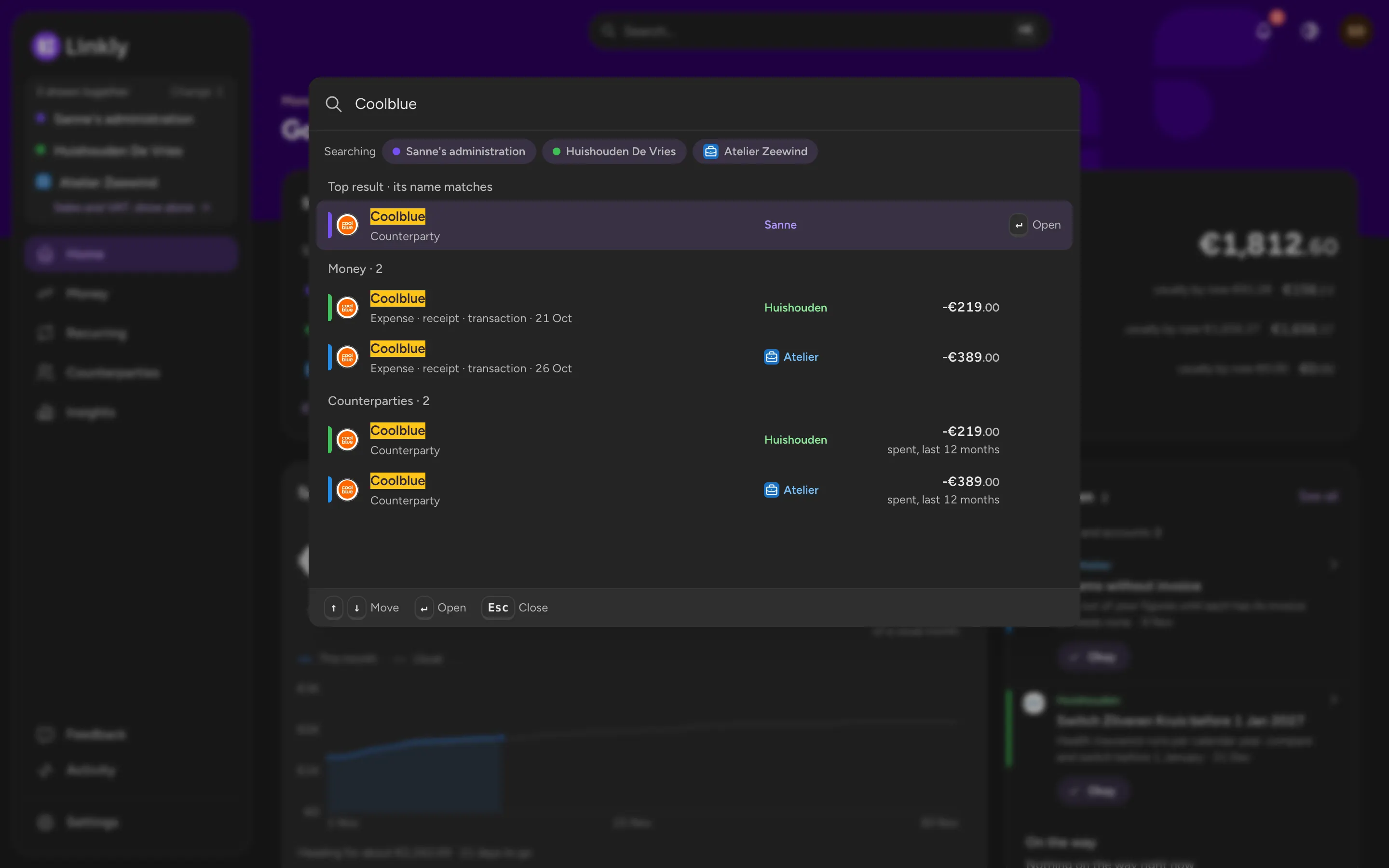
Search for the shop or for what you bought: search also looks through the lines of your receipts. The result opens the payment, with its receipt next to it.
- Across every administration you show
- An order's return deadline shows with what is still open
What Linkly doesn't do yet
Linkly does not track warranty periods and does not warn you when one runs out. It does not fetch receipts from a shop's own app: those only come in when the shop also emails them, or when you upload them yourself.
Common questions
Do I need the original receipt for a warranty claim?
Not always. Under Dutch rules you have to show that you bought the product at that shop; besides the receipt, the Consumentenbond mentions a bank statement or a statement from a shop assistant. Rules differ per country, and a shop can have its own for exchanges, so ask there.
How long should I keep receipts?
As long as they can be of use: for a purchase, as long as you may want to claim under warranty or have it insured; for costs on your tax return, as long as the tax office can come back to it. In Linkly you do not have to choose: a receipt stays with its payment until you delete it yourself.
Does Linkly read all my email?
Linkly looks through your inbox for email about money: receipts, invoices, payslips, orders and contracts. For email that has nothing to do with that, it does not keep the content. You disconnect with one click.
Can I use Linkly now?
Not yet. Linkly is in development and not open to everyone yet. Leave your email address and you will hear when it opens.
Hear when Linkly opens
Linkly is not open to everyone yet. Leave your email address and you will hear when it is.