How it works
How Linkly works
Linkly gets your data from two sources, your bank and your email, and connects the dots itself. You only look where Linkly is unsure.
Start with a file from your bank
Download your payments at your bank as a file and import it into Linkly: a CSV export, camt.053 or MT940. Linkly reads what is in the file and nothing else: it can never move money and never sees your login details. You can also connect your bank, so your payments come in every morning; for now that takes a one-time setup of about ten minutes.
- Your overview is as recent as your last import
- Connecting goes through a licensed PSD2 provider, read-only, for Dutch, Belgian and German banks
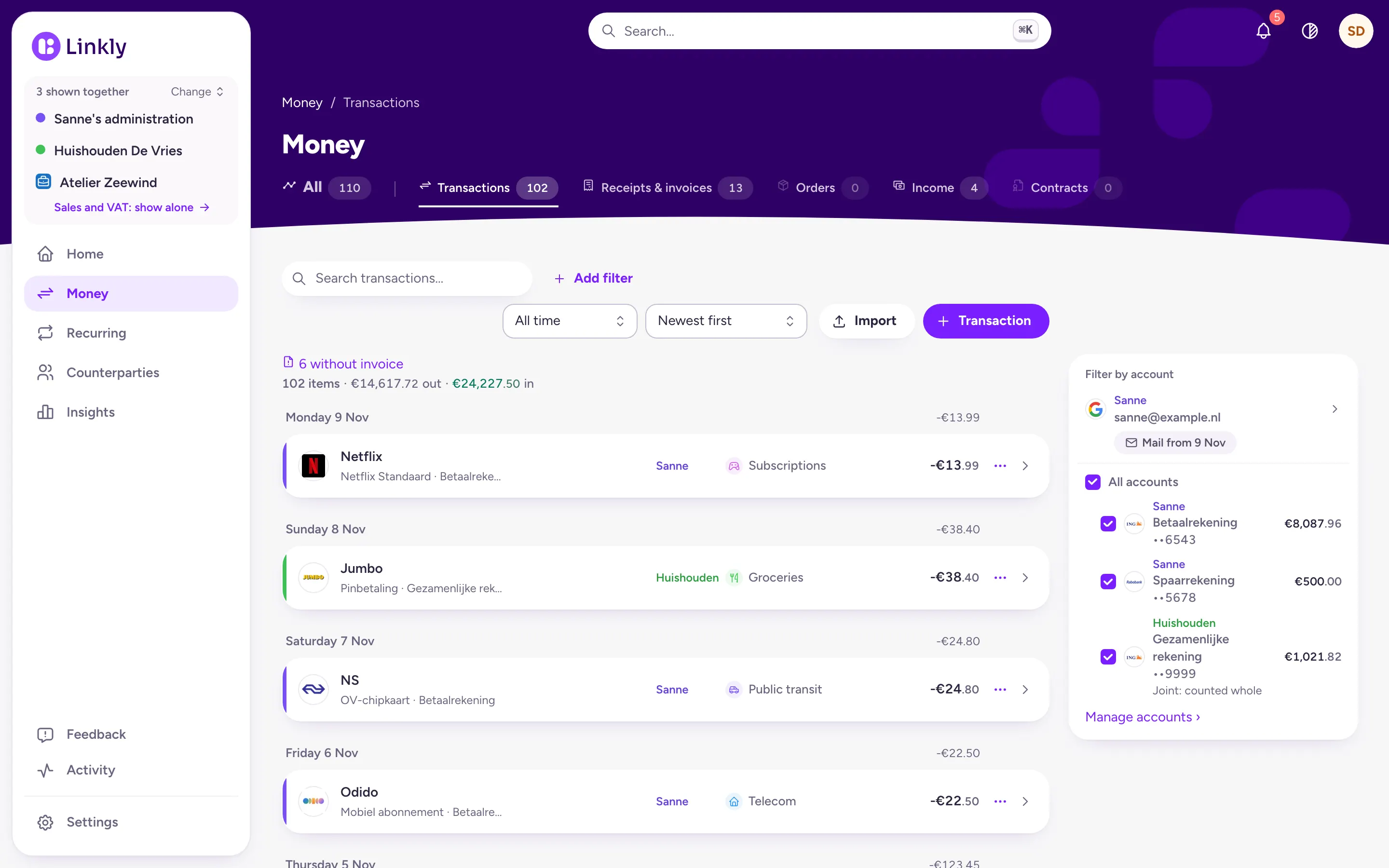
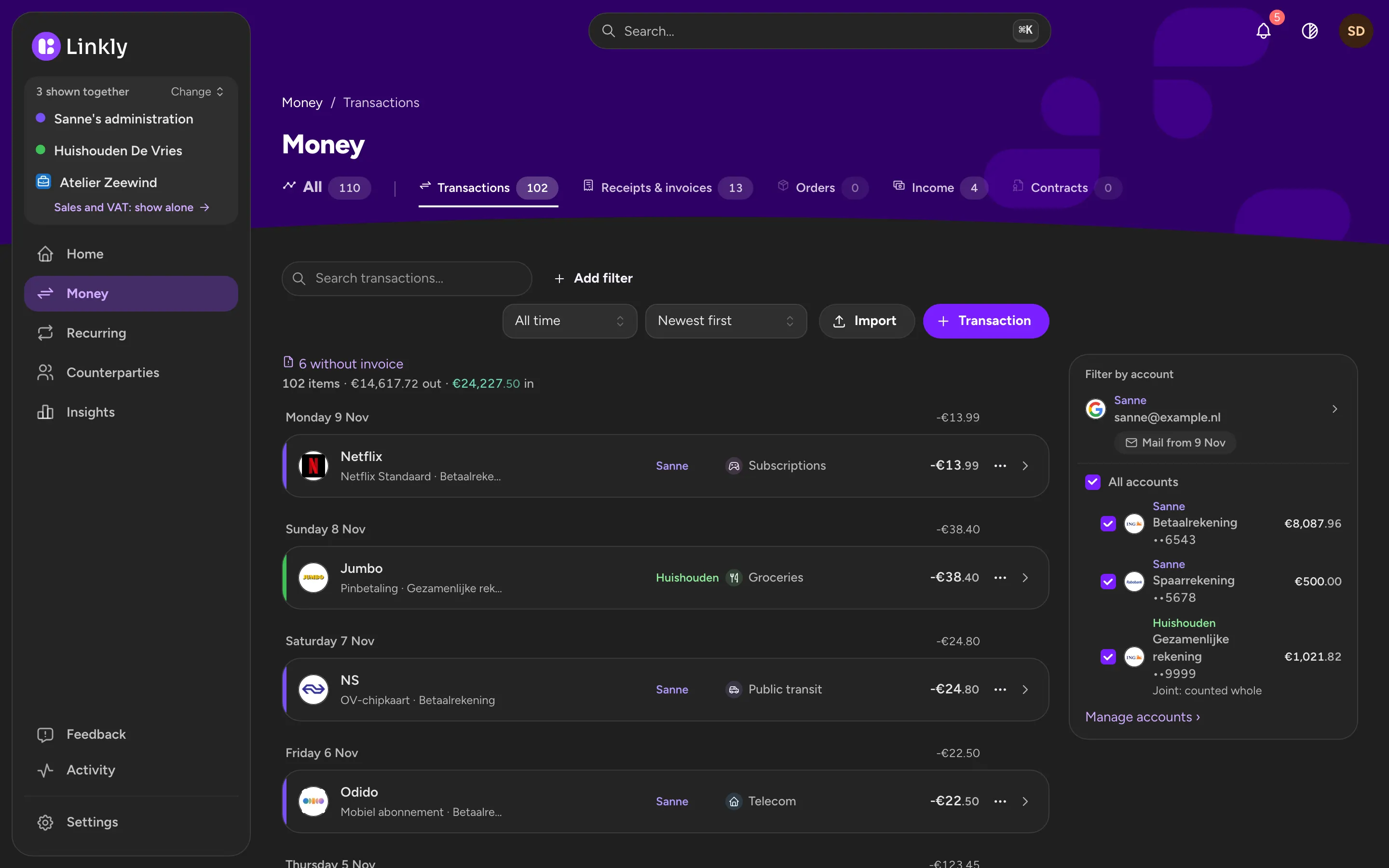
- Every payment gets a name, a logo and a category
Let Linkly read your email
Receipts, invoices, payslips, orders from online shops and emails about contracts and price changes come in on their own. Even an email without a PDF: Linkly reads the email itself.
- Gmail with an app password, which you make in your Google account in about two minutes
- Outlook.com with Microsoft's own login
- Other email accounts over IMAP, such as KPN, Ziggo, XS4ALL and iCloud
- For email that has nothing to do with money, Linkly does not keep the content
- You can always upload a PDF, or scan a receipt with your phone, several pages in one go
Automatic matching
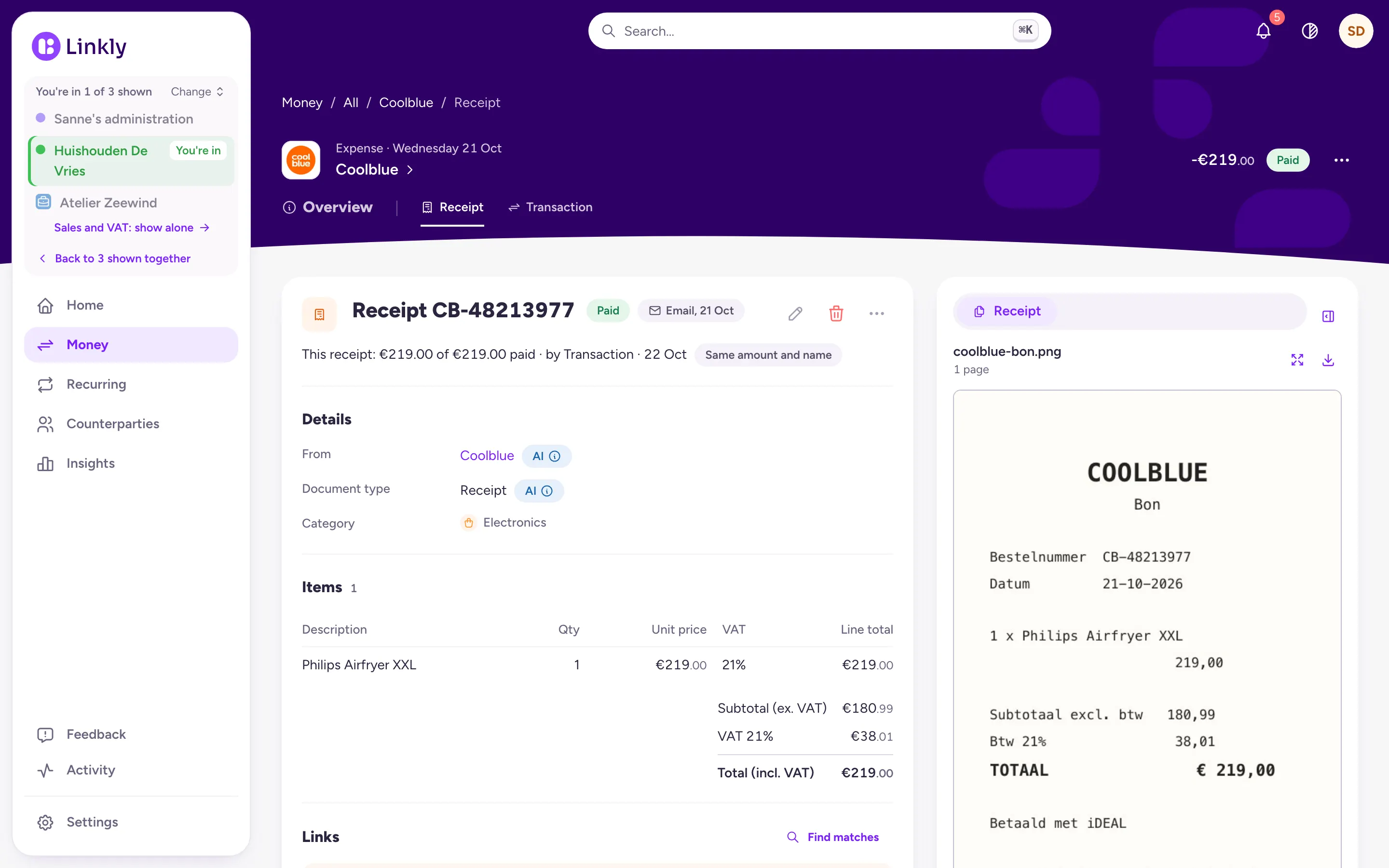
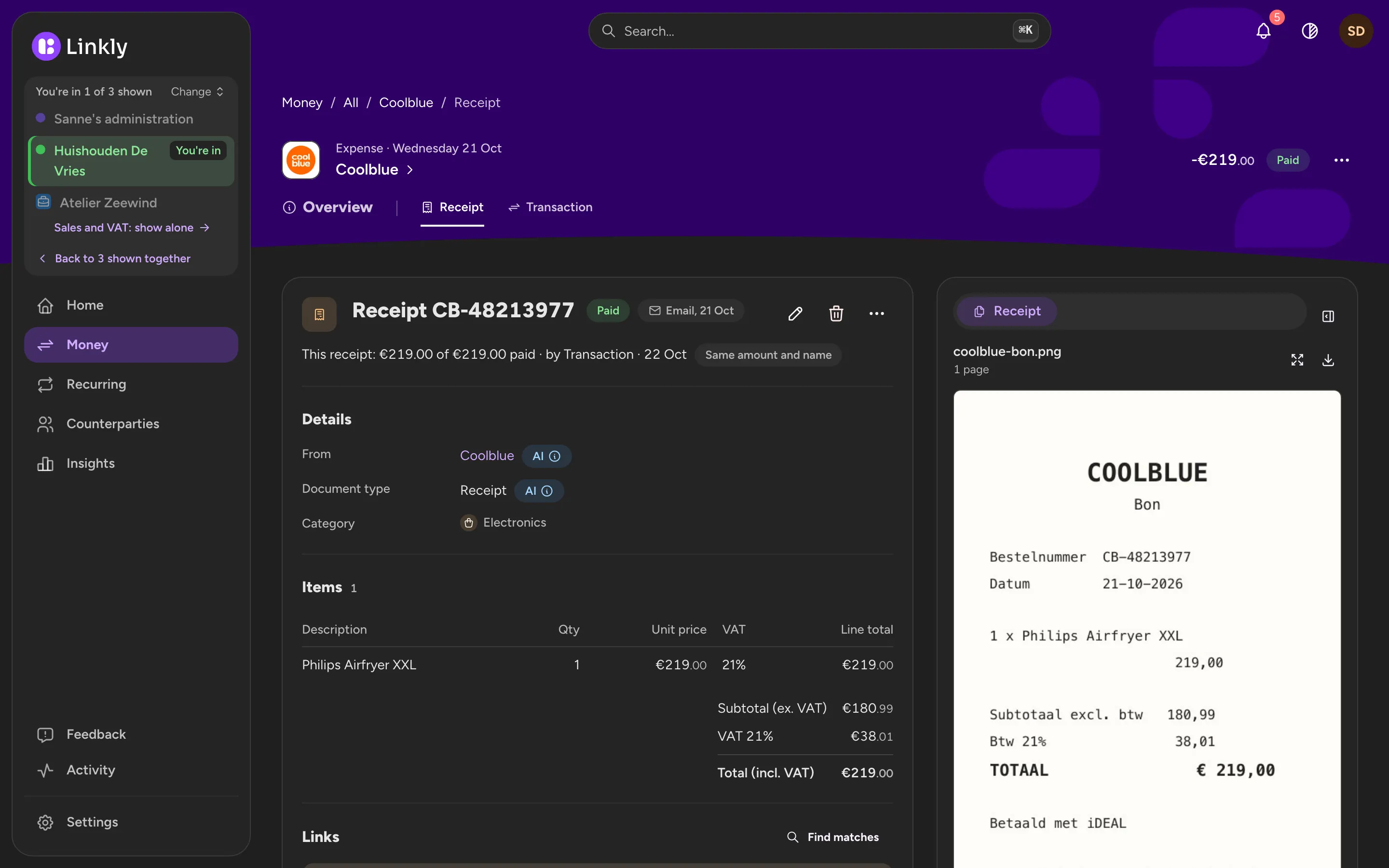
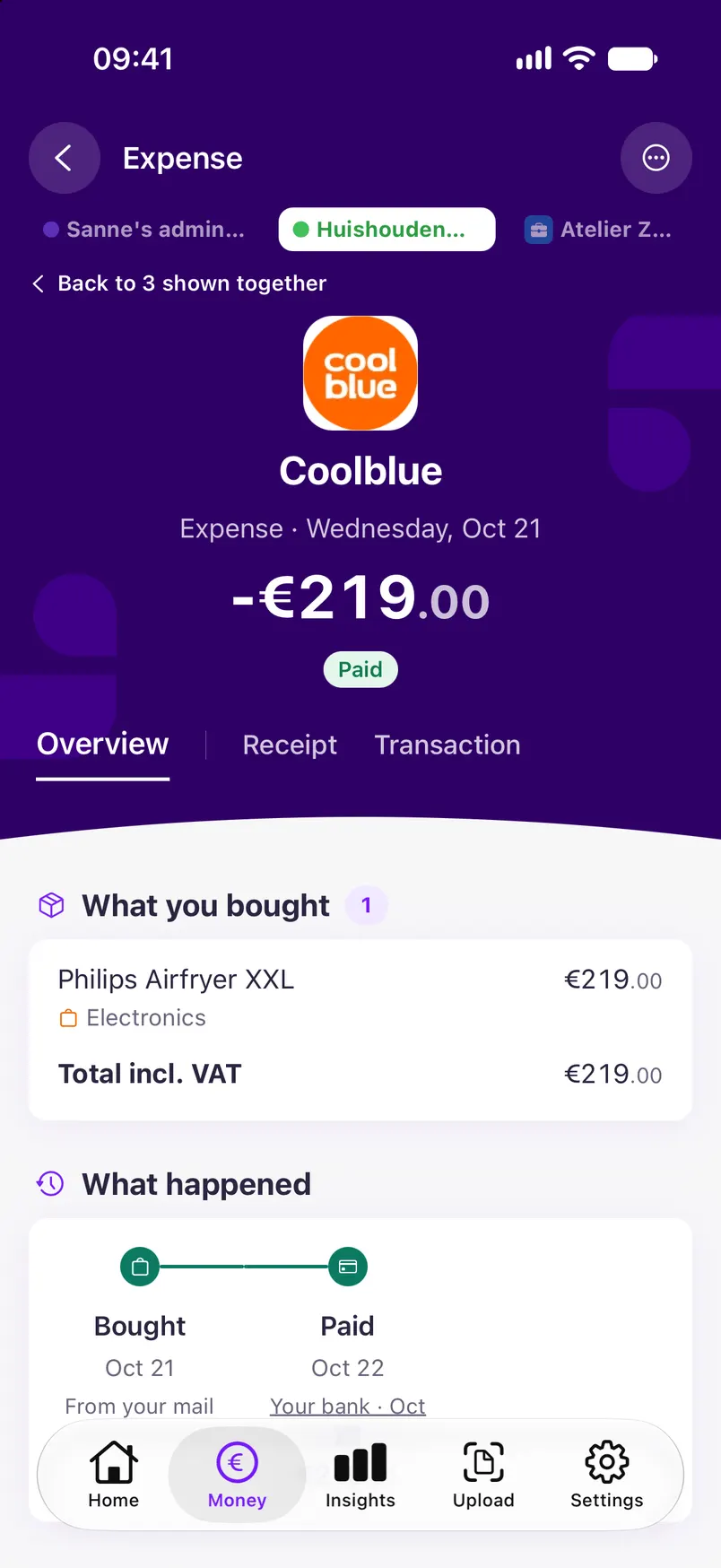
For every payment Linkly looks for the receipt, invoice or payslip that belongs to it, by amount, date and counterparty. An order from bol.com finds its payment, a refund finds its purchase, and a transfer to your savings account is not counted as spending.
- Every link says why
- Undo in one click
- Payments without a receipt stand out at a glance
Recurring costs and contracts
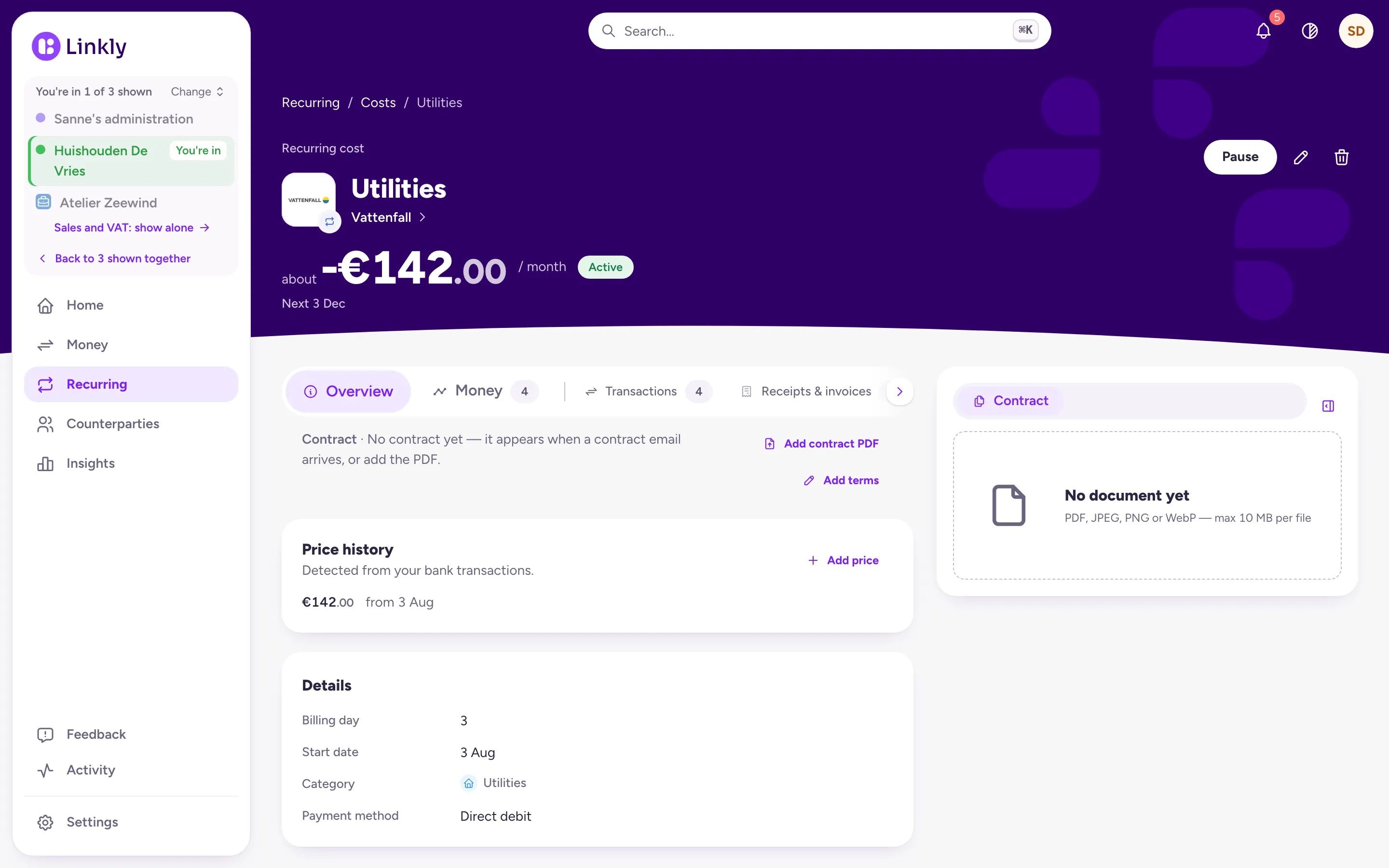
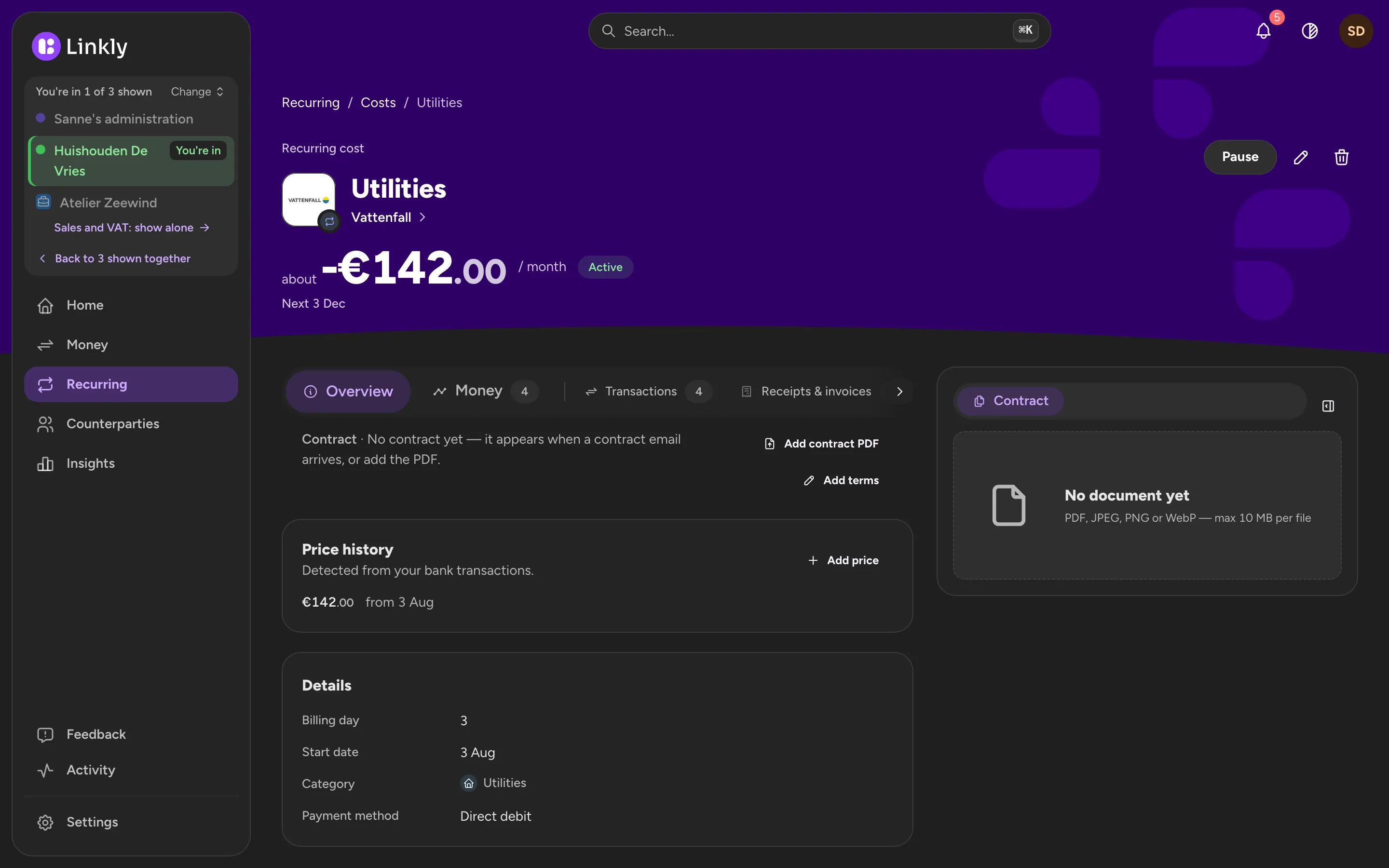
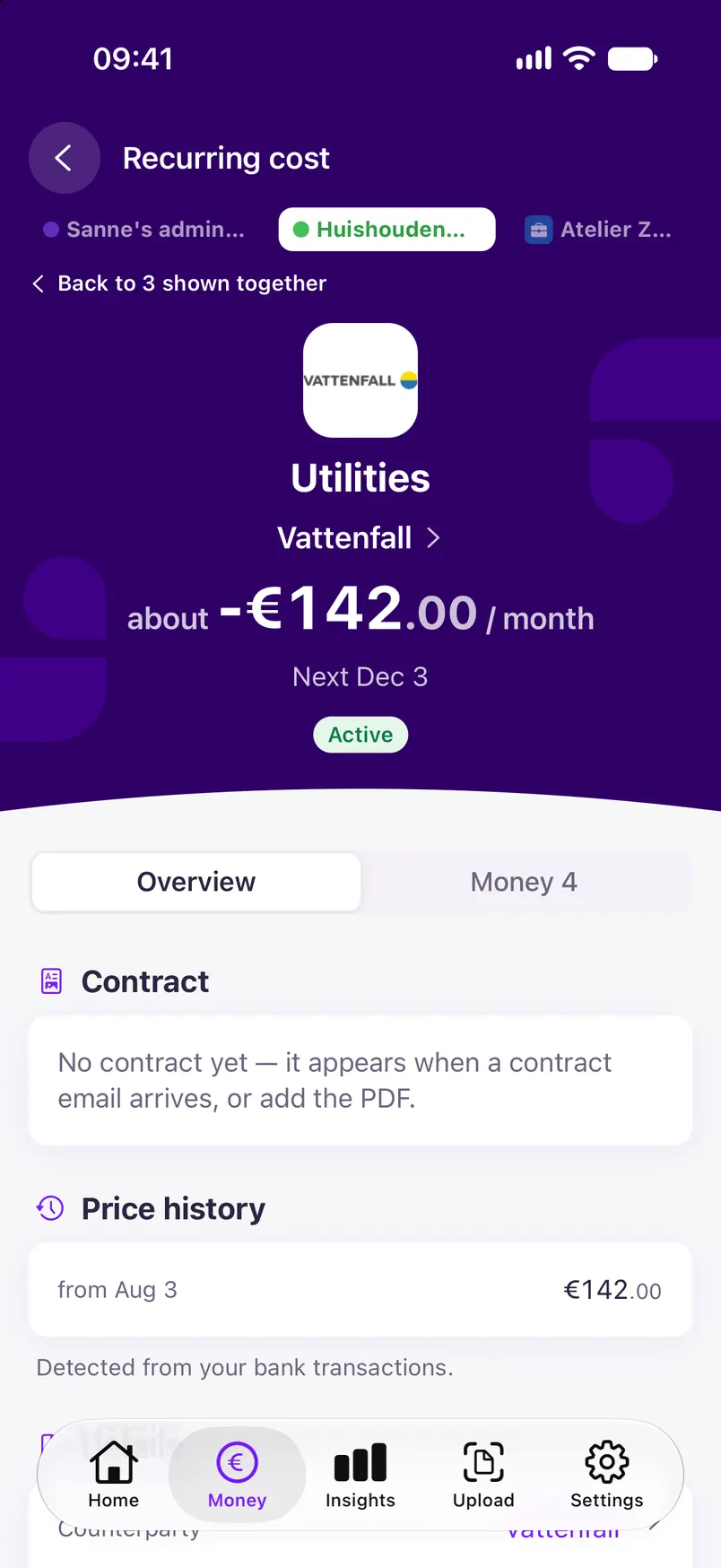
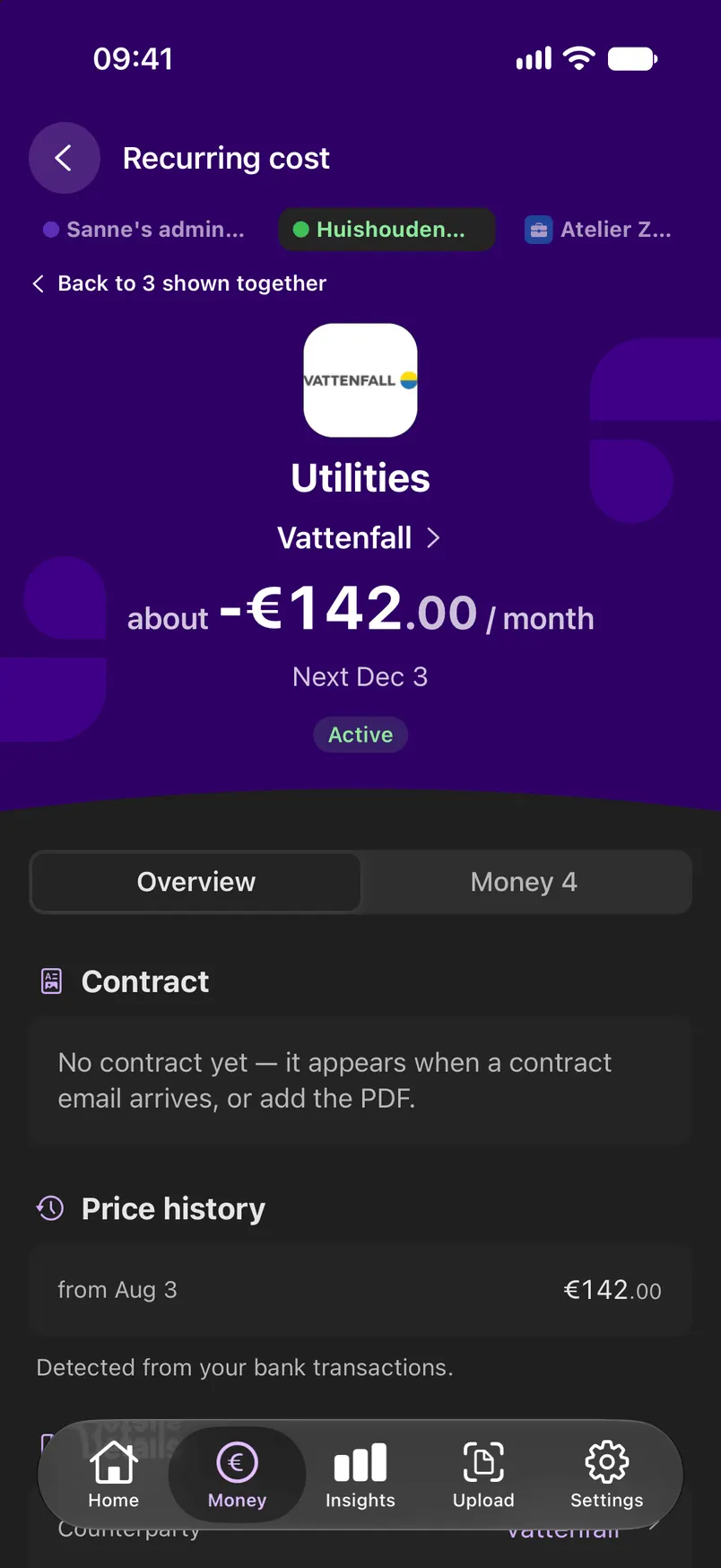
Linkly recognises what comes back: rent, energy, insurance, phone, gym, streaming, and your salary too. Contract emails in your inbox fill in the terms, such as the term, the notice period and price changes.
- Price history per contract
- A reminder in time to cancel
- Recurring income as well
Check, don't type
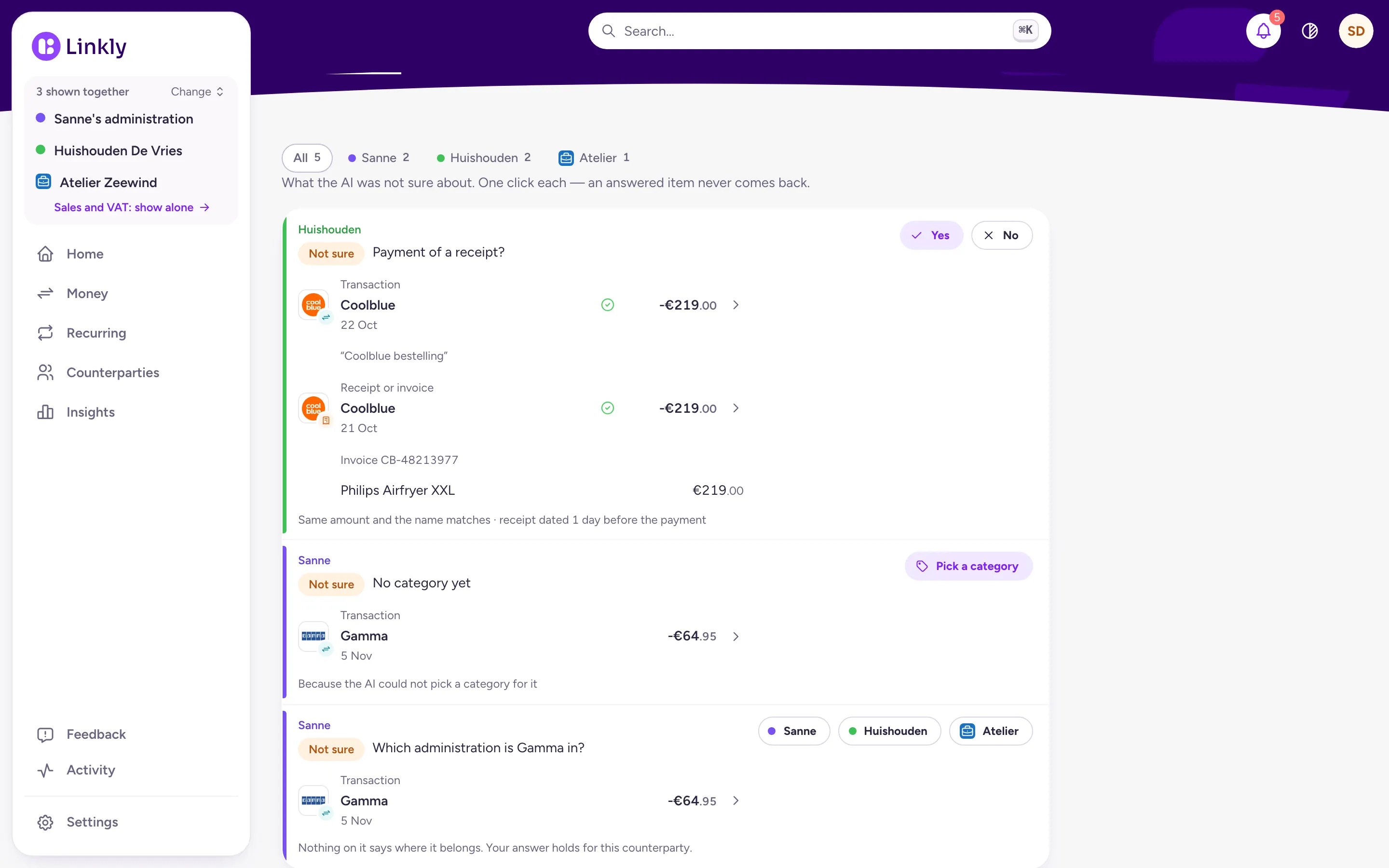
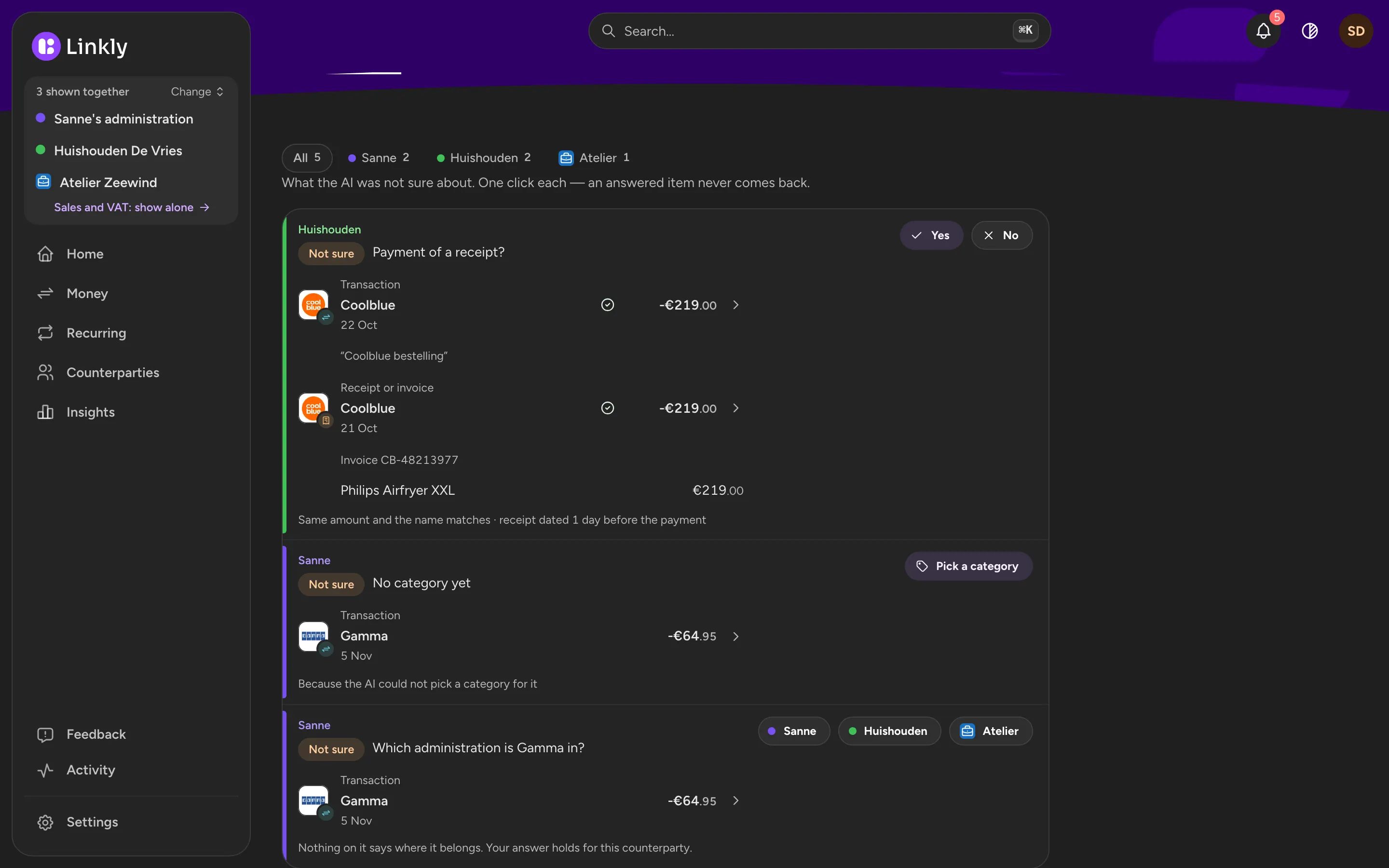
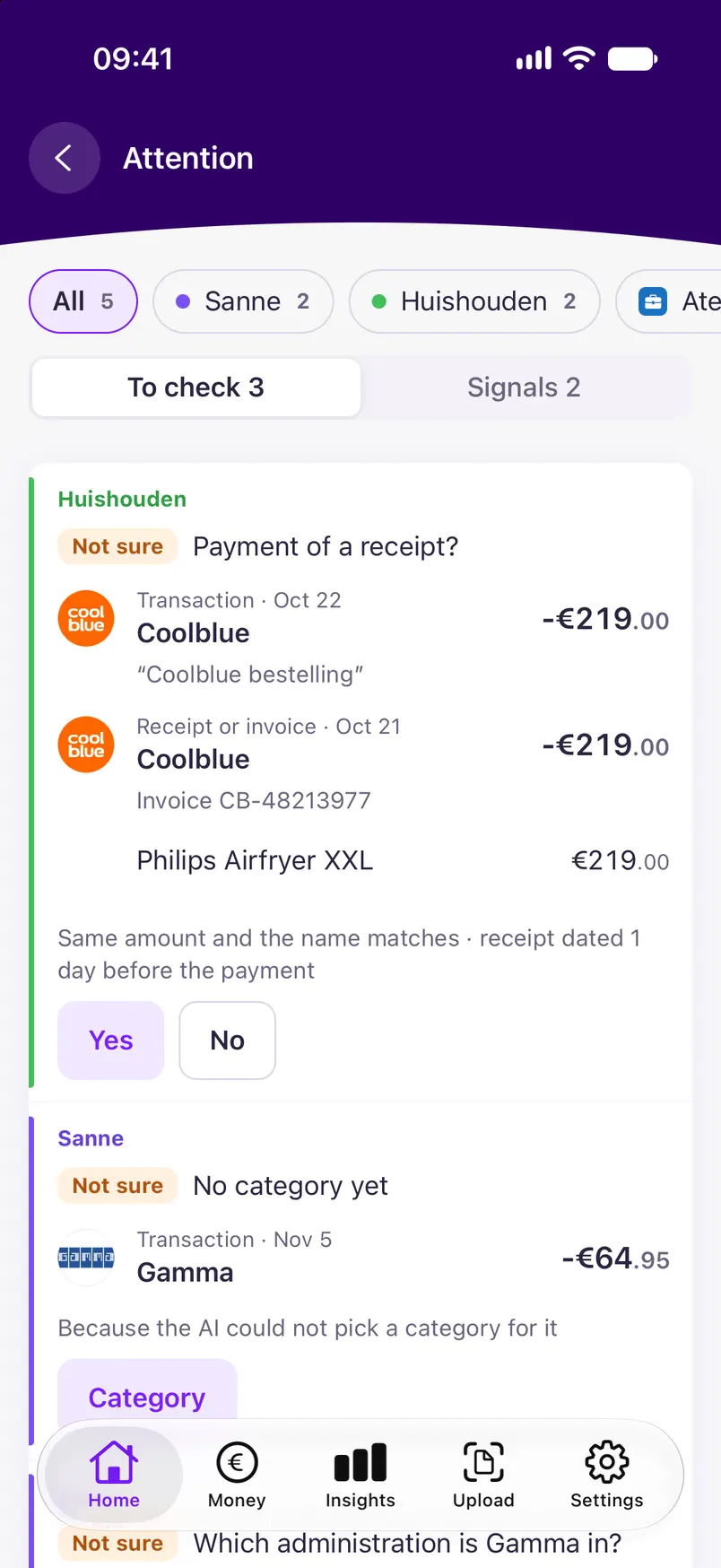
Whatever the AI doubts lands in one short list. You confirm or correct with one click, without forms and without confirmation dialogs: everything can be undone. What you correct stays corrected.
- Only what is really in doubt
- Every value shows whether the AI, a rule or you set it
- Money signals separately, and muted per kind
Insight into your money
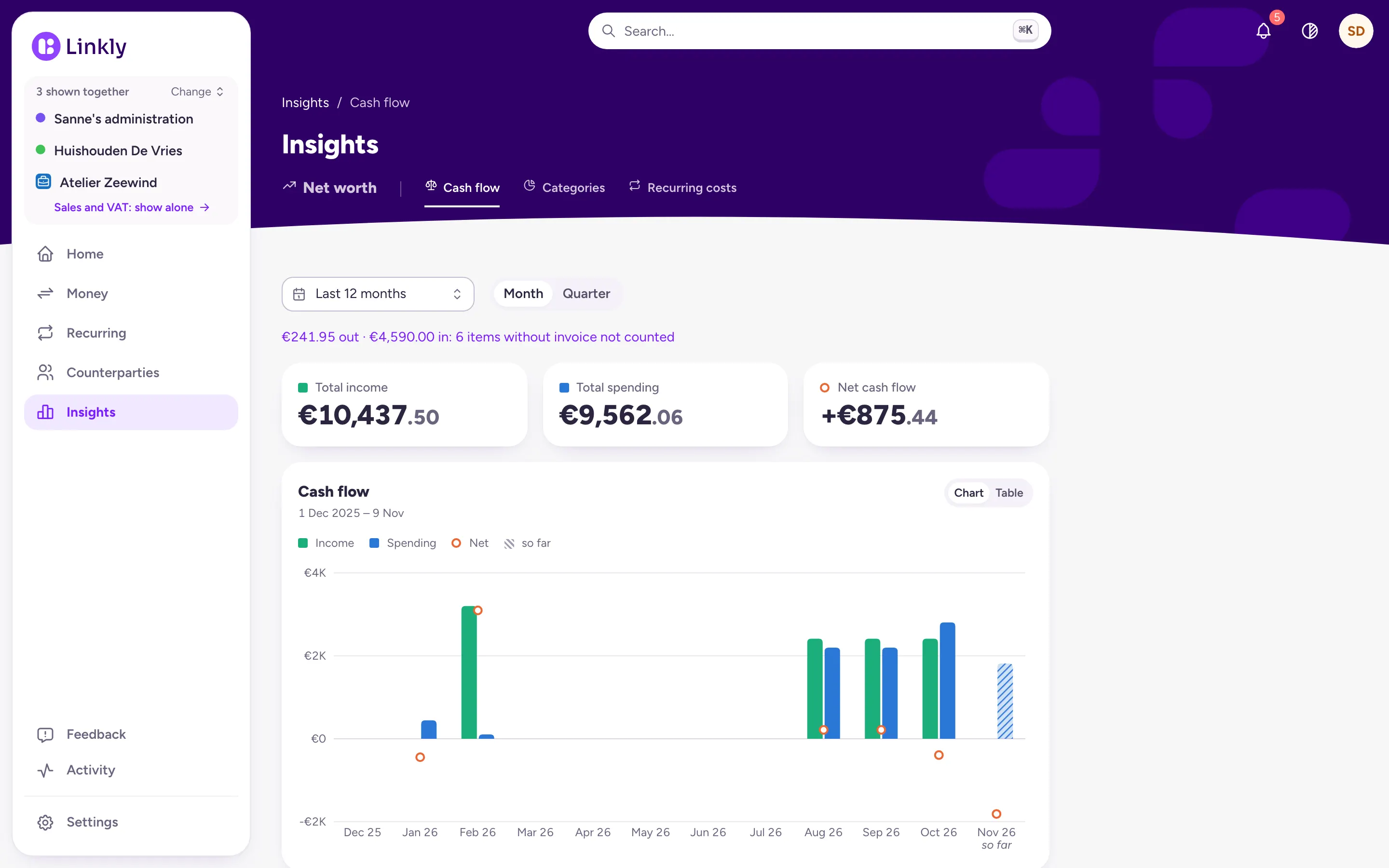
Spending per category and per month, cash flow (what came in against what went out) and how much goes to recurring costs, per counterparty and per account. Without having to keep track of anything.
- Categories that fit a household
- Per month and per year
- Everything traces back to the receipt or payment
Together or one at a time
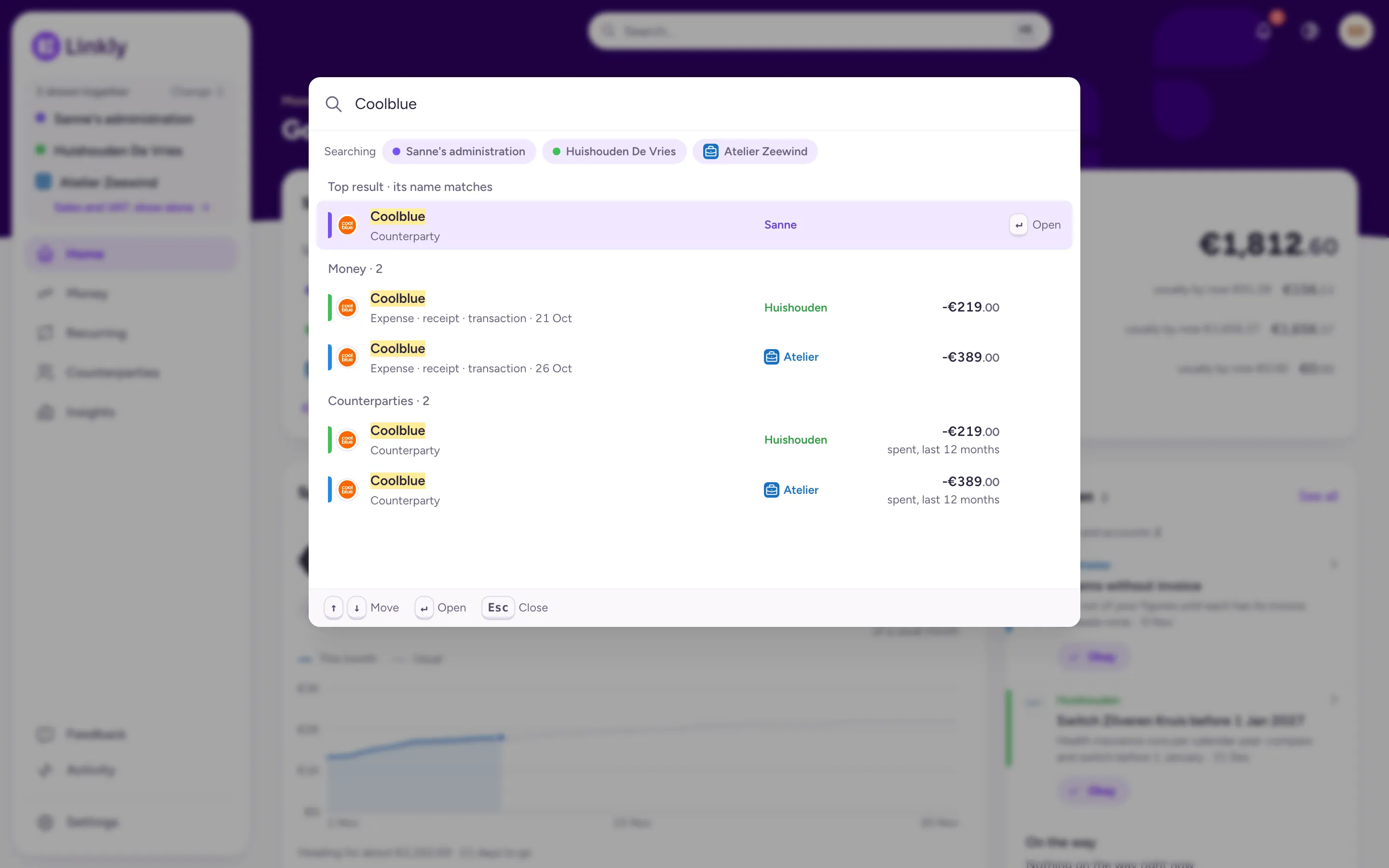
Your Personal, a Household and a Freelance are separate administrations. Show them together or one at a time: every list and total follows your choice, every row says where it is, and search goes through everything you show.
- One email account or bank account can pass items to several, and each item is sorted
- Unsure? Linkly asks, and your answer holds for that counterparty
- In the wrong place? Move it from the row's menu, with Undo
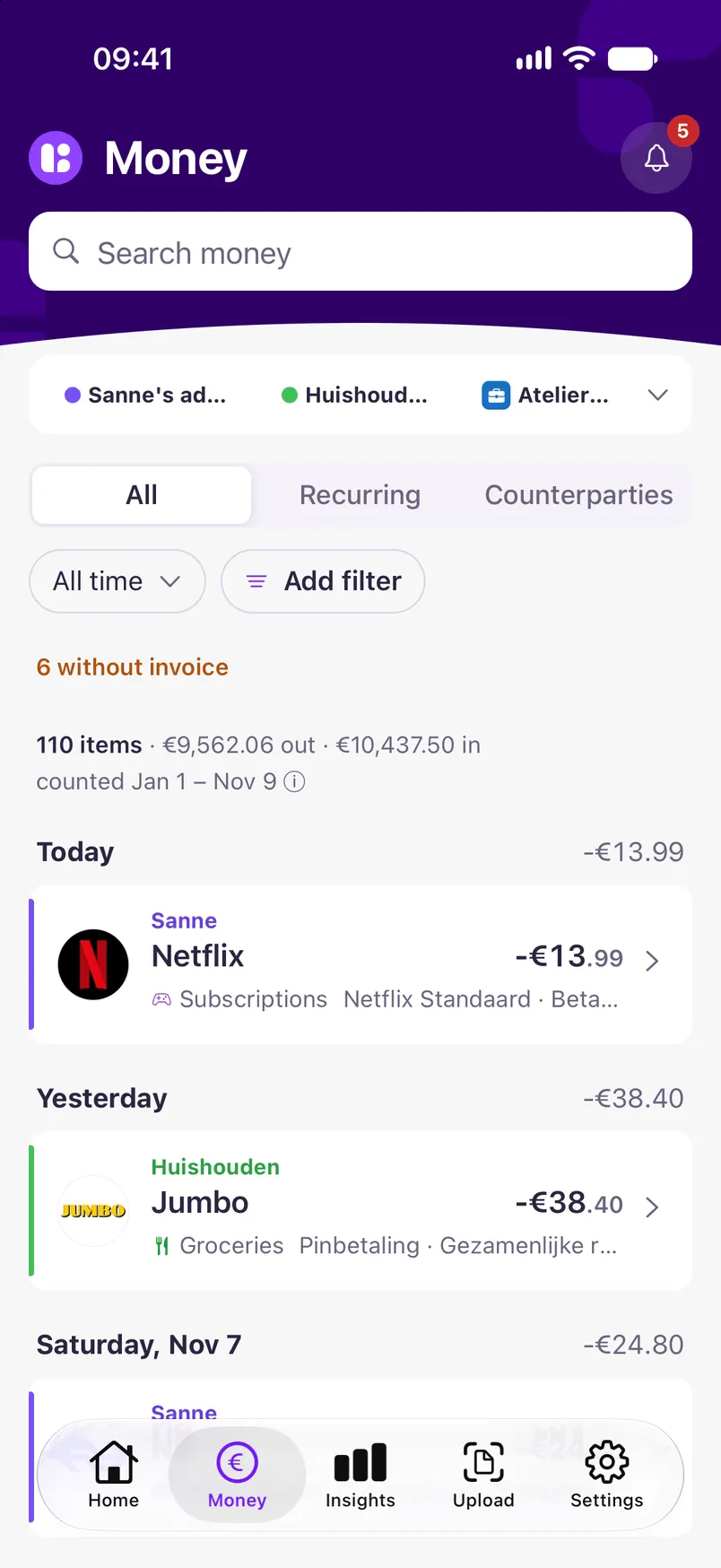
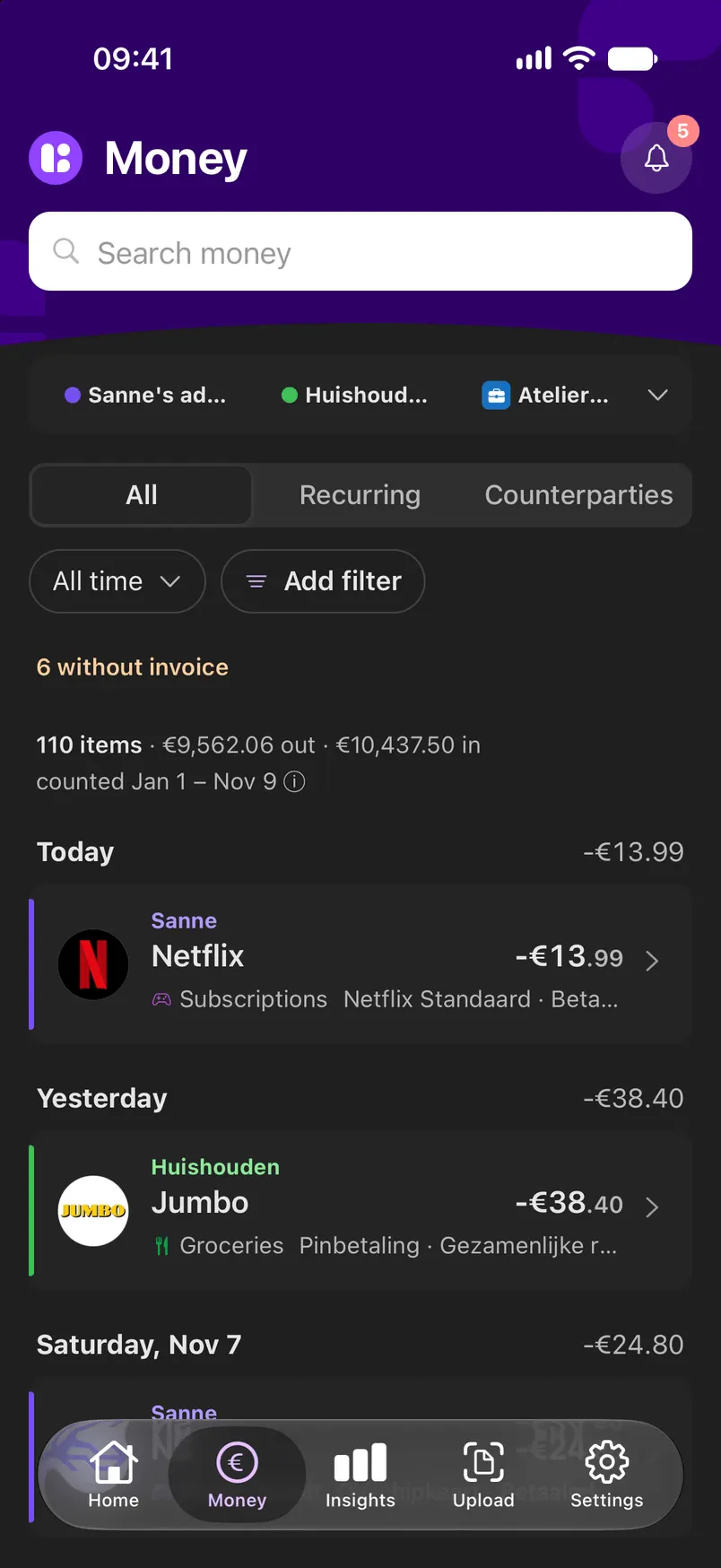
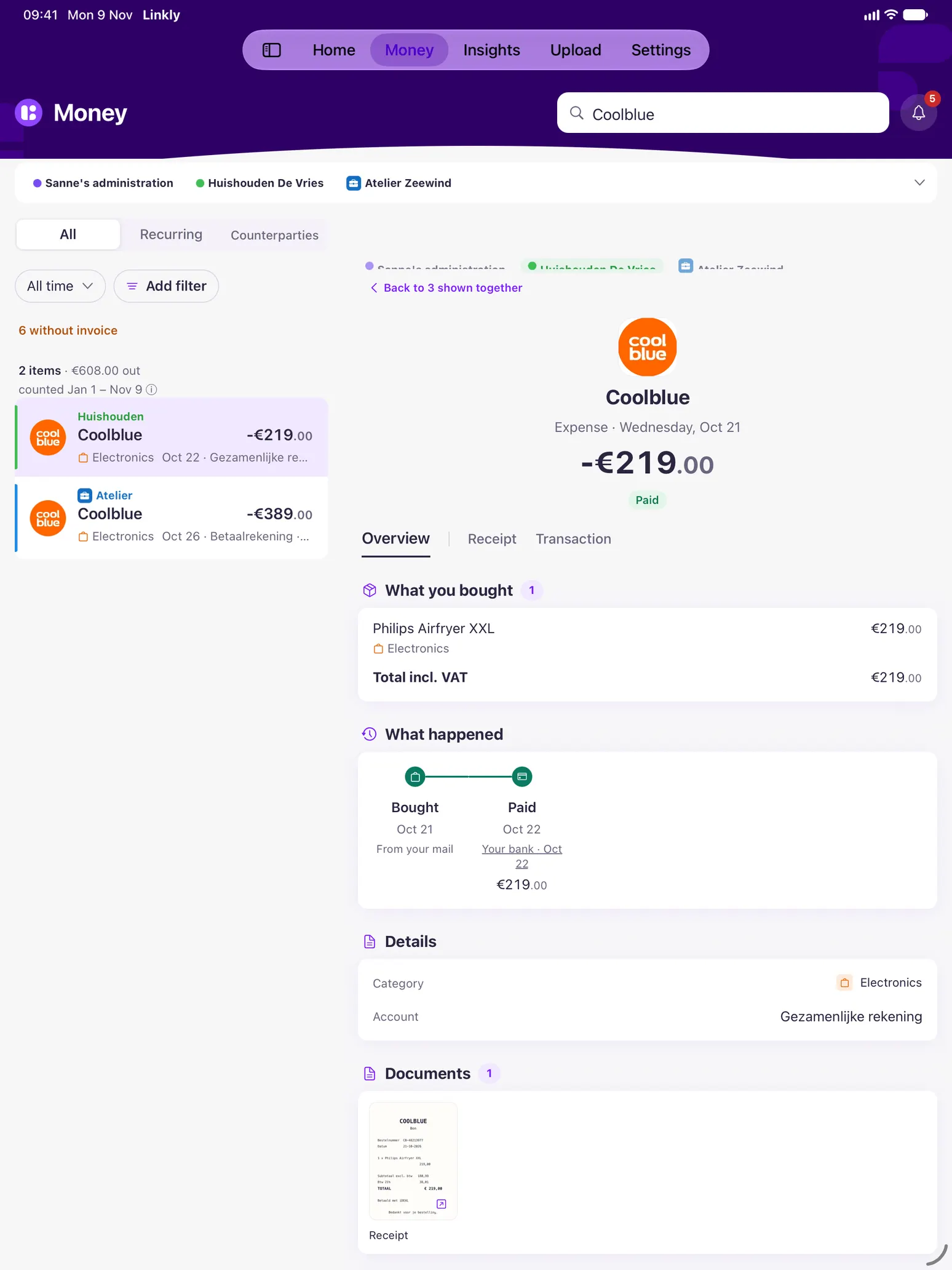
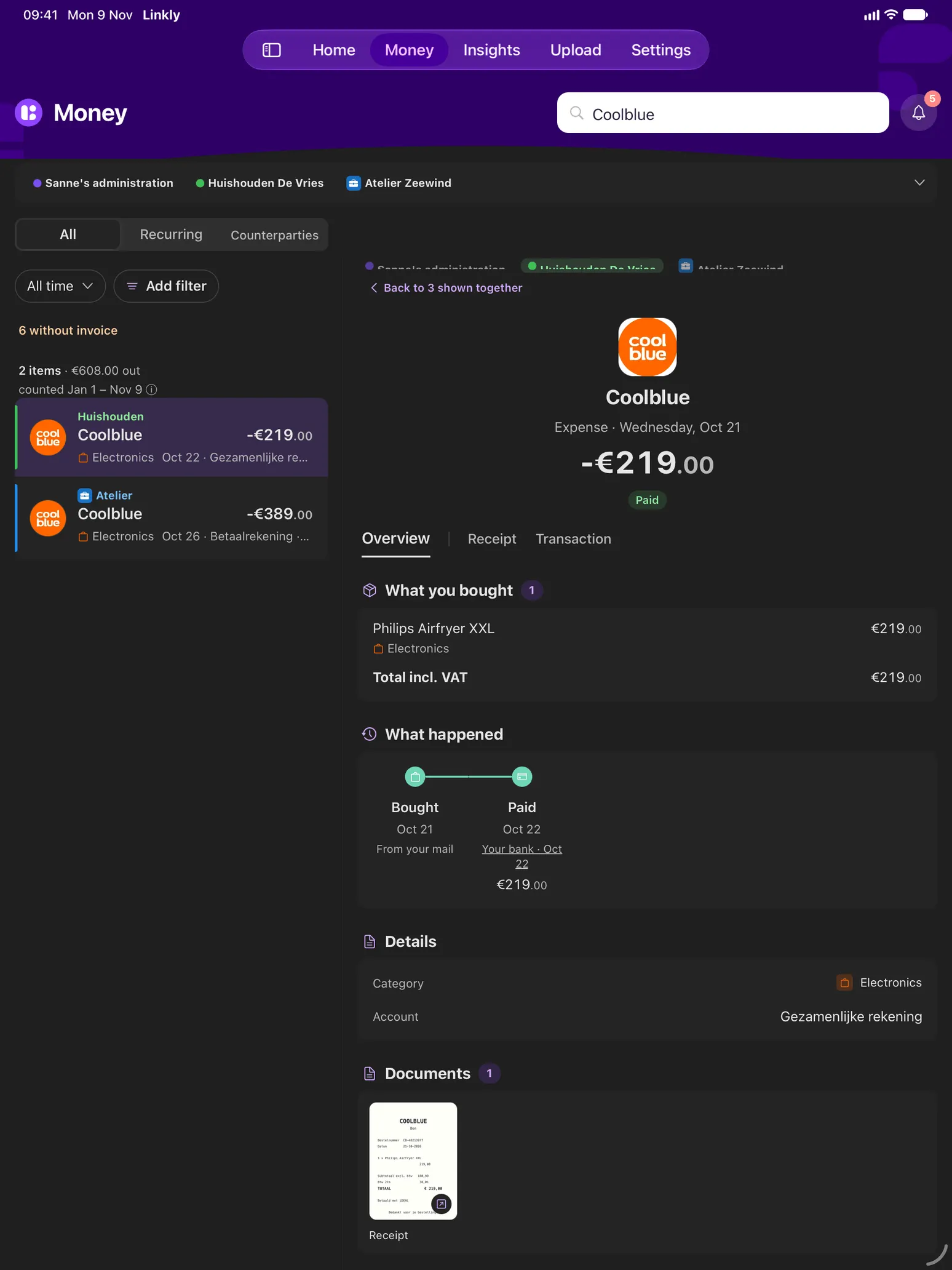
On your phone and tablet, light or dark
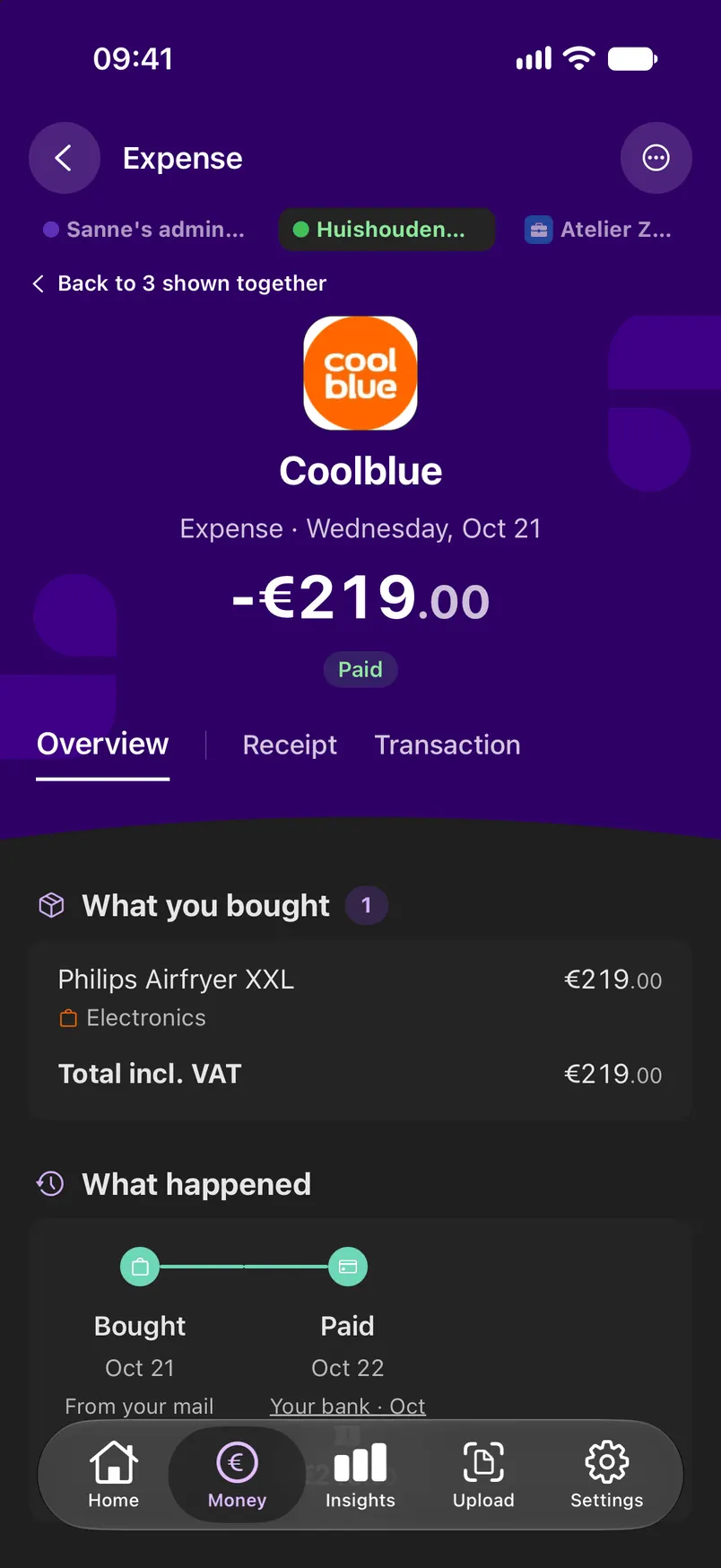
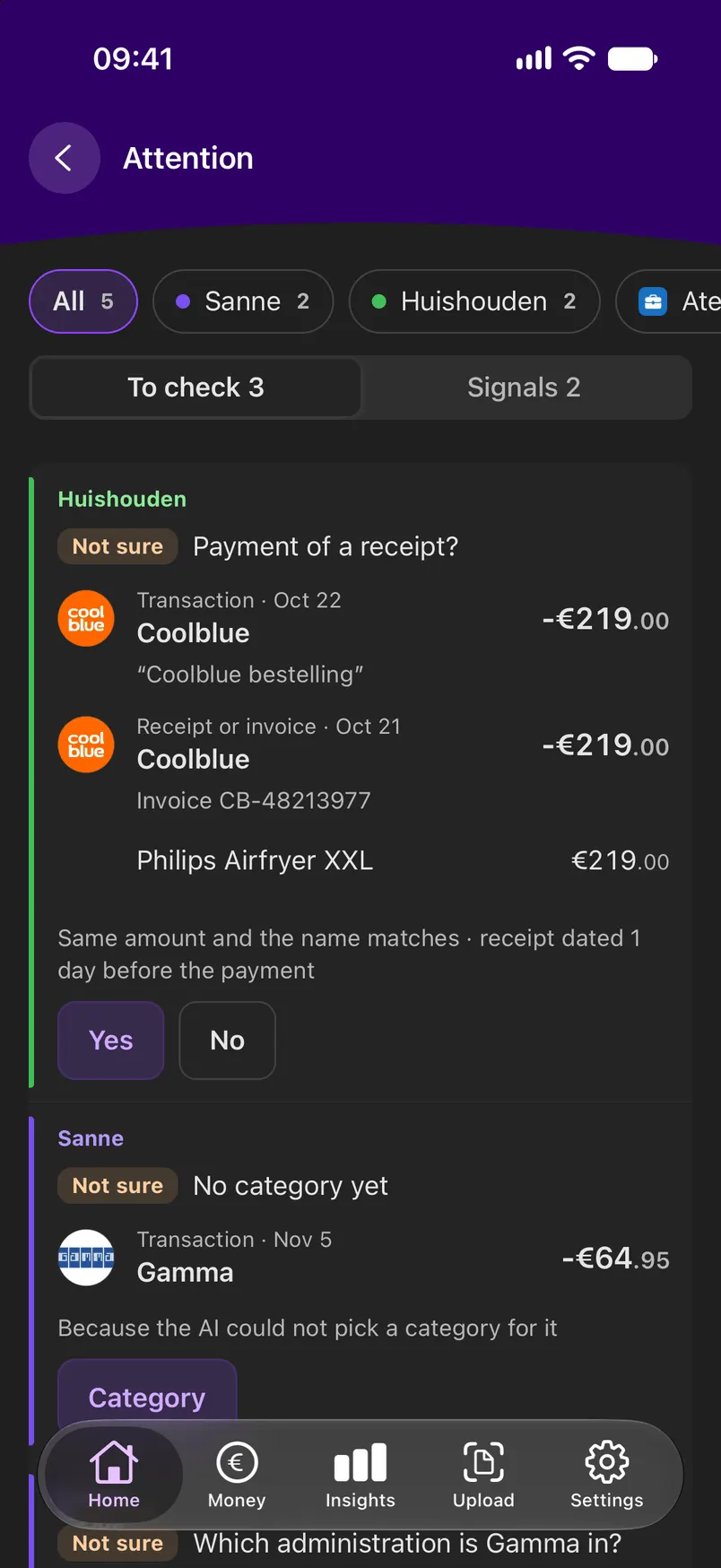
The app for phone and tablet does nearly everything on its own: connect an email account, scan or upload a receipt, see Home, Money and Insights, and Ask Linkly from every screen. Importing a bank file and making an administration stay on the web.
- Insights with the same numbers as the web: net worth, cash flow, categories and recurring costs
- Settings has its own tab, with your email and bank accounts
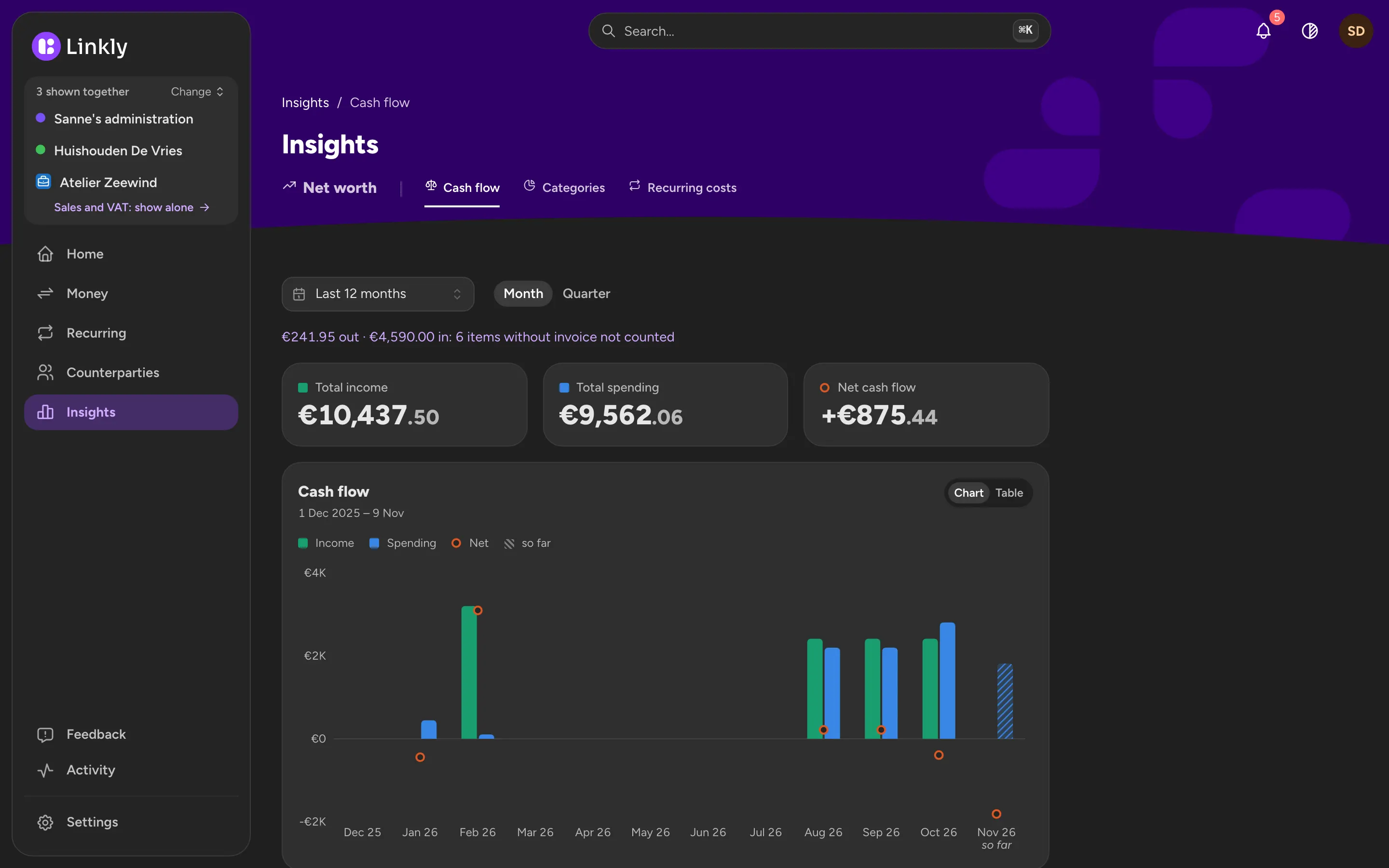
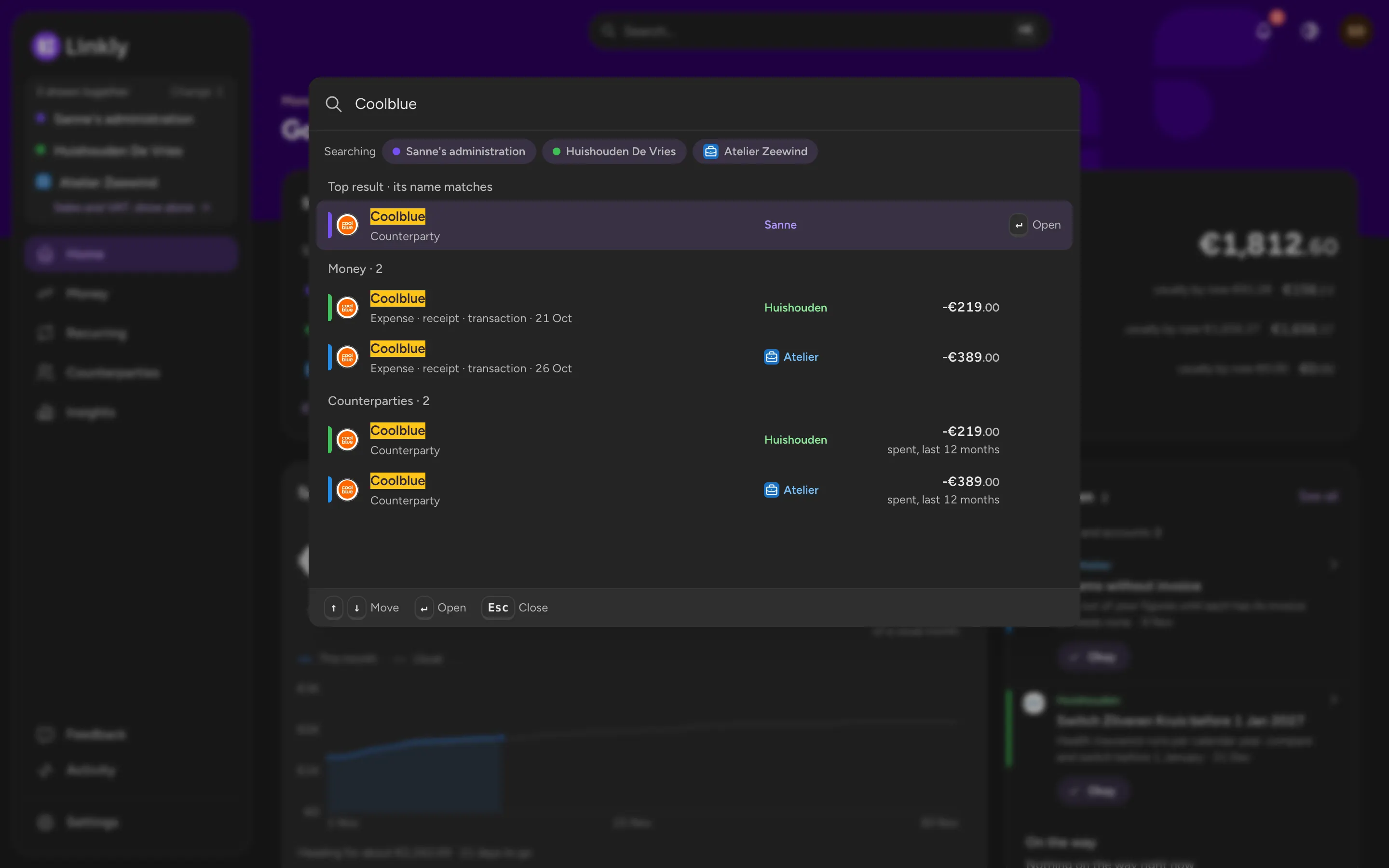
- Light, Dark or System, in the app and on the web
- Your choice of theme and of what is shown is saved on your account, so they agree
- The website has the same switch, top right
Ask Linkly
Ask about your money in your own words: ‘What did we spend on groceries last month?’, ‘Which recurring costs went up?’. Linkly answers from your own payments and receipts, with links to the items it used.
- Answers from your own data, with links to the items
- Works across the administrations you show
- On the web and in the app
Privacy first, hosted in the EU
Linkly and its database run on a server at Leaseweb in Amsterdam. The files of your receipts and invoices are stored at Scaleway, also in Amsterdam. Both are European companies: your documents and payments are stored in the EU. Only what the AI reads can leave it; the page About & privacy says what that is.
- Read-only bank connection
- Delete your account at any time
- More on the privacy page